HP
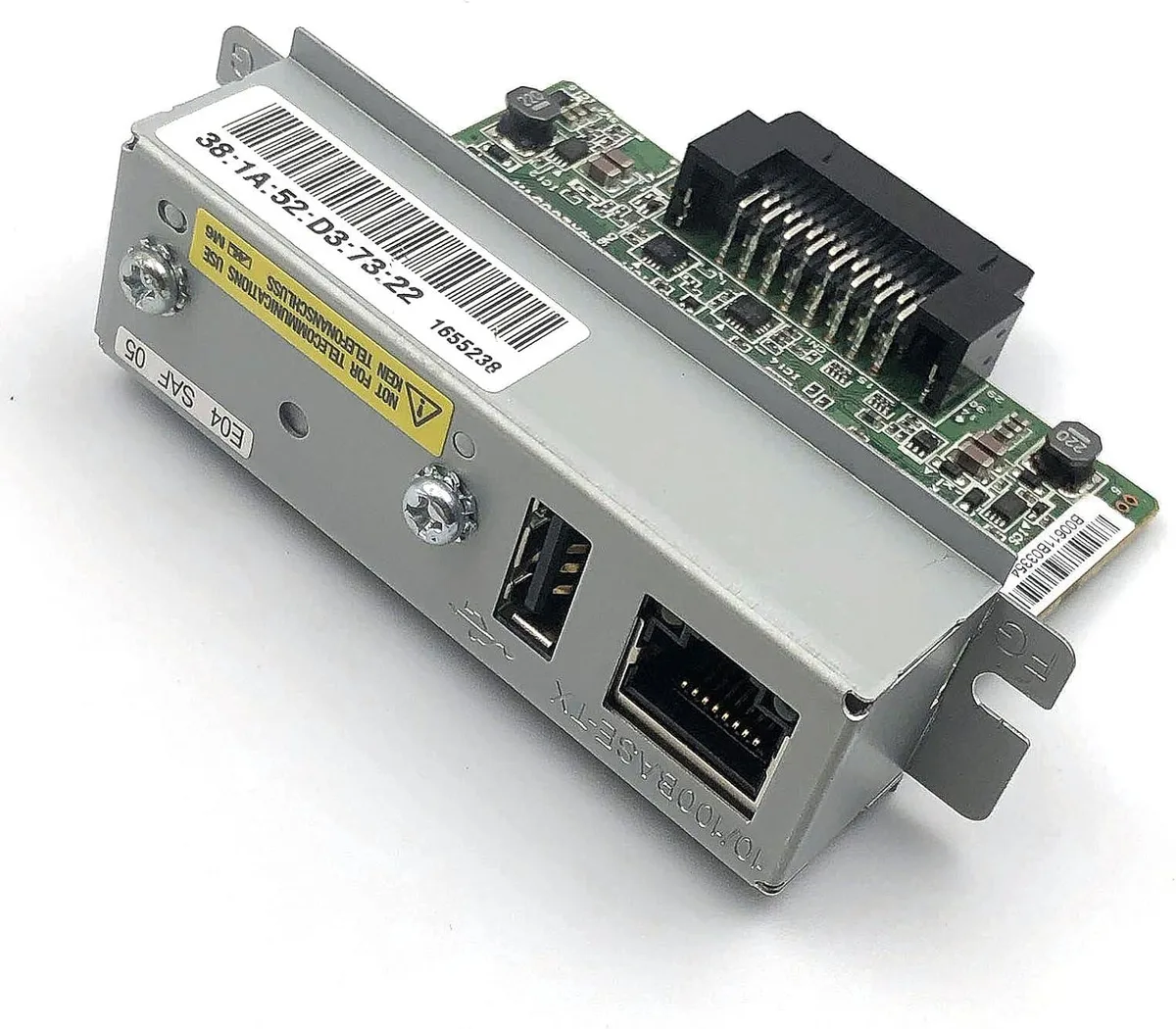
HP J7934G Jetdirect 620n network print server
Connects EIO-slot HP printers to 10/100 Ethernet networks via RJ45 with broad protocol support
- Network ConnectionRJ45
- Network Speed10/100Mbps
- ProtocolsTCP/IP, IPX/SPX, AppleTalk, IP Direct Mode, LPD, FTP Printin
- Device ManagementHP Web Jetadmin, HP Easy Printer Care Software, HP Embedded
- Operating Systems SupportedMicrosoft Windows 7, Windows Vista, Windows Vista x64, Windo
- Dimensions5.4" x 3.5" x 1.2"
- Connects printers to networks via Fast Ethernet 10/100Mbps RJ45
- Supports TCP/IP, IPX/SPX, AppleTalk and many other protocols
- Managed through HP Web Jetadmin and Embedded Web Server
- Compatible with HP printers featuring EIO expansion slots
- Compact internal design measuring 5.4 x 3.5 x 1.2 inches
HP Jetdirect 620n print server
The HP J7934G Jetdirect 620n is an internal Fast Ethernet print server that installs in an EIO slot. It lets compatible HP LaserJet and Color LaserJet printers join a wired network using standard TCP/IP and legacy protocols. The unit supports management through HP Web Jetadmin and an embedded web server. It is intended for offices that need to share existing EIO-equipped printers without replacing them.
Thermals noise and power
The print server draws minimal power from the host printer's EIO interface and adds no moving parts. Because it has no fan, it operates silently and does not increase the printer's acoustic profile. Heat output is negligible inside the printer chassis. Normal use imposes no additional thermal load on the printer's power supply.
Build and daily use
The compact board measures 5.4 by 3.5 by 1.2 inches and weighs 0.2 lbs, fitting flush inside the printer. A single RJ45 port provides the 10/100Mbps wired connection. Compatibility spans HP printers with EIO slots such as the Color LaserJet 85xx, Color LaserJet Enterprise CP5525, LaserJet Enterprise M5039 and P3015. Buyers whose printers lack an EIO slot cannot use this server.
Highlights
- Connects printers to networks via Fast Ethernet 10/100Mbps RJ45
- Supports TCP/IP, IPX/SPX, AppleTalk and many other protocols
- Managed through HP Web Jetadmin and Embedded Web Server
- Compatible with HP printers featuring EIO expansion slots
- Compact internal design measuring 5.4 x 3.5 x 1.2 inches
Specifications
| Brand | HP |
|---|---|
| Model | J7934G |
| Network Connection | RJ45 |
| Network Speed | 10/100Mbps |
| Protocols | TCP/IP, IPX/SPX, AppleTalk, IP Direct Mode, LPD, FTP Printing, IPP, Netware NDS, Bindery, NDPS, iPrint, Telnet, SLP, IGMP, BOOTP/DHCP, WINS, SNMP, HTTP, Auto-IP, Apple Bonjour Compatible (Mac OS 10.2.4 or higher) |
| Device Management | HP Web Jetadmin, HP Easy Printer Care Software, HP Embedded Web Server |
| Operating Systems Supported | Microsoft Windows 7, Windows Vista, Windows Vista x64, Windows XP Professional, Windows XP Professional x64, Windows Server 2003 (32/64 bit), Windows 2000, Mac OS 9.x, Mac OS X v 10.2 or higher, Novell NetWare 5.1 or higher, Red Hat Linux 7.x or higher, SuSE Linux 8.x or higher, HP-UX 10.20, 11.x, 11.i, Solaris 2.5 or higher (SPARC), AIX 3.2.5 or higher, MPE-iX, Citrix MetaFrame, Windows Terminal Services |
| Dimensions | 5.4" x 3.5" x 1.2" |
| Weight | 0.2 lbs. |
| Features | Compatible - Use the Jetdirect 620n with a broad range of networking systems and protocols. - Compatible with virtually any HP printer with an EIO slot. Reliable - Achieve reliable networking with the leader in printer networking. - Easily manage your printer with Jetdirect and Web Jetadmin. Secure - Help protect your network with Jetdirect full-featured network security. - Full-featured security includes 802.1x authentication, SSL, TLS, and (SNMPV3) features |
| Shipping weight | 0.91 kg |
| Package size | 254 × 203 × 51 mm |
Questions about this item
How is the HP Jetdirect 620n installed in a printer, and what step is often missed?
Slide the card into an EIO slot until it clicks, then secure the retaining screws; the step often missed is enabling the EIO port in the printer's control-panel menu before printing.
What maintenance or replacement will the Jetdirect 620n need over time?
No scheduled maintenance is required; if the RJ45 port or internal circuitry fails, the entire print server must be replaced as a unit.
What throughput limit appears first when the 620n handles sustained heavy print jobs?
The 10/100Mbps Fast Ethernet link caps sustained throughput at 100Mbps, which becomes the bottleneck before the printer engine.
Also in this aisle
People compared these
Same shelf, same checkout — eight coins and a 30-minute rate lock.