


HP
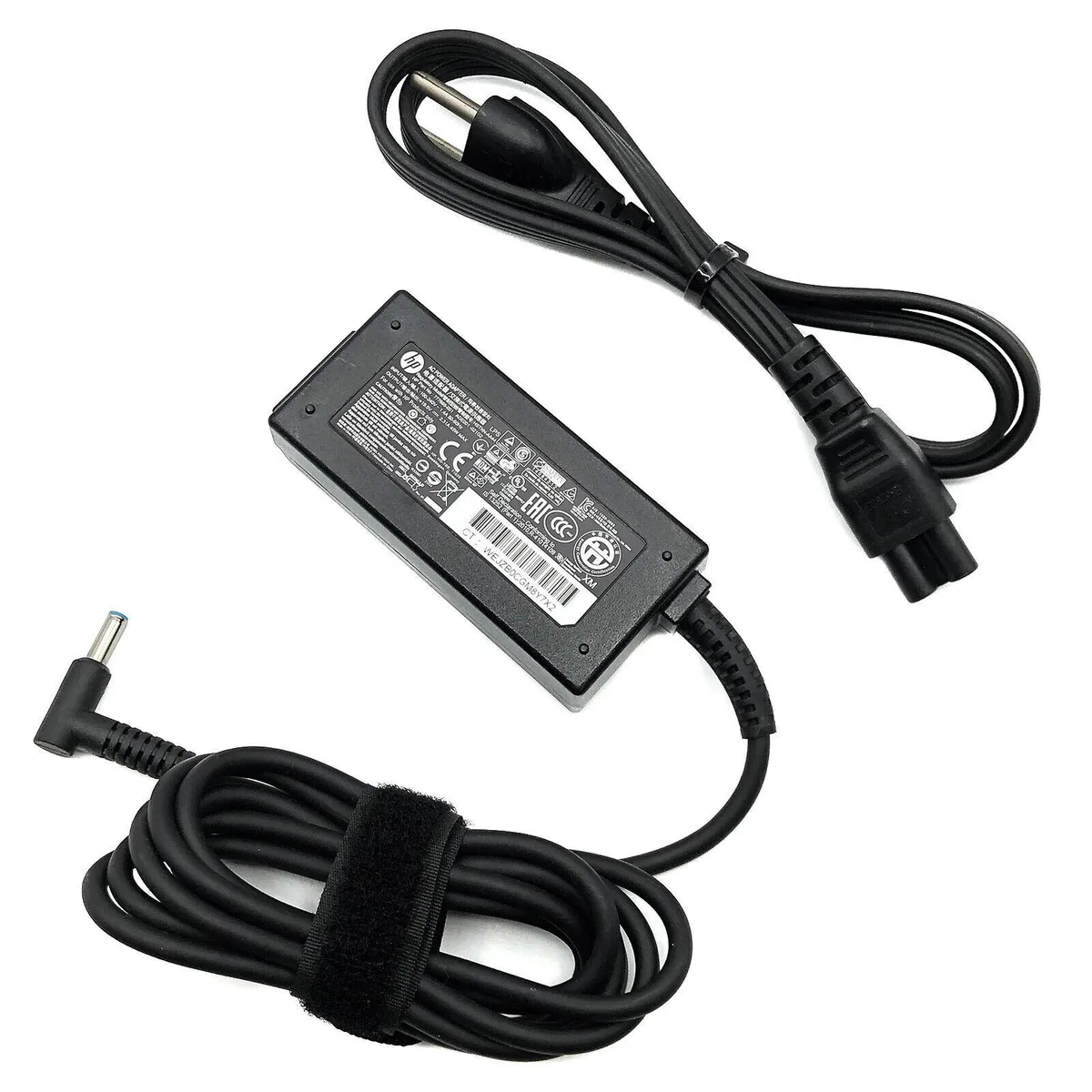
HP HSTNN-LA40 45W 19.5V 2.31A adapter for 15-cs0003ca 15-cs0053cl
Supplies 45 W at 19.5 V to compatible HP laptops and includes a power cord
- Genuine HP 45W adapter powers compatible 15-cs laptops
- 100-240V 1.1A input works worldwide on 50-60Hz mains
- 5V 2.31A output delivers steady 45W charging
- Built-in safeguards protect against incorrect voltage short circuit overheating
- Includes power cord ready for immediate use
Genuine HP 45W Laptop Adapter
This genuine HP HSTNN-LA40 adapter delivers 45 watts at 19.5 volts and 2.31 amps for compatible HP laptops. It accepts a universal 100-240 volt input at 50-60 hertz and includes a power cord. The unit suits owners of specific 15-inch models such as the 15-cs0003ca or 15-cs0053cl who need a direct replacement charger.
Replaces Lost or Damaged Original Charger
The adapter restores factory charging performance when the original supply is lost, damaged or no longer holds a stable output. Built-in safeguards protect against incorrect voltage, short circuit and internal overheating. The upgrade is worth it whenever the existing brick shows frayed cables, intermittent contact or fails to maintain the rated 19.5 volt rail under load.
Steady 45W Output Under Continuous Use
The supply maintains its full 45 watt rating during extended charging sessions rather than throttling after a short burst. Protective circuits monitor temperature and current to keep output stable while the battery replenishes. It is not intended for higher-wattage workstations or gaming laptops that demand more than 45 watts.
Highlights
- Genuine HP 45W adapter powers compatible 15-cs laptops
- 100-240V 1.1A input works worldwide on 50-60Hz mains
- 5V 2.31A output delivers steady 45W charging
- Built-in safeguards protect against incorrect voltage short circuit overheating
- Includes power cord ready for immediate use
Specifications
No published specifications for this item yet.
Questions about this item
What connector does the HP HSTNN-LA40 use to fit my 15-cs0003ca laptop?
The adapter terminates in the standard HP barrel connector that matches the 15-cs0003ca and 15-cs0053cl charging ports.
How do I install the adapter, and what step is often missed?
Plug the IEC C5 power cord into the brick, connect the barrel tip to the laptop, then insert the mains plug into a 100-240V outlet; the step often missed is seating the cord fully into the brick before powering on.
When will the power cord or adapter need replacement?
Replace the cord if the insulation frays or the plug pins bend; replace the adapter if output drops below 19.5V 2.31A or the unit overheats during normal 45W use.
New to this? Which coin should you pay with — what to check, what it costs to pay, and what is never asked for.
Also in this aisle
People compared these
Same shelf, same checkout — eight coins and a 30-minute rate lock.



Black Box Corporation
Black Box Corporation CAT6 EZ-RJ45 Modular Plugs 100-Pack
$95.99
0.00115432BTC
In stock
