
Klipsch
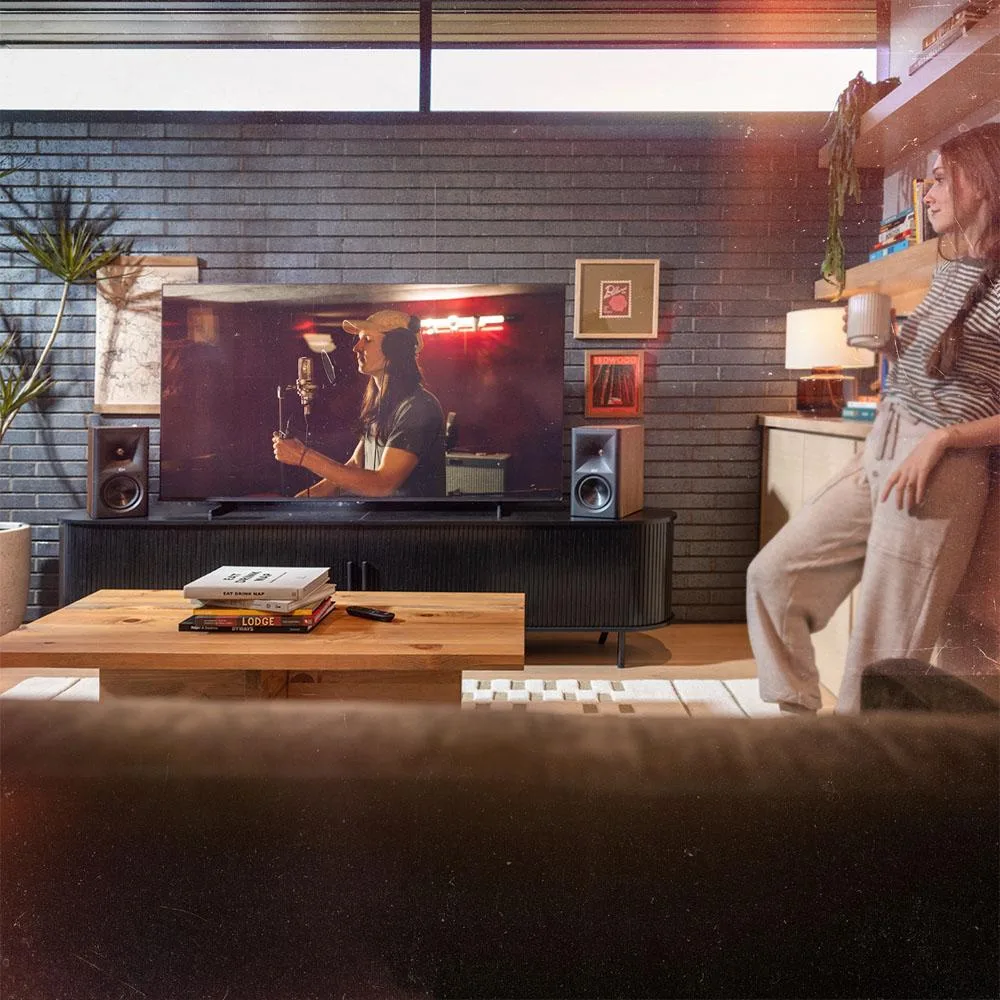
Klipsch The Fives II 5.25" Powered Bookshelf Speaker Pair Walnut
$1,123.99
0.01297895BTC
In stockWe take cryptocurrency — so the coins you hold can buy real hardware.Pay in crypto, spend it on real hardware. Free insured shipping worldwide over $399. Plain, unbranded boxes, sent from Germany.Free insured shipping over $399. Your rate is locked for 30 minutes once checkout opens.Rate locked 30 minutes. Every item sealed, serial-checked and covered by a 24-month warranty.Sealed, 24-month warranty.


HP
Mounts HP Desktop Mini, Chromebox, or select Thin Clients behind compatible Z Displays and EliteDisplays
The HP B550 Mounting Bracket is an A/V stand designed to attach compatible HP Desktop Mini, Chromebox, or select Thin Client devices directly behind supported HP Z Displays and EliteDisplays. It targets IT administrators and workspace planners who need to reduce desk clutter by mounting compute units to the back of a monitor.
The single specification that decides fit is the bracket’s design for select HP Z Displays and EliteDisplays combined with specific HP Desktop Mini, Chromebox, or Thin Client models. Buyers who need to mount a different brand of mini PC, a standard tower chassis, or a monitor without the required mounting interface cannot use this part.
The bracket installs by aligning the device with the monitor’s rear mounting points and securing it without tools in most configurations. What usually goes wrong is attempting to pair the bracket with an unsupported display series or a compute unit that lacks the matching chassis slots, resulting in misaligned holes or an insecure fit.
| Type | A/V STAND |
|---|---|
| Shipping weight | 0.91 kg |
| Package size | 297 × 155 × 30 mm |
It mounts the supported HP Desktop Mini, Chromebox, or select Thin Client directly behind compatible HP Z Displays and EliteDisplays using the bracket's own mounting points
It is categorised as an A/V stand designed for attaching small-form-factor PCs to the back of a display
The bracket itself and the mounting screws or fasteners supplied with the compatible HP display or PC chassis
Also in this aisle
Same shelf, same checkout — eight coins and a 30-minute rate lock.
What you pay in, and what you read prices in.
Sent from your wallet at checkout
Display only — the catalogue is priced in USD
No currency matches that.
Pick the language the site speaks to you in.
No language matches that.
New here?
Already have one?
There is no automatic reset: this shop sends no mail, so there is no one-time link to ask for. Leave the address on the account and it gets picked up by hand.
Request noted
Nothing is on its way to your inbox — this shop sends no mail at all. Someone picks these up by hand.
Remembered it?


