


HP
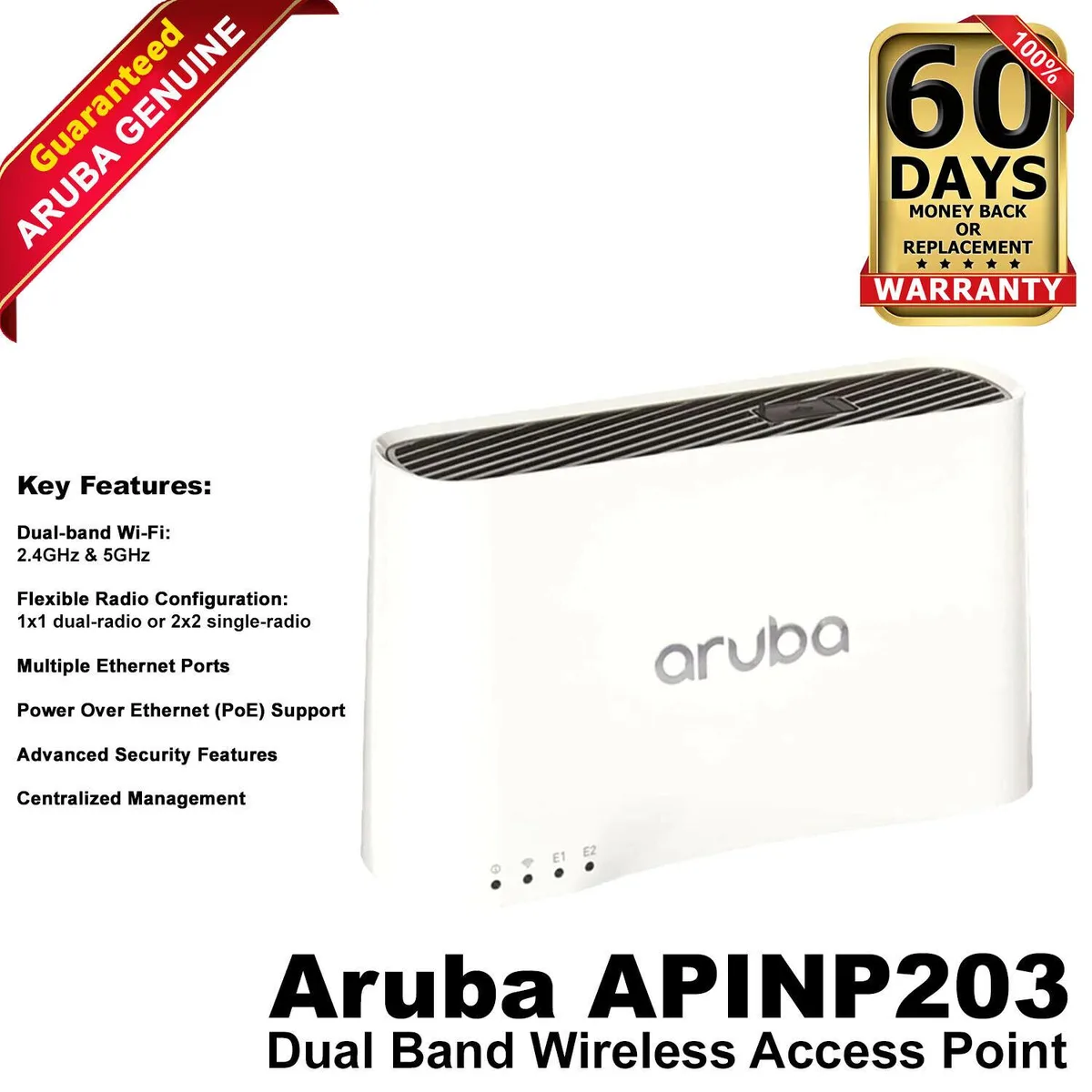
HP AP-203R Wireless Access Point White 867 Mbps 1.3 Gbps 2.4 5 GHz 802.11
Wall-plate mounted wireless access point delivering up to 867 Mbps on 2.4 GHz and 5 GHz bands with a maximum data rate of 1.3 Gbps
- Accessory TypeRouter
- ColorWhite
- Dual-band Wi-Fi on 2.4 GHz and 5 GHz
- Combined wireless throughput up to 1.3 Gbps
- 5 GHz link speed reaches 867 Mbps
- Wall-plate mounting keeps the unit discreet and secure
- Built to the IEEE 802.11ac standard for broad device compatibility
Wireless access point for wallplate mounting
The HP Aruba AP-203RP is a wireless access point designed for wallplate installation in white. It delivers dual-band Wi-Fi on 2.4 GHz and 5 GHz with a peak data rate of 1.3 Gbps. The unit supports IEEE 802.11a/b/g/n/ac connectivity for compatible devices.
Ideal for extending coverage in dense deployments
This access point suits environments that need a compact, wall-mounted radio without a separate mounting kit. It is not intended for ceiling or desktop placement where a different form factor would be required. Buyers needing PoE-out ports or integrated antenna arrays should consider other models.
Dual-band throughput up to 1.3 Gbps
The radio provides a maximum physical-layer rate of 867 Mbps on the 5 GHz band and an aggregate throughput of 1.3 Gbps across both bands. This figure determines whether the unit meets the capacity needs of the planned wireless network.
Highlights
- Dual-band Wi-Fi on 2.4 GHz and 5 GHz
- Combined wireless throughput up to 1.3 Gbps
- 5 GHz link speed reaches 867 Mbps
- Wall-plate mounting keeps the unit discreet and secure
- Built to the IEEE 802.11ac standard for broad device compatibility
Specifications
| Brand | Aruba |
|---|---|
| Model | AP-203RP |
| Part Number | JY714A |
| Accessory Type | Router |
| Color | White |
Questions about this item
What mounting type does the HP AP-203R access point require?
The unit uses a wallplate mount, so it attaches directly to a standard wall plate opening rather than a ceiling tile or desktop stand.
How is the AP-203R installed and what step is often missed?
Mount the bracket to the wall plate, snap the access point onto the bracket, then connect the Ethernet cable to the PoE port; forgetting to enable PoE on the switch port is the common oversight.
Which component will need attention or replacement over time on the AP-203R?
The internal radio modules operating on 2.4 GHz and 5 GHz bands may degrade after years of continuous duty, requiring unit replacement to maintain 867 Mbps and 1.3 Gbps throughput.
Also in this aisle
People compared these
Same shelf, same checkout — eight coins and a 30-minute rate lock.


Kensington
Kensington Desk Mount Cable Anchor K64613WW accessory
- Black
- Provides a secure a…
$19.99
0.00024018BTC
In stock
Panasonic
Panasonic CF-VDR291U laptop cooling pad
- Optical Drive
- Buffer Size: 2 MB B…
$213.99
0.0025711BTC
In stock
eReplacements
eReplacements PB992A-ER laptop battery 14.4V
- Battery
- Lithium-Ion
$65.99
0.00079287BTC
In stock