
HP
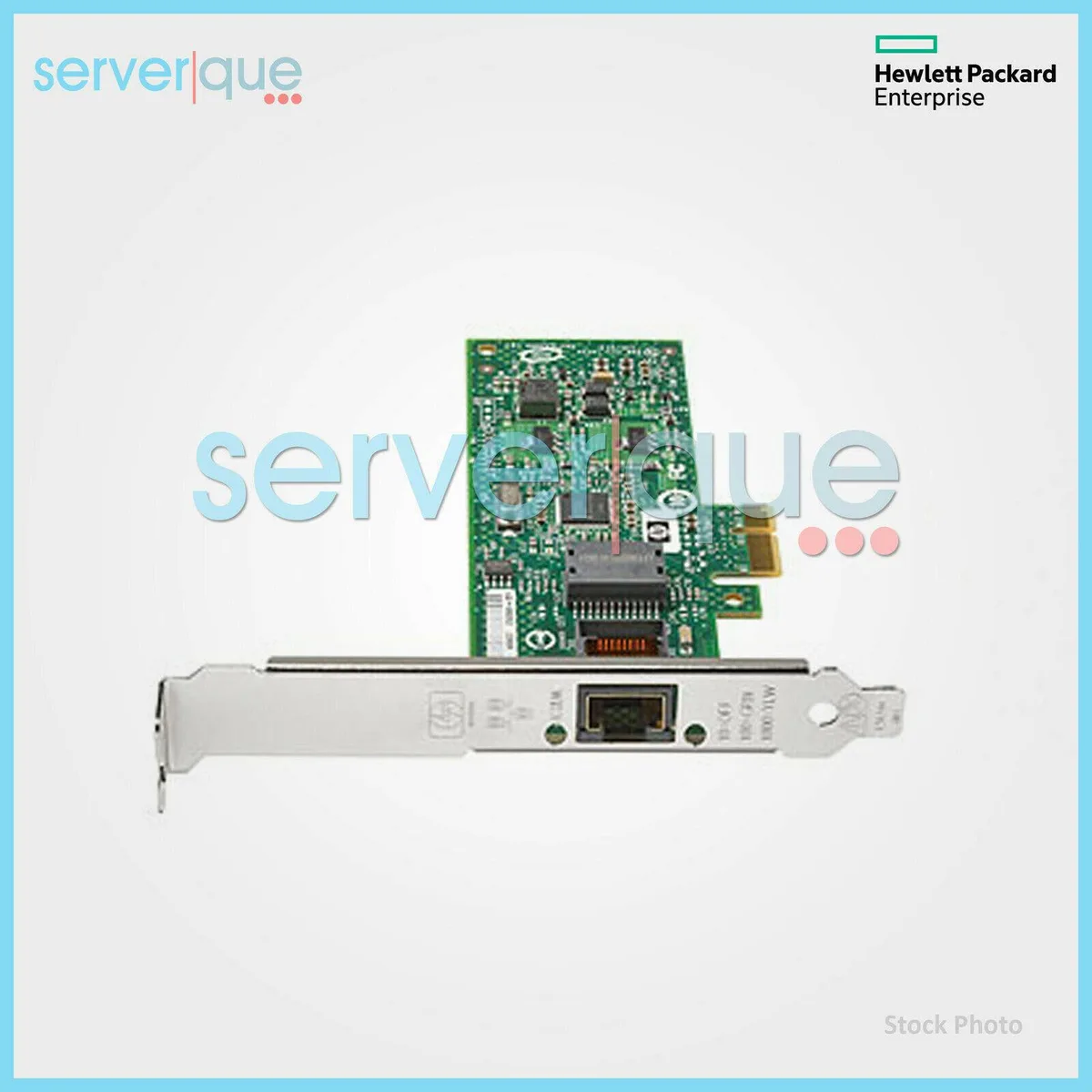
HP AJ762B 8Gb 1-port PCIe Fibre Channel HBA
Delivers 8Gbps Fibre Channel SAN connectivity through a single PCIe port
- Speed8Gbps
- InterfacePCI-Express
- 8Gbps bandwidth doubles throughput for demanding SAN workloads
- Single-port design simplifies cabling in dense server racks
- PCI-Express interface ensures broad server compatibility
- HP 81E architecture delivers enterprise-grade reliability
- Part numbers AJ762B and 697889-001 simplify ordering and tracking
Single-port 8 Gbps Fibre Channel adapter
The HP AJ762B is a single-port host bus adapter that connects a server to an 8 Gbps Fibre Channel storage area network through a PCI Express slot. It targets IT teams who need reliable SAN connectivity for existing 8 Gb infrastructure.
Low-profile thermal design with minimal power draw
The card uses a compact low-profile bracket and passive cooling, so it adds negligible acoustic noise inside a rack chassis. Power consumption stays within the limits of a standard PCI Express slot without requiring auxiliary connectors.
Steady throughput under sustained I/O workloads
Firmware and driver optimisation keep latency consistent during extended backup, replication or database operations. The single 8 Gbps link delivers predictable bandwidth without the thermal throttling that can affect higher-speed multi-port adapters in dense enclosures.
Highlights
- 8Gbps bandwidth doubles throughput for demanding SAN workloads
- Single-port design simplifies cabling in dense server racks
- PCI-Express interface ensures broad server compatibility
- HP 81E architecture delivers enterprise-grade reliability
- Part numbers AJ762B and 697889-001 simplify ordering and tracking
Specifications
| Brand | HP |
|---|---|
| Speed | 8Gbps |
| Interface | PCI-Express |
Questions about this item
How do I install the AJ762B 8Gb Fibre Channel HBA and which step is often missed?
Insert the card into an available PCI-Express slot, secure the bracket, then connect the fibre cable to the single port; the step often missed is installing the HP driver before attaching the SAN fabric.
What maintenance or replacement will the AJ762B need over time?
The adapter has no moving parts; plan to reseat the card and clean the optical transceiver during scheduled server maintenance, and replace the transceiver if link errors appear.
What limit appears first on the AJ762B under sustained 8Gbps workloads?
The single 8Gbps port bandwidth is the first bottleneck; once aggregate throughput reaches the 8Gbps line rate, queuing latency rises before any thermal throttle occurs.
New to this? Buying PC parts with Monero — what to check, what it costs to pay, and what is never asked for.
Also in this aisle
People compared these
Same shelf, same checkout — eight coins and a 30-minute rate lock.



Sunfounder
Sunfounder Raspberry Pi Ultimate Kit with PiCrawler AI Robot 337 components 131 projects
$174.99
0.00208801BTC
In stock
minisforum
minisforum MF-SRP01 SSD Heatsink accessories barebone
- SSD Heatsink
$6.99
0.00008341BTC
In stock