


HP
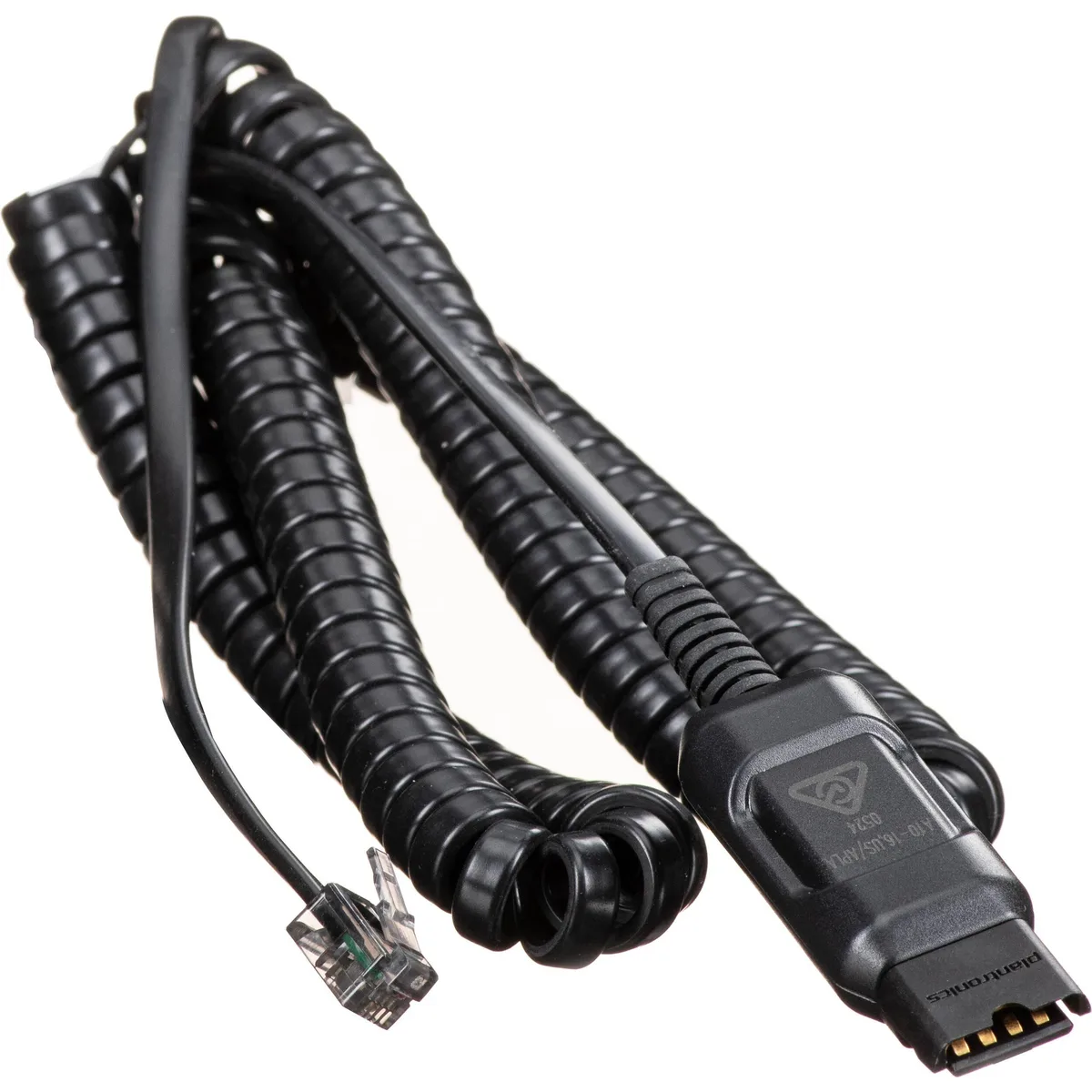
HP 85T17AAABA Poly DA A10-16 Headset Adapter accessory
Digital adapter connects Poly headsets via USB-A or USB-C with automatic audio tuning
- TypeGeneral
- Crystal-clear calls from home or office with Poly DA digital adapters
- Easy USB-A or USB-C connections adjust audio to each specific Poly headset
- Compatible with all new and legacy Poly headsets and accessories
- Intelligent headset recognition dynamically tunes audio performance
- Stay distraction free to maximise productivity
Poly DA A10-16 Headset Adapter
The Poly DA A10-16 adapter connects compatible Poly headsets to a computer via USB-A or USB Type-C. It is designed for call centre employees and remote workers who need reliable audio for daily communication.
Digital adapter with dual USB connectors
The adapter includes both USB-A and USB Type-C connections on the cable for flexible device compatibility. Intelligent headset recognition automatically tunes audio performance for the attached Poly headset, preserving investment in new and legacy Poly accessories.
Check headset compatibility before ordering
Verify that your existing Poly headset is supported by the DA Series digital adapter range. The adapter requires an available USB-A or USB Type-C port on the host system for operation.
Highlights
- Crystal-clear calls from home or office with Poly DA digital adapters
- Easy USB-A or USB-C connections adjust audio to each specific Poly headset
- Compatible with all new and legacy Poly headsets and accessories
- Intelligent headset recognition dynamically tunes audio performance
- Stay distraction free to maximise productivity
Specifications
| Type | General |
|---|---|
| Shipping weight | 0.14 kg |
| Package size | 203 × 152 × 76 mm |
Questions about this item
Which USB interface does the Poly DA A10-16 adapter use and what does it support?
It provides both USB-A and USB Type-C connections on the cable for use with Poly headsets.
What physical connection does the adapter require to attach a headset?
The adapter plugs into a USB-A or USB Type-C port and presents the appropriate headset connector for Poly models.
How is the Poly DA A10-16 installed and what step is often missed?
Plug the adapter into the computer's USB port, connect the headset, and allow the system to recognise the device so audio tunes automatically.
Also in this aisle
People compared these
Same shelf, same checkout — eight coins and a 30-minute rate lock.


