AGM Global Vision
AGM Global Vision Fuzion TM25-384 Fusion Thermal Monocular
- Monoculars
$1,130.99
0.01319909BTC
In stockWe take cryptocurrency — so the coins you hold can buy real hardware.Pay in crypto, spend it on real hardware. Free insured shipping worldwide over $399. Plain, unbranded boxes, sent from Germany.Free insured shipping over $399. Your rate is locked for 30 minutes once checkout opens.Rate locked 30 minutes. Every item sealed, serial-checked and covered by a 24-month warranty.Sealed, 24-month warranty.


Hetai Tech
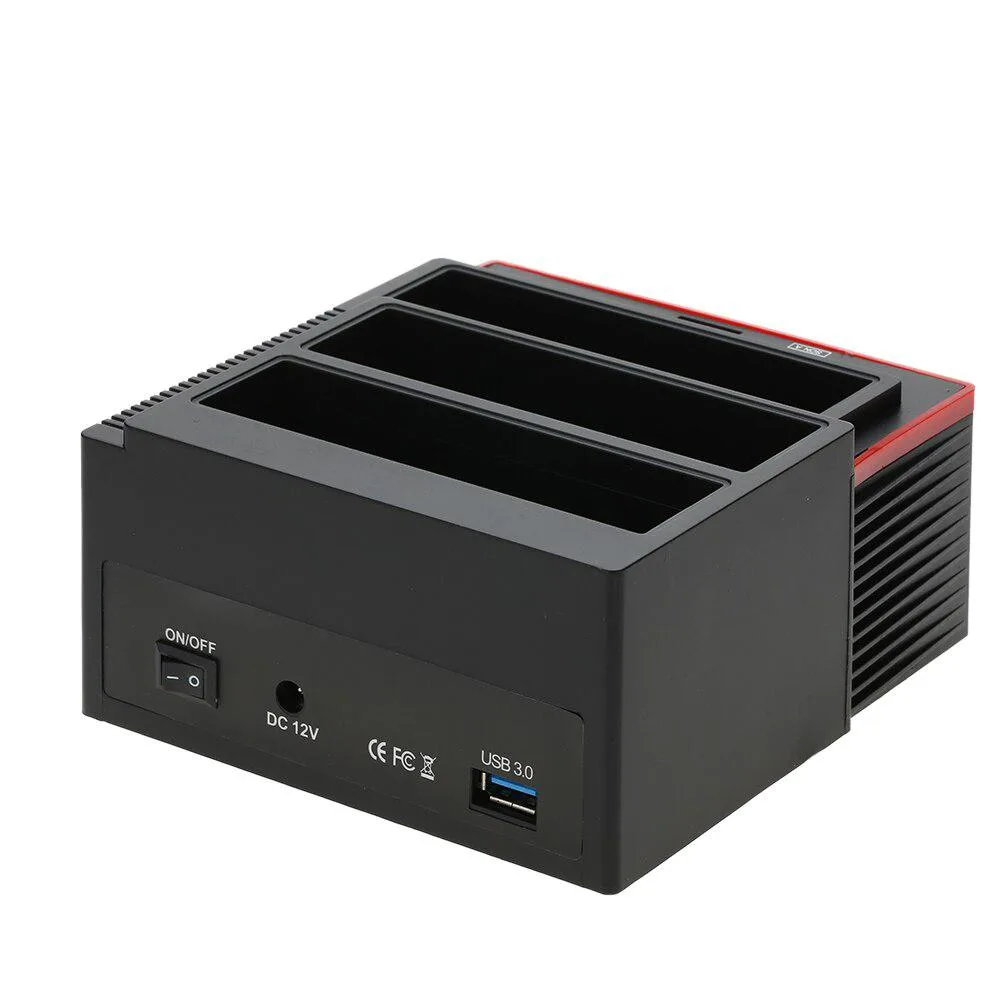
An 8-in-1 card reader with dual 2.5/3.5 SATA and IDE dock plus USB 3.0 hub
This Hetai Tech unit combines an 8-in-1 card reader with a docking station that accepts two 2.5 or 3.5 SATA drives and one IDE drive. It connects to the host via USB 3.0 and also provides a USB 3.0 hub for extra peripherals. The package includes the dock, a USB cable, a power adapter with cable and an English user manual. It suits technicians and hobbyists who need to access legacy and current drives from one device.
The dock relies on natural airflow around the exposed drive bays, so it runs silently without a fan. Drive motors draw power from the included external adapter, while the USB 3.0 hub and card reader operate from the host bus connection. Power consumption scales with the number and type of drives installed, and no active cooling is required for typical cloning or data-recovery sessions.
| Type | 8-in-1 |
|---|
Slide the 3.5 SATA drive into the dock slot, connect the power adapter and the USB 3.0 cable, then press the power button; the step many miss is waiting for the drive to spin up before accessing files.
The external power adapter may eventually require replacement if its output drifts or the cable frays; keep the connector clean and ensure firm seating to extend its life.
Also in this aisle
Same shelf, same checkout — eight coins and a 30-minute rate lock.
What you pay in, and what you read prices in.
Sent from your wallet at checkout
Display only — the catalogue is priced in USD
No currency matches that.
Pick the language the site speaks to you in.
No language matches that.
New here?
Already have one?
There is no automatic reset: this shop sends no mail, so there is no one-time link to ask for. Leave the address on the account and it gets picked up by hand.
Request noted
Nothing is on its way to your inbox — this shop sends no mail at all. Someone picks these up by hand.
Remembered it?