
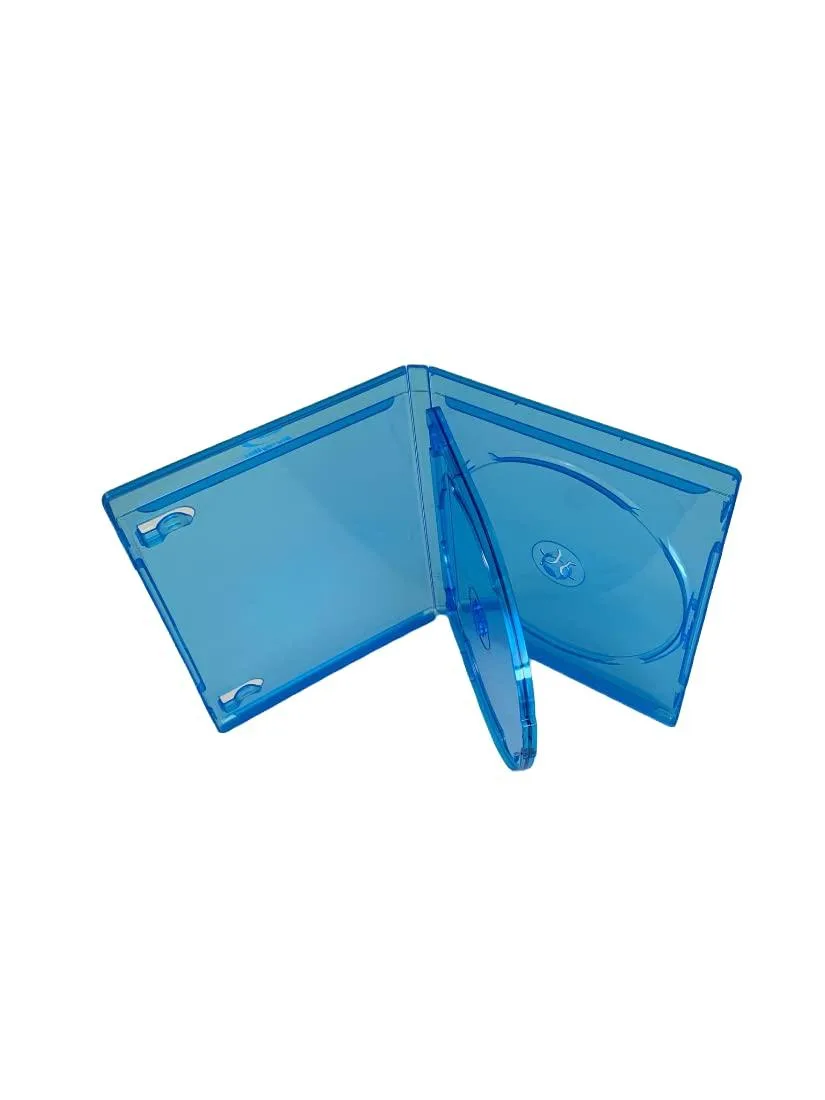
MediaPack4All 12.5mm Blu-Ray Case Multi-Three Storing Capacity
- 2.4892 L x 18.2118…
- 1 Year Warranty
$13.99
0.0001654BTC
In stockWe take cryptocurrency — so the coins you hold can buy real hardware.Pay in crypto, spend it on real hardware. Free insured shipping worldwide over $399. Plain, unbranded boxes, sent from Germany.Free insured shipping over $399. Your rate is locked for 30 minutes once checkout opens.Rate locked 30 minutes. Every item sealed, serial-checked and covered by a 24-month warranty.Sealed, 24-month warranty.


Hetai Tech
A 2.5 inch SATA drive enclosure with a USB 3.0 connection for external storage access
This Hetai Tech enclosure turns a 2.5 inch SATA drive into an external USB 3.0 storage device. It accepts standard hard drives or solid state drives and connects to a host through a USB 3.0 interface. The unit is supplied new and carries the model identifier CZL-U3S2523.
It suits users who want to reuse a 2.5 inch SATA drive outside a laptop or desktop. It does not suit builders who need an internal drive bay or a different connection standard.
| Type | Enclosure |
|---|
Slide the drive into the SATA connector, secure it with the included screws, then connect the USB 3.0 cable to your computer; the step people miss is fully seating the SATA pins before tightening the case.
Keep the USB port and SATA contacts free of dust; if transfer speeds drop, reseat the drive and try a different USB 3.0 cable before assuming the bridge has failed.
New to this? Paying with USDT: TRC-20 or ERC-20 — what to check, what it costs to pay, and what is never asked for.
Also in this aisle
Same shelf, same checkout — eight coins and a 30-minute rate lock.
What you pay in, and what you read prices in.
Sent from your wallet at checkout
Display only — the catalogue is priced in USD
No currency matches that.
Pick the language the site speaks to you in.
No language matches that.
New here?
Already have one?
There is no automatic reset: this shop sends no mail, so there is no one-time link to ask for. Leave the address on the account and it gets picked up by hand.
Request noted
Nothing is on its way to your inbox — this shop sends no mail at all. Someone picks these up by hand.
Remembered it?


