
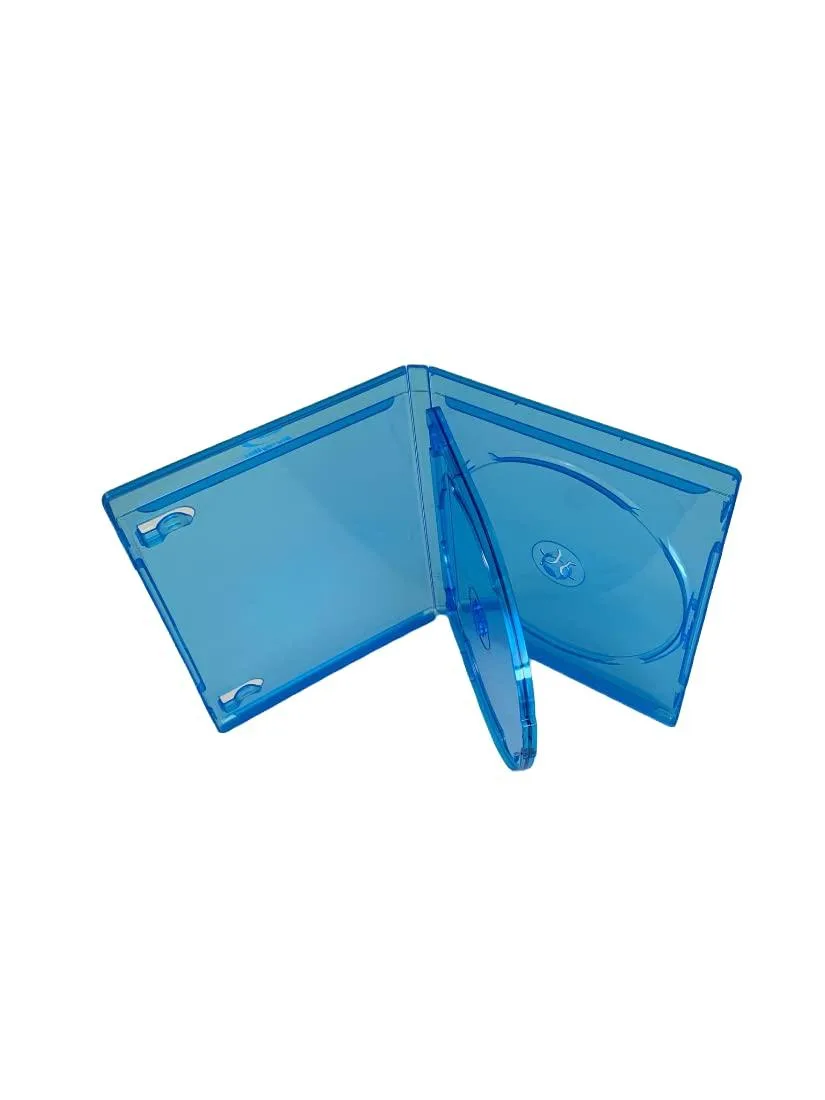
MediaPack4All 12.5mm Blu-Ray Case Multi-Three Storing Capacity
- 2.4892 L x 18.2118…
- 1 Year Warranty
$13.99
0.00016504BTC
In stockWe take cryptocurrency — so the coins you hold can buy real hardware.Pay in crypto, spend it on real hardware. Free insured shipping worldwide over $399. Plain, unbranded boxes, sent from Germany.Free insured shipping over $399. Your rate is locked for 30 minutes once checkout opens.Rate locked 30 minutes. Every item sealed, serial-checked and covered by a 24-month warranty.Sealed, 24-month warranty.


Hetai Tech
A 2.5 inch SATA drive enclosure with USB 3.0 connectivity for external storage
This red enclosure converts a 2.5-inch SATA hard drive or solid-state drive into a portable external storage device. It connects to a host system through a USB 3.0 interface using the included cable. The unit is designed for notebook drives and suits users who want quick access to data from a spare internal drive.
The enclosure has no active cooling, so it operates silently during normal use. Drive temperature depends on the installed drive and the workload applied. Power is drawn directly from the USB 3.0 port, requiring no separate adapter for typical 2.5-inch drives.
| Type | Enclosure |
|---|
Slide the drive into the SATA connector until it seats firmly, then close the case; the step often missed is not pushing the drive far enough for a solid connection.
The cable may wear at the connectors after repeated plugging; replace it with another USB 3.0 cable if data errors or loose fits appear.
New to this? Paying with USDT: TRC-20 or ERC-20 — what to check, what it costs to pay, and what is never asked for.
Also in this aisle
Same shelf, same checkout — eight coins and a 30-minute rate lock.
What you pay in, and what you read prices in.
Sent from your wallet at checkout
Display only — the catalogue is priced in USD
No currency matches that.
Pick the language the site speaks to you in.
No language matches that.
New here?
Already have one?
There is no automatic reset: this shop sends no mail, so there is no one-time link to ask for. Leave the address on the account and it gets picked up by hand.
Request noted
Nothing is on its way to your inbox — this shop sends no mail at all. Someone picks these up by hand.
Remembered it?


