
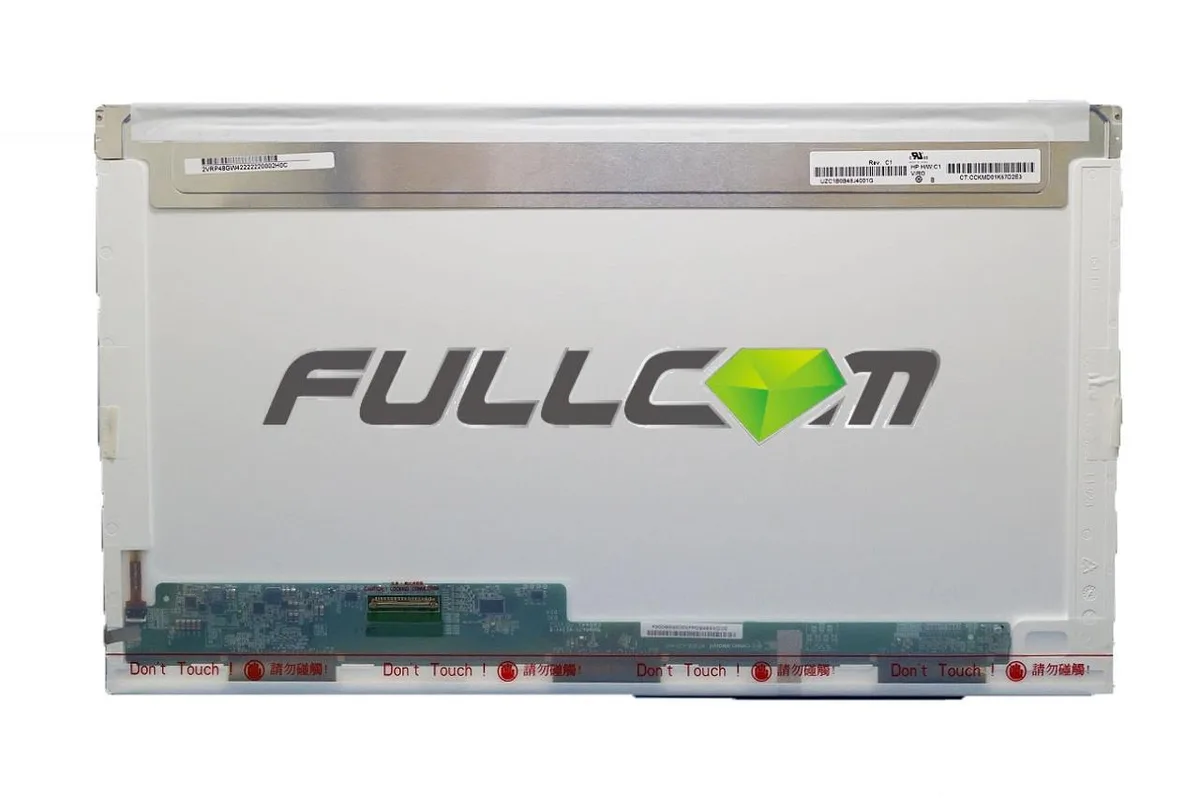


Fullcom Tech
Fullcom Tech LTN173KT01 17.3" Laptop Screen
A 17.3 inch laptop replacement screen built to ISO 9241 pixel standards
- Screen Size17.3"
- 3 inch display restores full view area
- Brand new panel arrives ready for immediate install
- Samsung manufactured screen meets ISO 9241 pixel standards
- Compatible replacement guaranteed to match or exceed original specs
- Ships from USA with 1 to 3 day handling
17.3" LED WXGA++ replacement screen
The Fullcom Tech LTN173KT01 is a brand-new 17.3 inch LCD panel built to replace a damaged or dim laptop display. It matches the original WXGA++ HD resolution and LED backlight type required by compatible notebooks. Buyers who need a different connector layout, a higher pixel density or a touch-enabled layer should verify their part number before ordering.
Passive cooling with no audible noise
Because the panel relies on LED backlighting and has no moving parts, it adds no fan noise to the system. Power draw is limited to the backlight and driver circuitry, so typical thermals stay close to ambient temperature inside the lid. The screen ships with a pixel-quality guarantee based on ISO-9241 Class 1 allowances for bright or dark sub-pixels.
Compatible model may ship instead of exact part
The supplier may deliver a compatible panel with the same or better specifications when the exact LTN173KT01 is out of stock. This means the bezel brackets, cable routing or inverter connector could differ slightly from the original unit. Installation simply requires swapping the panel and reconnecting the video cable; no driver disc or calibration software is bundled.
Highlights
- 3 inch display restores full view area
- Brand new panel arrives ready for immediate install
- Samsung manufactured screen meets ISO 9241 pixel standards
- Compatible replacement guaranteed to match or exceed original specs
- Ships from USA with 1 to 3 day handling
Specifications
| Screen Size | 17.3" |
|---|
Questions about this item
How do I install the LTN173KT01 17.3" screen and which step is most often missed?
Remove the bezel, disconnect the old panel's video cable, fit the new screen, reconnect the cable, then test before re-attaching the bezel; the step most often missed is verifying the backlight type, connector and resolution match the original panel.
What maintenance or replacement will the LTN173KT01 17.3" screen need later?
The LED backlight does not require user maintenance; if the panel develops stuck pixels beyond the ISO-9241 allowance of one full bright pixel, one full dark pixel and a few sub-pixels, the screen would need replacement.
What limit appears first on the LTN173KT01 17.3" screen under sustained use?
The practical limit is the ISO-9241 pixel tolerance; extended operation does not introduce a thermal or brightness throttle, so the first visible boundary is the permitted number of stuck or bright sub-pixels.
Also in this aisle
People compared these
Same shelf, same checkout — eight coins and a 30-minute rate lock.


SanDisk Professional
SanDisk Professional G-Drive ArmorATD 4TB IP54 accessory
$248.99
0.0028801BTC
In stock
