


Fullcom Tech
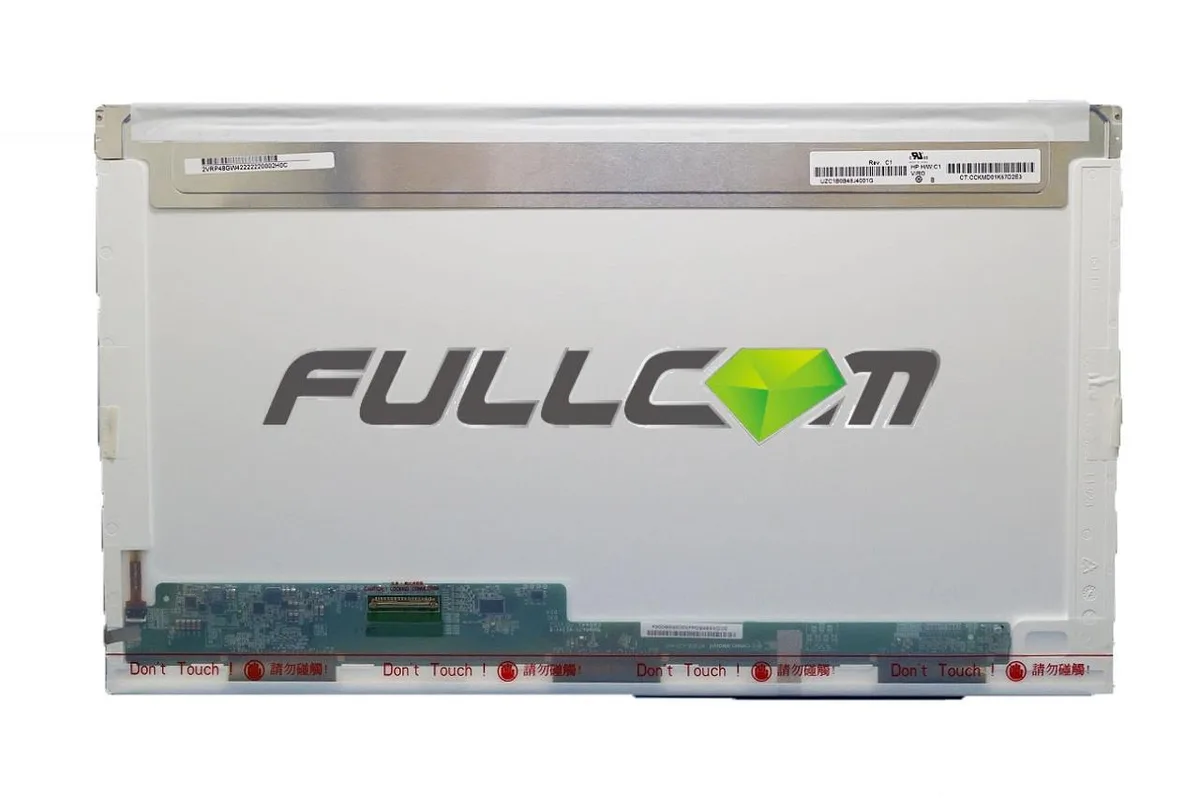
Fullcom Tech 17.3" LP173WD1 Compatible 40pin BOTTOM LEFT WXGA++
A 17.3 inch WXGA++ laptop replacement screen with a 40-pin bottom-left connector for compatible models
- Screen Size17.3"
- 3 inch display fits LP173WD1 compatible models
- 40 pin bottom left connector matches original screen layout
- WXGA++ resolution restores correct pixel density
- Brand new panel meets ISO 9241 pixel quality standards
- Compatible replacement guaranteed to work or money back
17.3 inch laptop replacement screen
This is a 17.3 inch LCD panel designed to replace damaged or faulty displays in compatible notebooks. It uses a 40-pin connector located at the bottom left and targets WXGA++ resolution. Buyers who need a different connector position, pin count, or screen size cannot use this part.
Capacity and headroom
The panel matches the LP173WD1 form factor and supports the native WXGA++ pixel count for everyday computing tasks. It is built to ISO-9241 pixel standards, allowing up to one full bright pixel, one full dark pixel, and a small number of sub-pixel defects. Users who require a zero-defect guarantee or higher resolution panels will find this screen does not meet those needs.
Bundled accessories and software
No accessories, cables, tools, or software are included with the screen. The shipment contains the compatible panel only, so installers must reuse existing bezel screws, brackets, and video cables. Buyers expecting a complete kit with installation hardware or driver discs will need to source those separately.
Highlights
- 3 inch display fits LP173WD1 compatible models
- 40 pin bottom left connector matches original screen layout
- WXGA++ resolution restores correct pixel density
- Brand new panel meets ISO 9241 pixel quality standards
- Compatible replacement guaranteed to work or money back
Specifications
| Screen Size | 17.3" |
|---|
Questions about this item
Will the 40-pin bottom-left connector on this 17.3" screen match the cable routing in my older laptop chassis?
The replacement uses a 40-pin connector positioned at the bottom left; compare that location and pin count with the original screen’s cable before fitting.
How can I verify the 17.3" WXGA++ panel is performing correctly once installed?
Power on the laptop and check for uniform brightness, correct native resolution, and no more than the ISO-9241 allowance of stuck pixels or sub-pixels.
Does the package include mounting brackets or adhesive strips, or must I reuse the originals?
Only the compatible 17.3" LED panel is supplied; brackets, bezel clips and any adhesive from the old screen must be reused or sourced separately.
Also in this aisle
People compared these
Same shelf, same checkout — eight coins and a 30-minute rate lock.


Kensington
Kensington Desk Mount Cable Anchor K64613WW accessory
- Black
- Provides a secure a…
$19.99
0.00023138BTC
In stock
Panasonic
Panasonic CF-VDR291U laptop cooling pad
- Optical Drive
- Buffer Size: 2 MB B…
$213.99
0.00247685BTC
In stock
eReplacements
eReplacements PB992A-ER laptop battery 14.4V
- Battery
- Lithium-Ion
$65.99
0.00076381BTC
In stock