


FORIDA
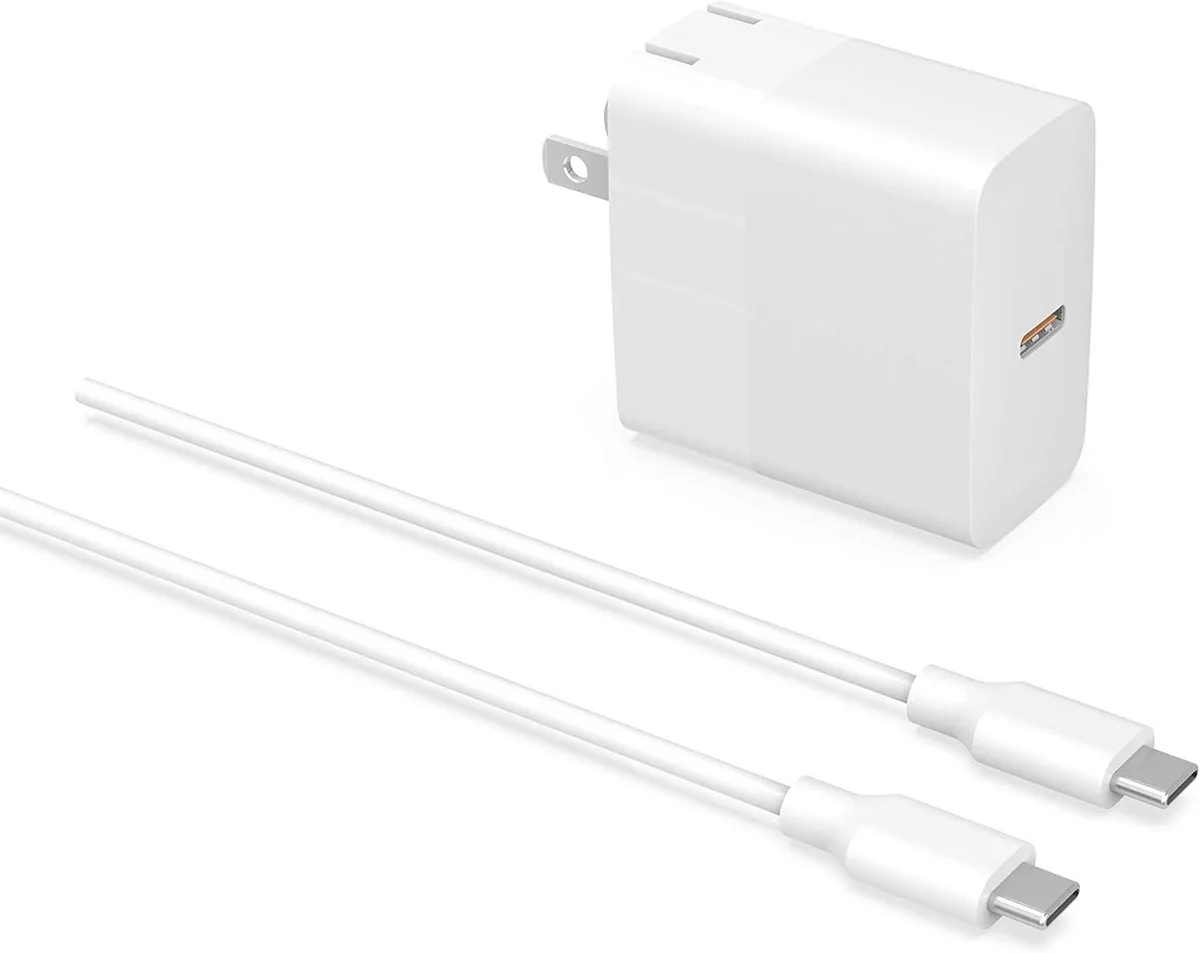
FORIDA PD 30W 29W USB-C AC Adapter 20V 1.5A 6FT Cord
A 30W USB-C power adapter delivering 20V at 1.5A with a 6FT cord for compatible MacBook Air and iPad models
- TypeAC Adapters
- 30W USB-C Power Delivery charges compatible laptops fast
- 20V 1.5A output matches MacBook Air 13 inch M2 M1 2022 2020 Retina 2018-2020
- 6FT USB-C to USB-C cord gives flexible desk placement
- 100-240V input works worldwide without a voltage converter
- Safety-tested to national standards for reliable daily use
Compatible USB-C Power Adapter
This 30W USB-C AC adapter supplies 20V at 1.5A for MacBook Air 13 inch models from 2018 through 2022, the 12 inch MacBook from 2015 to 2017, and the fourth-generation iPad Air. It includes a 6FT USB-C to USB-C cord and operates on 100-240V input for worldwide use.
Replaces Original 30W Charger
The unit matches the 30W output of the original Apple charger for the listed devices, so it works as a direct replacement or spare. The jump is worth it when the original adapter is lost, damaged, or a second unit is needed for travel or a desk setup.
Check Device Power Requirements
Verify that your device charges via USB-C Power Delivery and does not require more than 3A of current. The adapter delivers 29W to 30W total, so it will not suit laptops or tablets that need higher wattage for full-speed charging or operation under load.
Highlights
- 30W USB-C Power Delivery charges compatible laptops fast
- 20V 1.5A output matches MacBook Air 13 inch M2 M1 2022 2020 Retina 2018-2020
- 6FT USB-C to USB-C cord gives flexible desk placement
- 100-240V input works worldwide without a voltage converter
- Safety-tested to national standards for reliable daily use
Specifications
| Type | AC Adapters |
|---|
Questions about this item
What connector does the 6FT cord end with for the MacBook Air 13 inch M2 2022?
The included 6FT cable has a USB-C plug on both ends, so it connects directly to the USB-C charging port on the MacBook Air 13 inch M2 2022 without an extra adapter.
How do I start charging a MacBook 12 inch 2015-2017 with this adapter, and what step is often missed?
Plug the AC adapter into a 100-240V outlet, connect the USB-C cord, then attach the USB-C end to the MacBook; the step often missed is confirming the MacBook supports USB-C Power Delivery before expecting fast charging.
When should the 6FT USB-C to USB-C cord be replaced?
Replace the cord if the USB-C connectors become loose, the cable jacket shows cuts or fraying, or charging becomes intermittent on a MacBook Air 13 inch Retina 2018-2020 or other supported model.
Also in this aisle
People compared these
Same shelf, same checkout — eight coins and a 30-minute rate lock.


Case Logic
Case Logic 3203990 briefcase for 15.6 in laptop with 10.1 in tablet pocket
$30.99
0.00037165BTC
In stock