


FOCUSTEC
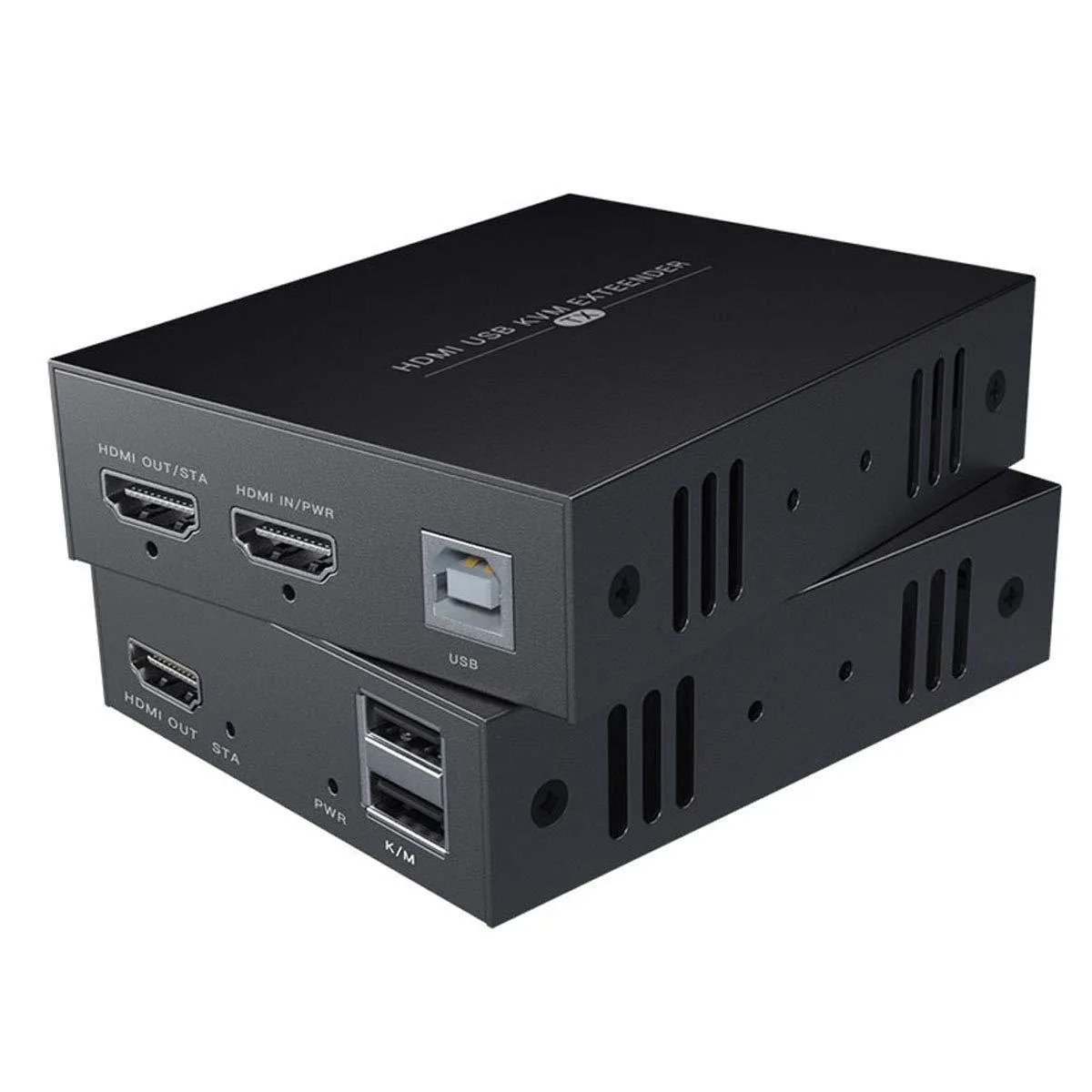
FOCUSTEC HDMI KVM Extender 1080p 50m Cat6 40m Cat5e
Extends HDMI video and USB keyboard and mouse control up to 50 metres over Cat6 or 40 metres over Cat5e at 1080p 60Hz
- TypeUSB
- Lossless 1080p@60Hz video matches a direct HDMI link
- Extends signal 50m over Cat6 or 40m over Cat5e cable
- Keyboard and mouse control the source from the remote end
- Transmitter powers on with a single adapter connection
- Works with Windows 2000 through 10, Mac OS 9.1+, Linux 2.4+
FOCUSTEC HDMI KVM Extender
The FOCUSTEC HDMI KVM Extender sends 1080p video at 60Hz over Cat5e or Cat6 Ethernet cable. It carries USB keyboard and mouse signals so a computer can be controlled from up to 50 metres away. The unit complies with HDMI 1.3 and works with Windows, Mac OS and Linux systems. A single power adapter on the transmitter powers the link.
Replacing short HDMI and USB runs
Standard HDMI cables lose signal after a few metres and USB cables have a strict length limit. This extender replaces both with a single Ethernet run that reaches 40 metres on Cat5e and 50 metres on Cat6 or Cat7. The jump is worth it when the source and the operator must sit in separate rooms or on opposite sides of a large space.
Behaviour under sustained use
Video remains lossless at 1080p60 for the full rated distance because the link uses uncompressed transmission over twisted pair. USB keyboard and mouse traffic is low bandwidth and stays responsive during continuous operation. The transmitter draws power from its included adapter, so the connection stays stable without extra power injectors along the cable.
Highlights
- Lossless 1080p@60Hz video matches a direct HDMI link
- Extends signal 50m over Cat6 or 40m over Cat5e cable
- Keyboard and mouse control the source from the remote end
- Transmitter powers on with a single adapter connection
- Works with Windows 2000 through 10, Mac OS 9.1+, Linux 2.4+
Specifications
| Type | USB |
|---|
Questions about this item
What cable type and maximum length do I need to run between the transmitter and receiver?
Use Cat6 or Cat7 cable up to 50 metres (164 ft) or Cat5e cable up to 40 metres (130 ft) for the Ethernet link between units.
Which unit needs the power adapter, and what is the common mistake during hookup?
Connect the supplied power adapter only to the transmitter; a frequent error is plugging it into the receiver instead, which leaves the link inactive.
How do I know when the Cat5e/6 patch cable itself needs replacing?
Replace the patch cable if you see sparkling pixels, intermittent 1080p@60Hz signal loss, or USB keyboard and mouse dropouts that persist after reseating both ends.
Also in this aisle
People compared these
Same shelf, same checkout — eight coins and a 30-minute rate lock.


Black Box Corporation
Black Box Corporation 4K60 HDMI Dual-Head KVM Switch 4 Port
$774.99
0.0090178BTC
In stock