
FOCUSTEC
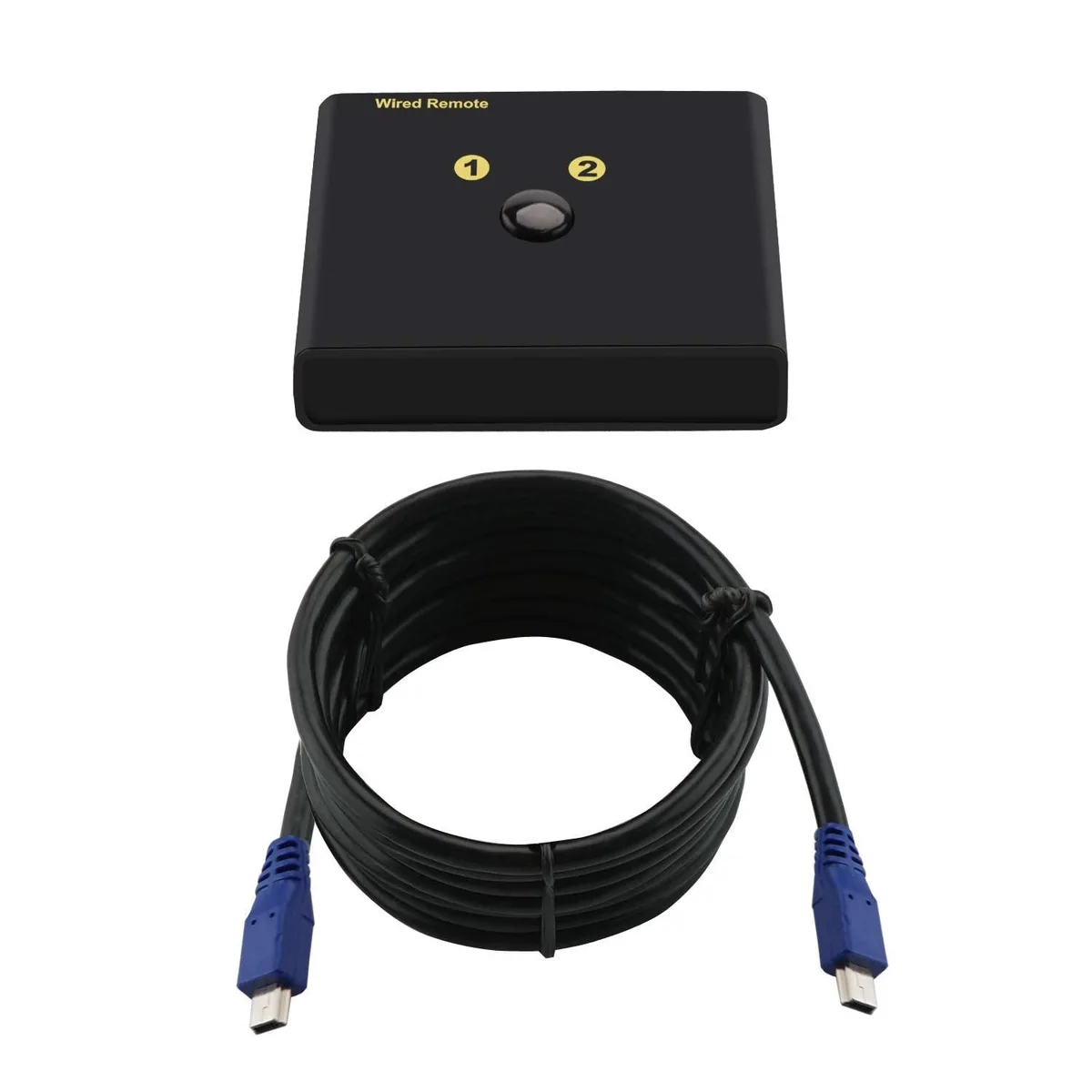
FOCUSTEC CKL-922HUA Wired Remote A/B Toggle Switch for KVM Switch
Wired remote toggle switches between two connected computers on compatible CKL dual-monitor KVM models
- TypeUSB
- Instantly switch between two computers with a dedicated wired remote
- Compatible with CKL 922, 923, 622, 623 and 62 series dual-monitor KVMs
- USB connection ensures reliable toggling without extra drivers
- Designed specifically for listed models — not a universal fit
- Replaces a lost or damaged switch to restore full KVM control
Compatible Wired Remote Switch
This FOCUSTEC CKL-922HUA is a wired remote toggle switch designed for specific CKL 2-port dual monitor KVM switches. It provides a physical A/B switching button to change the active computer from a distance. The unit connects via USB and is supplied new.
Suits owners of listed CKL models
It suits users who own a compatible CKL KVM switch and need a replacement or spare remote control. It will not work with KVM switches outside the supported model list, so buyers with different brands or unlisted CKL units should look elsewhere.
Model compatibility list decides fit
The single specification that determines suitability is the exact KVM model number. This remote is confirmed for CKL-922HUA, CKL-922HUA-2, CKL-922HUA-3, CKL-922HV, CKL-922HV-3, CKL-923HUA, CKL-923HUA-3, CKL-922D, CKL-922HUA-1A, CKL-62T, CKL-62DP-4, CKL-622DP, CKL-622DP-4, CKL-623DP and CKL-622DH only.
Highlights
- Instantly switch between two computers with a dedicated wired remote
- Compatible with CKL 922, 923, 622, 623 and 62 series dual-monitor KVMs
- USB connection ensures reliable toggling without extra drivers
- Designed specifically for listed models — not a universal fit
- Replaces a lost or damaged switch to restore full KVM control
Specifications
| Type | USB |
|---|
Questions about this item
Which CKL KVM models does this wired remote work with?
It is compatible with CKL-922HUA, CKL-922HUA-2, CKL-922HUA-3, CKL-922HV, CKL-922HV-3, CKL-923HUA, CKL-923HUA-3, CKL-922D, CKL-922HUA-1A, CKL-62T, CKL-62DP-4, CKL-622DP, CKL-622DP-4, CKL-623DP and CKL-622DH.
How do I connect the remote to my KVM switch?
Plug the remote's USB cable into the dedicated remote port on the front or rear of the compatible CKL KVM unit; the switch draws power and signal through this single connection.
What should I do if the toggle button stops switching ports reliably?
Check the USB cable for kinks or damage and ensure the plug is fully seated in the KVM remote port; if the button itself feels loose or unresponsive, replace the remote unit.
Also in this aisle
People compared these
Same shelf, same checkout — eight coins and a 30-minute rate lock.


Black Box Corporation
Black Box Corporation 4K60 HDMI Dual-Head KVM Switch 4 Port
$774.99
0.00902242BTC
In stock