ZKTECO
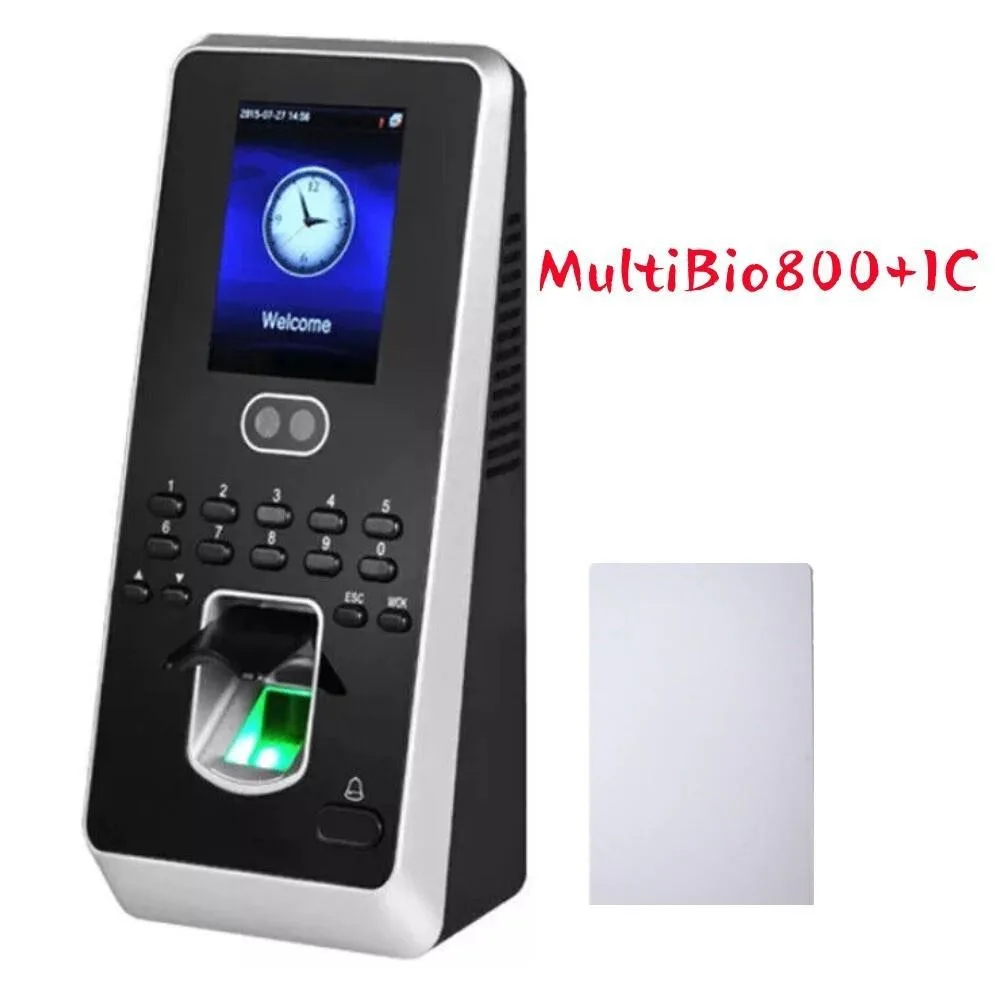
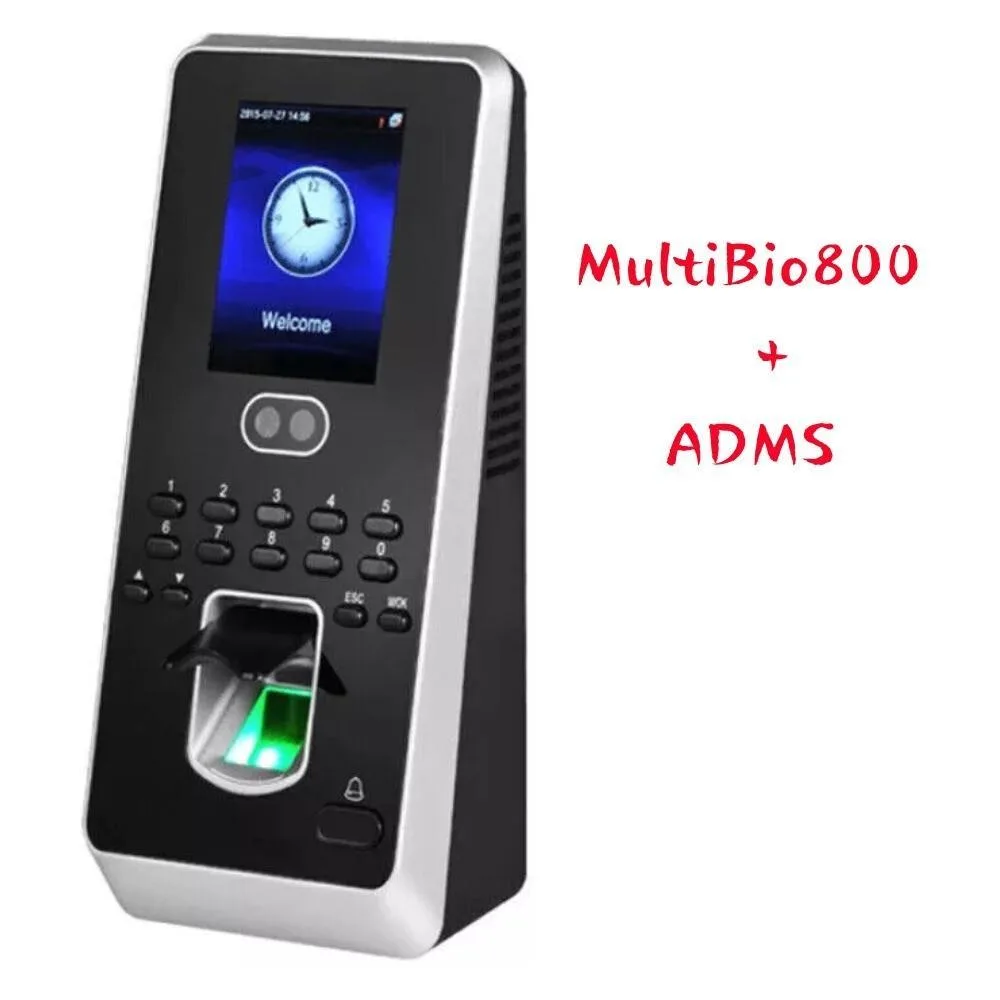
ZKTECO MultiBio800+ADMS facial fingerprint time attendance terminal
$206.99
0.00242213BTC
In stockWe take cryptocurrency — so the coins you hold can buy real hardware.Pay in crypto, spend it on real hardware. Free insured shipping worldwide over $399. Plain, unbranded boxes, sent from Germany.Free insured shipping over $399. Your rate is locked for 30 minutes once checkout opens.Rate locked 30 minutes. Every item sealed, serial-checked and covered by a 24-month warranty.Sealed, 24-month warranty.

Focus Home Interactive
Wirelessly present from laptops, tablets or phones with native mirroring, quick presenter switching and an integrated whiteboard
The Focus Home Interactive ScreenBeam 1000EDUG2 Receiver is a 4K app-free wireless presentation device built for K12 classrooms. It enables teachers and students to present from a laptop, tablet or smartphone without installing software or attaching a dongle. Native screen mirroring and extended desktop modes are supported out of the box.
Quick Switch Mode lets multiple presenters alternate without disconnecting, while Windows native wireless touch and inking with ScreenBeam Ghost Inking™ keeps interaction smooth. An integrated HTML 5.0 digital signage player and whiteboard application add interactive lesson tools. Buyers who require a dedicated hardware codec for unified communications platforms should look at a different device category.
The receiver plugs into a classroom display or projector to create a wireless presentation hub. An optional configurable, secure and isolated Wi-Fi hotspot can operate independently of the school network. Increased memory and storage provide headroom for future firmware expansion.
| Brand | Actiontec ScreenBeam |
|---|---|
| Type | Video Conference Device |
Connect the receiver to an HDMI port on the display; no separate dongle or app is required on the presenting device.
Yes, native screen mirroring works from Windows, iOS and Android devices without installing extra software.
Open the integrated whiteboard on a Windows touch device; ink strokes should appear on the display with no perceptible lag.
Also in this aisle
Same shelf, same checkout — eight coins and a 30-minute rate lock.
What you pay in, and what you read prices in.
Sent from your wallet at checkout
Display only — the catalogue is priced in USD
No currency matches that.
Pick the language the site speaks to you in.
No language matches that.
New here?
Already have one?
There is no automatic reset: this shop sends no mail, so there is no one-time link to ask for. Leave the address on the account and it gets picked up by hand.
Request noted
Nothing is on its way to your inbox — this shop sends no mail at all. Someone picks these up by hand.
Remembered it?