


FLEANE
FLEANE 100W USB-C AC Adapter Charger
A 100W USB-C charger delivering 20V at 5A for compatible Dell Precision, Latitude and Inspiron laptops
- TypeCharger
- Delivers 100W over USB-C for rapid laptop charging
- Works with Precision 5680 3580 3581 5480 5490 5690 and Latitude 5340 7640 7340 5440 5540 9440
- Supports Inspiron 14 16 5000 7000 5430 7430 7440 5630 models
- Accepts 100-240V 50-60Hz input for worldwide use
- Includes AC power supply cord for immediate setup
100W USB-C AC Adapter
This 100W USB-C AC adapter delivers up to 100W of power through a USB-C port. It accepts a 100-240V input at 50-60Hz and provides a 20V, 5A output. The package includes the adapter and an AC power supply cord. It is designed to charge compatible laptops efficiently.
Replaces original Dell chargers
The adapter is compatible with a wide range of Dell Precision, Latitude and Inspiron models. It serves as a direct replacement for lost or damaged original chargers for supported devices. The jump is worth it when the original power supply is unavailable or a spare is needed for travel or a second workspace.
For Dell USB-C laptop owners
This charger suits owners of compatible Dell Precision, Latitude and Inspiron laptops that charge via USB-C and require up to 100W. Buyers who need a charger for non-USB-C laptops or devices requiring a different voltage or connector type should look at other options.
Highlights
- Delivers 100W over USB-C for rapid laptop charging
- Works with Precision 5680 3580 3581 5480 5490 5690 and Latitude 5340 7640 7340 5440 5540 9440
- Supports Inspiron 14 16 5000 7000 5430 7430 7440 5630 models
- Accepts 100-240V 50-60Hz input for worldwide use
- Includes AC power supply cord for immediate setup
Specifications
| Type | Charger |
|---|
Questions about this item
What input voltage range does the 100W USB-C AC adapter accept?
The adapter accepts an input range of 100-240V at 50-60Hz, making it suitable for use with standard mains supplies worldwide.
How do you connect the charger to a compatible Dell laptop?
Plug the supplied AC power cord into the adapter brick, then insert the USB-C connector into the laptop's USB-C charging port until it seats firmly.
When should the AC power cord be replaced?
Replace the cord if the insulation shows cracking, the plug pins are bent, or the connection becomes intermittent during charging.
Also in this aisle
People compared these
Same shelf, same checkout — eight coins and a 30-minute rate lock.


Kensington
Kensington HC156A1610A 15.6" 16:10 privacy screen filter accessory
$49.99
0.00057635BTC
In stock
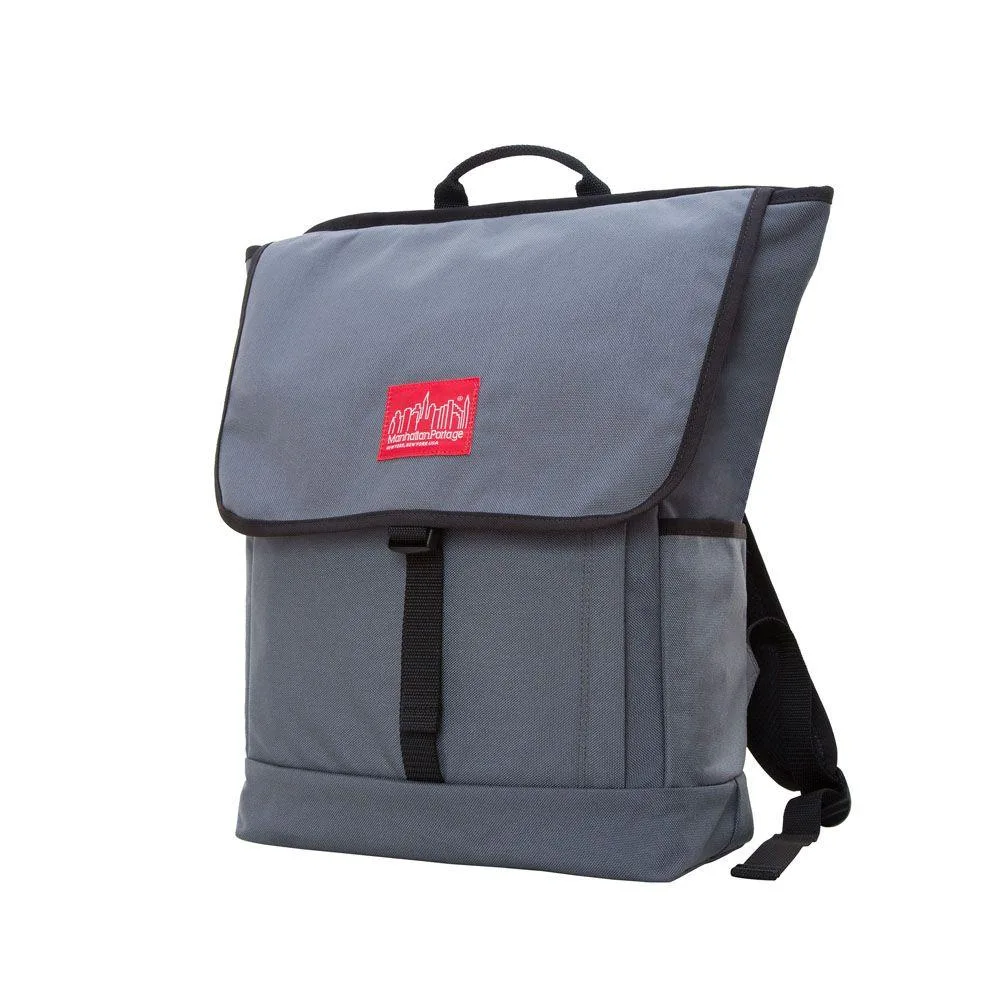
Manhattan Portage
Manhattan Portage Washington Square Backpack laptop case
- Backpack
$135.99
0.00156786BTC
In stock