RIBAO TECHNOLOGY
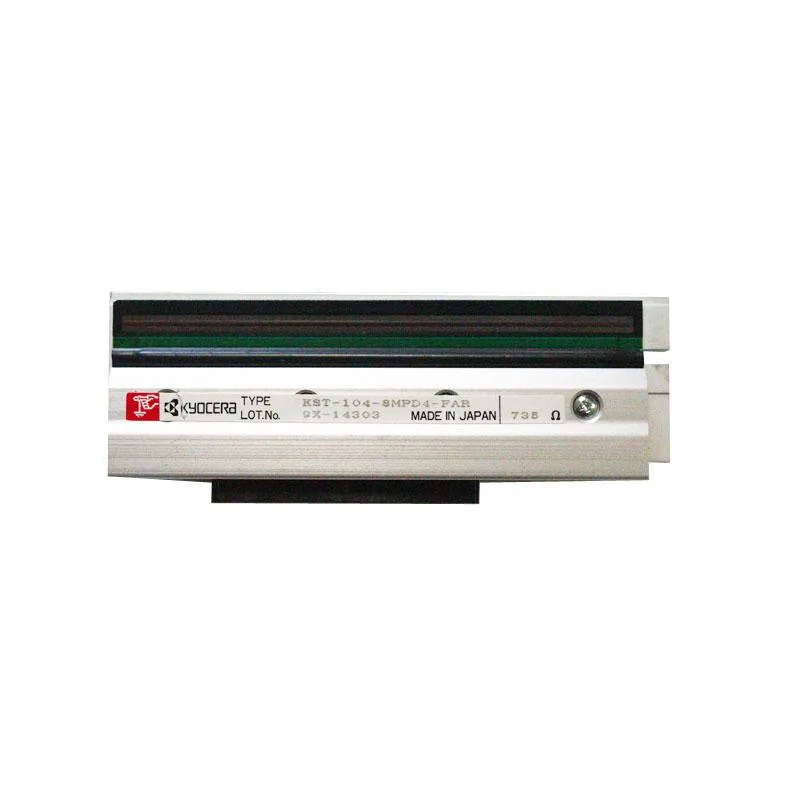
RIBAO TECHNOLOGY RB-58-RP 58mm Thermal Receipt Printer for BC-55 BC-40 BCS-160 Cash Handling
- Accessories
$65.99
0.00076081BTC
In stockWe take cryptocurrency — so the coins you hold can buy real hardware.Pay in crypto, spend it on real hardware. Free insured shipping worldwide over $399. Plain, unbranded boxes, sent from Germany.Free insured shipping over $399. Your rate is locked for 30 minutes once checkout opens.Rate locked 30 minutes. Every item sealed, serial-checked and covered by a 24-month warranty.Sealed, 24-month warranty.


Fervit
A 50 cm USB4 cable delivering 20 Gbps data, 100 W charging and 8K 60 Hz video
This 50 cm USB4 cable connects USB4 hosts to USB-C monitors that support DP Alternate Mode. It delivers up to 100 W of power at 20 V / 5 A while the device is in use. Data transfers reach 20 Gbps, and video output supports single 8K at 60 Hz, 5K at 60 Hz or 4K at 60 Hz.
The cable suits users who need high-speed data, 100 W charging and 8K video over a short, flexible 50 cm link. It is not for setups that require a longer reach between host and display. It is not for monitors or docks that lack DP Alternate Mode on their USB-C port.
The 20 Gbps maximum data rate is the single figure that determines whether this cable matches the bandwidth your workflow demands. If your peripherals or docking station operate at higher USB4 speeds, this cable will limit throughput. If 20 Gbps meets your requirement, the cable also provides 100 W charging and 8K video as specified.
| Brand | Fervit |
|---|
Plug the male USB-C connectors into both devices, then verify your monitor's USB-C port supports DP Alternate Mode or video will not appear.
Inspect the ultra-soft jacket and connectors periodically; replace the cable if the sheathing splits or the pins bend, as no user-serviceable parts exist inside.
The 50 cm length caps the maximum 20 Gbps signal distance, so runs longer than this will drop to lower speeds before thermal or power limits are reached.
Also in this aisle
Same shelf, same checkout — eight coins and a 30-minute rate lock.
What you pay in, and what you read prices in.
Sent from your wallet at checkout
Display only — the catalogue is priced in USD
No currency matches that.
Pick the language the site speaks to you in.
No language matches that.
New here?
Already have one?
There is no automatic reset: this shop sends no mail, so there is no one-time link to ask for. Leave the address on the account and it gets picked up by hand.
Request noted
Nothing is on its way to your inbox — this shop sends no mail at all. Someone picks these up by hand.
Remembered it?