
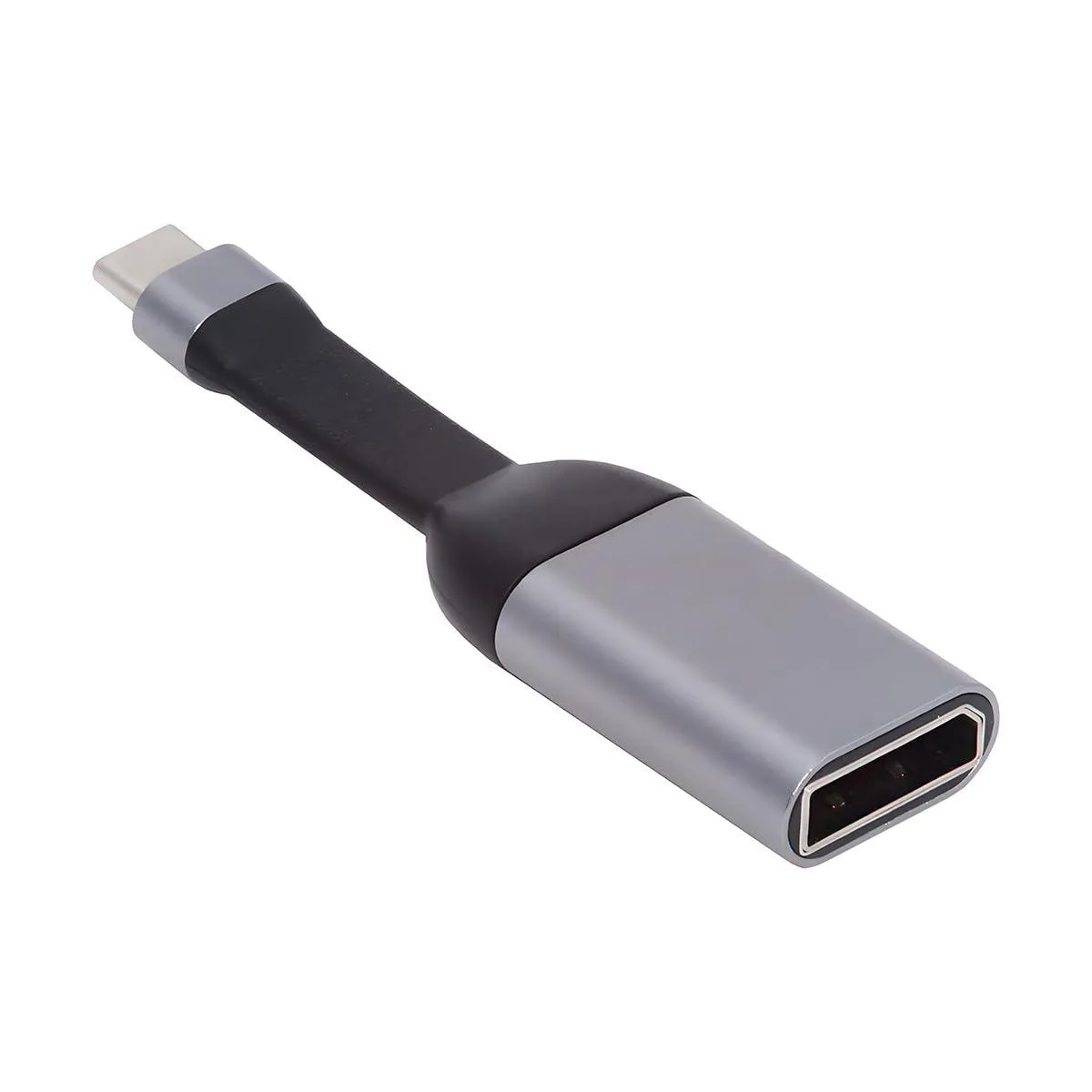


Fervit
Fervit USB-C to DisplayPort cable 4K 60Hz flat
Connects a USB-C laptop to a DisplayPort monitor at up to 4K 60Hz with a flat, flexible cable
- Ultra-flat cable saves space and bends easily
- Connect USB-C laptops to DisplayPort monitors or projectors
- Up to 4K 60 Hz video for sharp entertainment
- Works with Windows, Mac, Android and Chrome OS
- Supports mirrored, extended or primary display modes
USB-C to DisplayPort 4K 60 Hz cable
This Fervit adapter connects a USB-C source device to a DisplayPort display or projector. It supports resolutions up to 4K at 60 Hz, as well as 1440p and 1080p at 60 Hz. The cable works with Windows, macOS, Android and Chrome OS devices that support DP Alt Mode on USB 3.2. It handles both SST and MST modes for mirrored, extended or primary display setups.
Flat ultra-slim design for easy routing
The built-in flexible flat cable saves space and bends easily for tight setups behind desks or monitors. It is lightweight and durable for daily carry or permanent installation. Installation is plug-and-play on compatible hosts; no drivers are required. The only common issue is attempting to use the cable in reverse — it does not support a DisplayPort source to a USB-C sink.
Directional DP Alt Mode requirement
The cable only operates from a USB-C source with DP Alt Mode to a DisplayPort sink. It will not work if the source is DisplayPort and the sink is USB-C. Verify that your laptop, tablet or phone explicitly supports DP Alt Mode over its USB-C port before purchase.
Highlights
- Ultra-flat cable saves space and bends easily
- Connect USB-C laptops to DisplayPort monitors or projectors
- Up to 4K 60 Hz video for sharp entertainment
- Works with Windows, Mac, Android and Chrome OS
- Supports mirrored, extended or primary display modes
Specifications
| Brand | Fervit |
|---|
Questions about this item
How do I confirm the cable is delivering 4K at 60 Hz after connecting my laptop?
Open the display settings on Windows, Mac OS, Android or Chrome OS and verify the active resolution shows 4K at 60 Hz; the cable supports 4K@60Hz, 1440p@60Hz and 1080p@60Hz depending on your system and hardware.
What comes in the box and do I need any extra adapters?
The package contains the ultra-flat USB-C to DisplayPort cable itself; no separate adapters are required because the cable plugs directly from a USB-C DP Alt Mode source into a DisplayPort sink.
Which cable length or version should I choose for a Mac Pro 2018-2025 or XPS laptop?
This single model is a USB-C source to DisplayPort 4K sink cable with DP Alt Mode on USB 3.2; it works with Mac Pro 2018-2025, XPS, Chromebook and other DP Alt Mode devices, so choose this version for those hosts.
Also in this aisle
People compared these
Same shelf, same checkout — eight coins and a 30-minute rate lock.



CHIEF MANUFACTURING
CHIEF MANUFACTURING CMS018 18" 457 mm Fixed Extension Column projector accessory
- Extension Column
- Projector
$22.99$22.99
0.00026674BTC
In stock