


Fervit
Fervit USB 3.1 Type C Male to USB 3.0 Type A Male Cable 200cm
USB 3.1 Type-C to USB 3.0 Type-A cable supports 10 Gbps data transfer and connects laptops, phones or hard drives over a 200 cm length
- Fast 10Gbps transfers move large files quickly
- Reversible USB-C plug inserts either way up
- Backwards compatible with USB 2.0 and 1.1 devices
- 200cm length reaches across a desk easily
- Alloy-shell connectors resist wear from daily use
Fervit USB 3.1 Type C to USB 3.0 Type A Cable
This two-metre cable connects a USB 3.1 Type C device to a USB 3.0 Type A port. It suits users linking phones, tablets or external drives to laptops and desktops. The reversible Type C plug removes orientation hassles. Alloy-shell overmoulding protects the connectors during daily use.
Replaces older USB 2.0 or 1.1 cables
Upgrading from a 480 Mbps or 1.5 Mbps link unlocks the 10 Gbps rating when both host and device support USB 3.1. The jump is worth it for large file transfers or drive backups. Legacy ports fall back to 480 Mbps or 1.5 Mbps automatically. No benefit appears if either end lacks SuperSpeed circuitry.
Limited by the slowest port in the chain
The cable carries up to 10 Gbps, yet a USB 2.0 port caps throughput at 480 Mbps. A USB 1.1 port drops it further to 1.5 Mbps. Power delivery follows the 5 V 3 A spec, so devices needing higher voltage or current will not charge at full speed. Cable length is fixed at two metres.
Highlights
- Fast 10Gbps transfers move large files quickly
- Reversible USB-C plug inserts either way up
- Backwards compatible with USB 2.0 and 1.1 devices
- 200cm length reaches across a desk easily
- Alloy-shell connectors resist wear from daily use
Specifications
| Brand | Fervit |
|---|
Questions about this item
What is the cable length and which connectors does it use?
The cable is 200 cm long and has a USB 3.1 Type C male connector on one end and a USB 3.0 Type A male connector on the other.
How do I ensure the USB Type C plug is inserted correctly?
The USB 3.1 Type C connector features a reversible design, so it can be plugged in either orientation without forcing it.
How can I keep the alloy-shell connectors in good condition?
Keep the connectors clean and dry, avoid bending the cable sharply near the overmould, and unplug by gripping the alloy shell rather than pulling the cable.
Also in this aisle
People compared these
Same shelf, same checkout — eight coins and a 30-minute rate lock.


SMUGDESK
SMUGDESK USB C Hub Splitter with HDMI RJ45 Ethernet 3×USB 3.0 Ports
$21.99
0.00026612BTC
In stock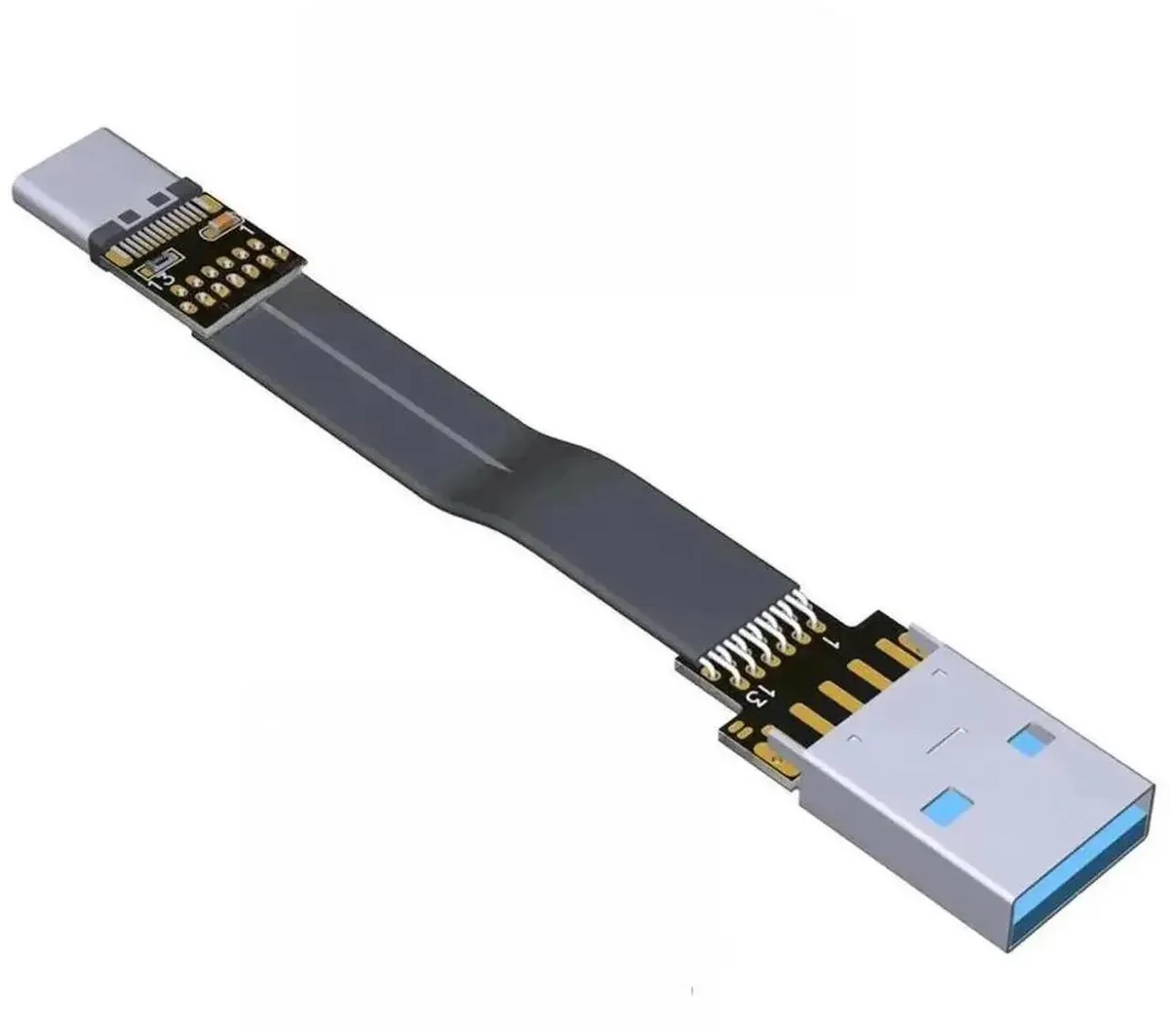

SMUGDESK
SMUGDESK 100CM USB 2.0 TypeA Male to Female Flat Slim FPC Extension Cable
$14.99
0.0001814BTC
In stock