Phanteks
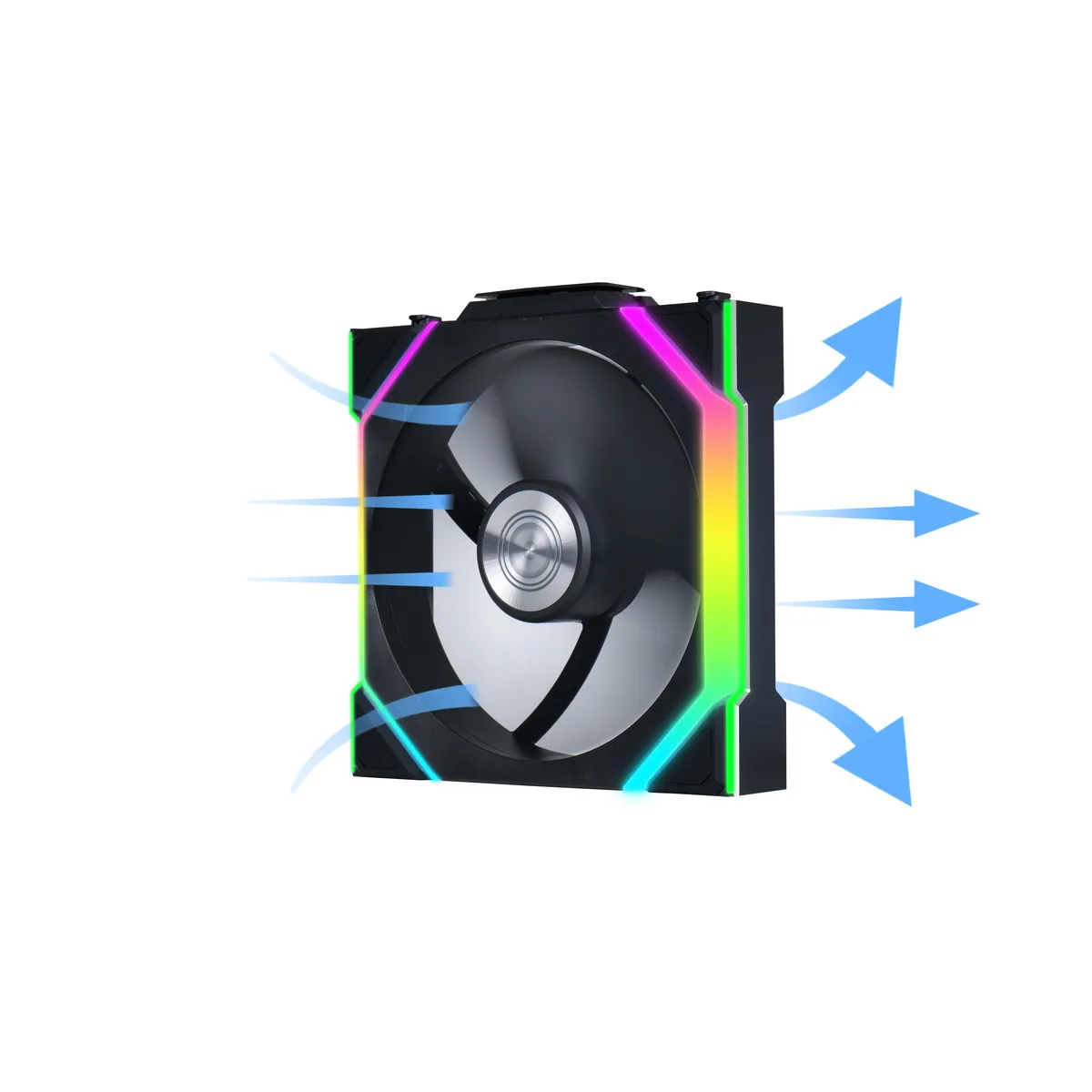
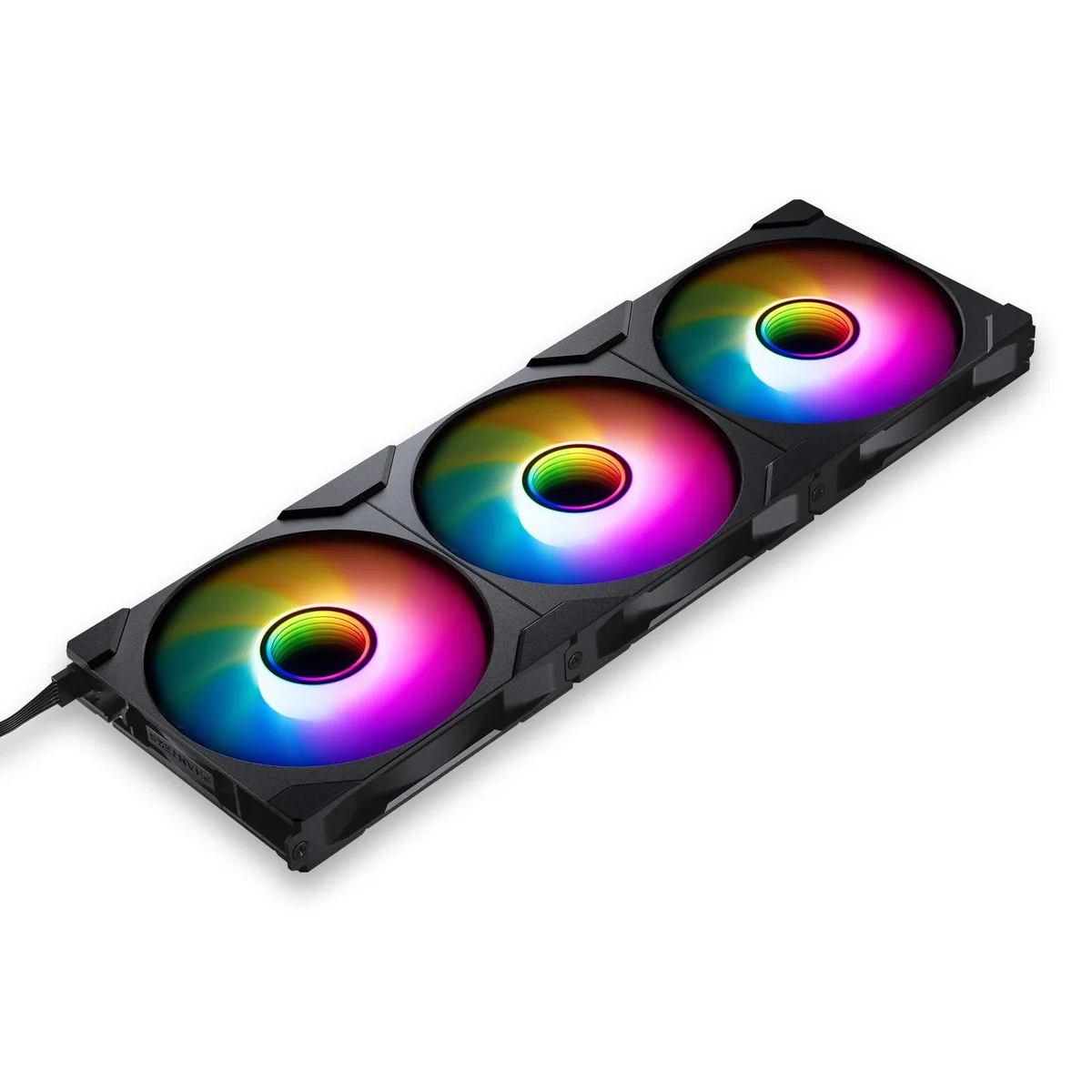
Phanteks PH-F140M25R_G2_DBK01_3P 140mm case fan 3-pack
- 3 Fans
- No Controller
$31.99$43.74−27%
0.00038207BTC
In stockWe take cryptocurrency — so the coins you hold can buy real hardware.Pay in crypto, spend it on real hardware. Free insured shipping worldwide over $399. Plain, unbranded boxes, sent from Germany.Free insured shipping over $399. Your rate is locked for 30 minutes once checkout opens.Rate locked 30 minutes. Every item sealed, serial-checked and covered by a 24-month warranty.Sealed, 24-month warranty.


Fans
Replacement CPU cooling fan compatible with Packard Bell EasyNote TS11HR, TS13HR, TS44HR, TS45HR, TS62HR and TS66HR models
This replacement CPU cooling fan fits Packard Bell EasyNote models TS11HR TS13HR TS44HR TS45HR TS62HR and TS66HR. It is designed for owners of these specific laptops who need to restore original cooling performance. Buyers with different Packard Bell series or other brands cannot use this part.
The fan draws power directly from the laptop motherboard header and spins to move air across the heatsink. Normal operation keeps the processor within its thermal limits during typical workloads. Acoustic output matches the original factory specification for these models.
No published specifications for this item yet.
Remove the bottom cover, disconnect the old fan cable from the motherboard header, unscrew the heatsink assembly, swap the fan, then reattach the heatsink with fresh thermal paste on the CPU and GPU dies — the paste step is the one most people skip.
Blow dust from the vents and fan blades every few months with compressed air; if the bearing becomes noisy, vibration increases or the laptop throttles under load, fit a new unit.
New to this? Which coin should you pay with — what to check, what it costs to pay, and what is never asked for.
More in Case Fans
Same shelf, same checkout — eight coins and a 30-minute rate lock.
What you pay in, and what you read prices in.
Sent from your wallet at checkout
Display only — the catalogue is priced in USD
No currency matches that.
New here?
Already have one?
There is no automatic reset: this shop sends no mail, so there is no one-time link to ask for. Leave the address on the account and it gets picked up by hand.
Request noted
Nothing is on its way to your inbox — this shop sends no mail at all. Someone picks these up by hand.
Remembered it?