
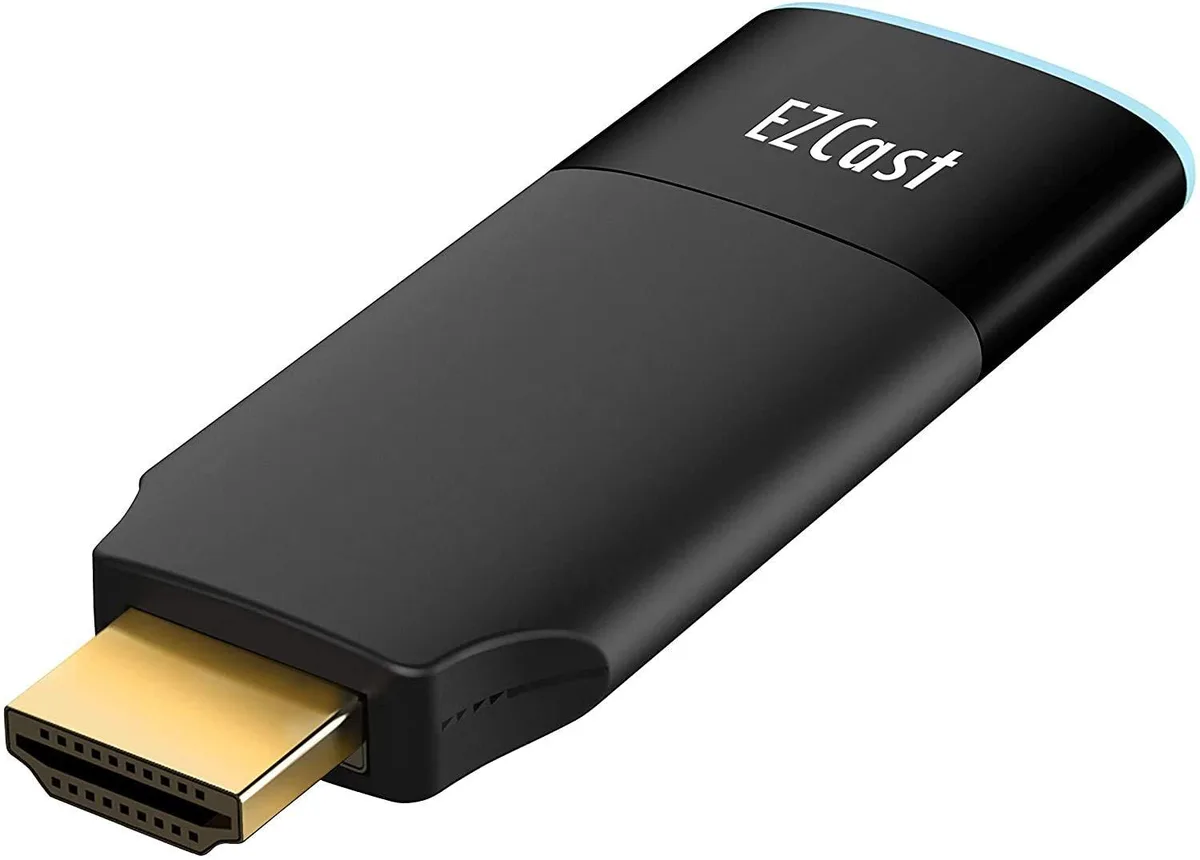


EZCast 2 Wireless Display Receiver H.265 4K 2.4/5GHz
Wirelessly mirrors or extends a screen to a TV at 4K 30 fps with H.265 decoding and dual-band 2.4/5 GHz 802.11ac Wi‑Fi
- Stream 4K video at 30 fps via H.265 decoding
- Dual-band 2.4 and 5 GHz 802.11ac Wi-Fi for stable casting
- Peer-to-Peer mode mirrors without a router or internet
- Universal protocol support covers Miracast, DLNA, EZAir and Google Cast
- Works with Windows, macOS, Android, iOS and ChromeOS devices
EZCast 2 Wireless Display Receiver
The EZCast 2 is a network media player that adds wireless mirroring and streaming to any HDMI display. It targets home users, teachers and meeting-room presenters who want to share screens from Android, iOS, Windows, macOS or ChromeOS devices without running cables. The dongle supports DLNA, Miracast, EZAir and Google Cast protocols for broad device compatibility.
Thermals noise and power draw
The unit draws power from a 5V/1A USB adapter and runs silently with no moving parts. Its dual-core processor handles H.265 decoding, which reduces bandwidth demand while maintaining stable 4K output at 30 frames per second. Dual-band 2.4 and 5 GHz 802.11ac Wi-Fi keeps streaming smooth and latency low during normal use.
Build fit and requirements
The receiver plugs directly into an HDMI port and needs only a USB power source, freeing up placement options behind a TV or projector. Peer-to-peer mode lets you cast without a router or internet connection, ideal for ad-hoc meetings or travel. Buyers who need wired Ethernet, higher refresh rates or multi-room audio zones should look elsewhere.
Highlights
- Stream 4K video at 30 fps via H.265 decoding
- Dual-band 2.4 and 5 GHz 802.11ac Wi-Fi for stable casting
- Peer-to-Peer mode mirrors without a router or internet
- Universal protocol support covers Miracast, DLNA, EZAir and Google Cast
- Works with Windows, macOS, Android, iOS and ChromeOS devices
Specifications
| Brand | EZCast |
|---|
Questions about this item
How do I power the EZCast 2 receiver during installation, and what mistake causes poor streaming quality?
Connect the dongle to a 5V/1A USB power adapter before linking it to the TV HDMI port; using a weaker USB port on the display often leads to unstable 4K/30 mirroring.
What ongoing care does the wireless display receiver need after setup?
Check for firmware upgrades through the EZCast app periodically; most connection issues are resolved by keeping the device software current.
Which bandwidth limit appears first when mirroring 4K video continuously over Wi-Fi?
The H.265 decoding pipeline caps output at 4K/30 frames per second, so sustained high-motion content will hit that frame-rate ceiling before the dual-band 802.11ac link saturates.
Also in this aisle
People compared these
Same shelf, same checkout — eight coins and a 30-minute rate lock.



Parsec Technologies, Inc.
Parsec Technologies, Inc. PRO4A4L15W TV Antenna
$271.99
0.00323144BTC
In stock
SIERRA WIRELESS DATA INC
SIERRA WIRELESS DATA INC 6001363 6-in-1 Dome TV Antenna
$202.99
0.00241167BTC
In stock
NEC Display Solutions
NEC Display Solutions 10 Point Infrared Touch Overlay for C431 OLR431R
$326.99
0.00388488BTC
In stock