
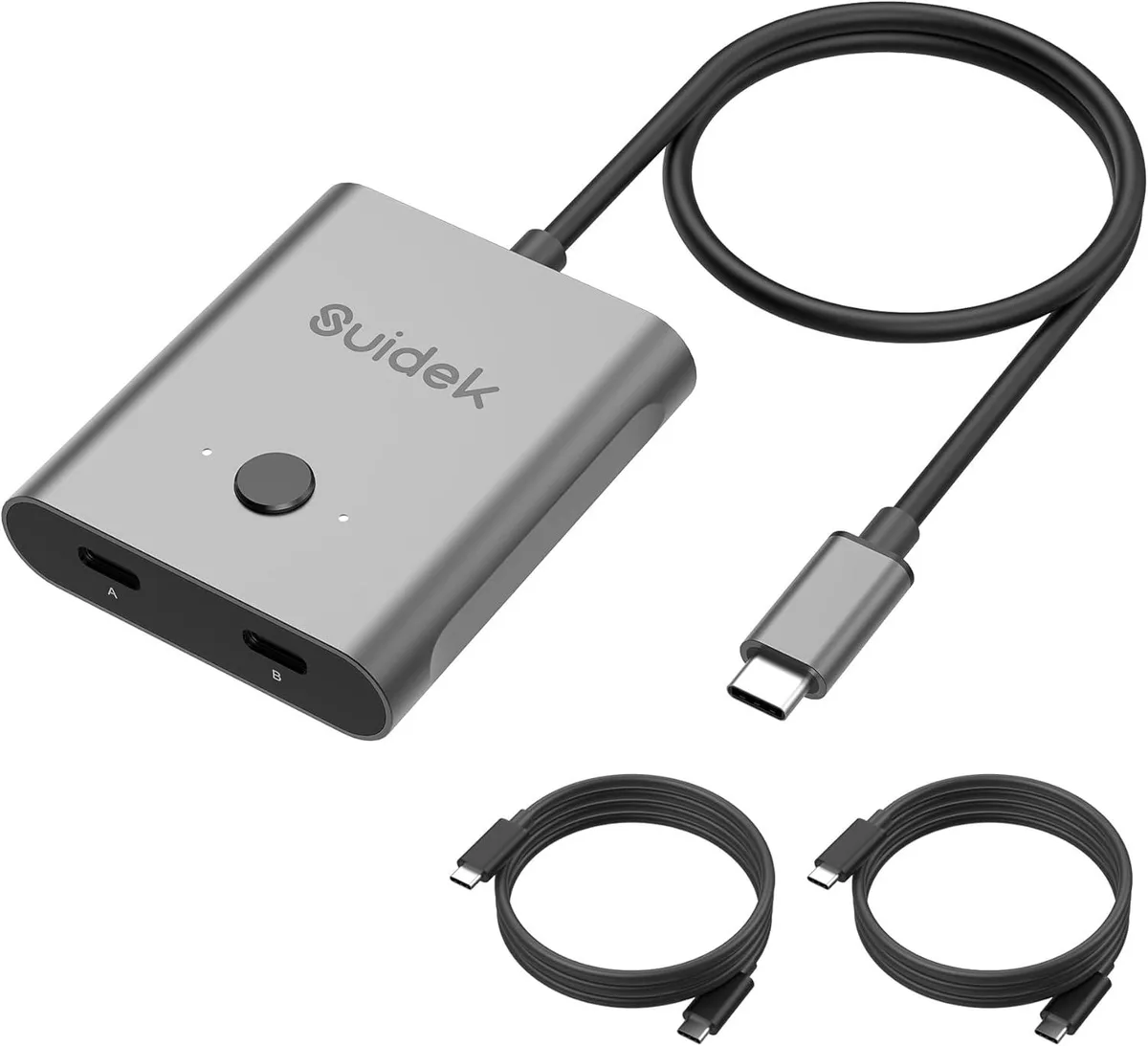


Explus-C
Explus-C USB-C KVM Switch 8K@60Hz 100W 10Gbps
A bidirectional USB-C KVM switch sharing one monitor between two computers or switching one computer between two monitors, supporting 8K at 60Hz, 4K at 120Hz, 1080p at 165Hz.
- TypeKVM Switch
- Share one monitor between two computers with bidirectional switching
- Charge a laptop at up to 100W while the switch is in use
- Drive an 8K display at 60Hz or 4K at 120Hz for sharp visuals
- Move large files at 10Gbps so transfers finish quickly
- Works with Windows, macOS, Linux and Chrome OS without installing drivers
Bidirectional USB-C KVM for Dual-PC Workflows
This portable KVM switch lets two computers share one USB-C monitor or lets one computer alternate between two displays. It handles 8K resolution at 60 Hz, 4K at 120 Hz, and 1080p at 165 Hz for sharp video. No drivers are required and it works with Windows, macOS, Linux and Chrome OS. The included USB-C cable makes setup immediate.
Sustained 10 Gbps Data and 100 W Power Delivery
The switch maintains up to 10 Gbps throughput during long file transfers without throttling. PD 100 W charging stays stable while video and data run simultaneously. Only one monitor is active at a time, so the full bandwidth remains dedicated to the selected display. Thermal performance stays consistent in typical desktop use.
Plug-and-Play Install with One Cable Per Device
Connect each computer and the monitor with their own USB-C cables, then press the button to switch sources. The most common issue is attempting to run both monitors at once, which the hardware does not support. Ensure every cable is rated for the required video resolution and power profile. Some laptops may need their USB-C port set to video-out mode in system settings.
Highlights
- Share one monitor between two computers with bidirectional switching
- Charge a laptop at up to 100W while the switch is in use
- Drive an 8K display at 60Hz or 4K at 120Hz for sharp visuals
- Move large files at 10Gbps so transfers finish quickly
- Works with Windows, macOS, Linux and Chrome OS without installing drivers
Specifications
| Type | KVM Switch |
|---|
Questions about this item
Does the Explus-C USB-C KVM Switch get hot or noisy when passing 100W charging and 10Gbps data all day?
The unit has no fan and no moving parts; it is a passive solid-state switch, so it runs silently and stays at room temperature during continuous 100W charging and 10Gbps transfers.
What cables or ports must my two laptops and monitor already have to use the bidirectional 1-in-2-out mode?
Each computer and the display need a USB-C port that carries DisplayPort Alt Mode video and USB data; the included USB-C cable connects one host, and you supply a second matching cable for the other host.
Will an older 1080P@165Hz gaming monitor work properly when switched through this KVM alongside a newer 8K@60Hz screen?
Yes — the switch supports 1080P@165Hz, 4K@120Hz and 8K@60Hz simultaneously, so the older monitor will run at its native 165Hz refresh rate when selected.
Also in this aisle
People compared these
Same shelf, same checkout — eight coins and a 30-minute rate lock.


Black Box Corporation
Black Box Corporation 4K60 HDMI Dual-Head KVM Switch 4 Port
$774.99
0.00896025BTC
In stock