


ESTONE
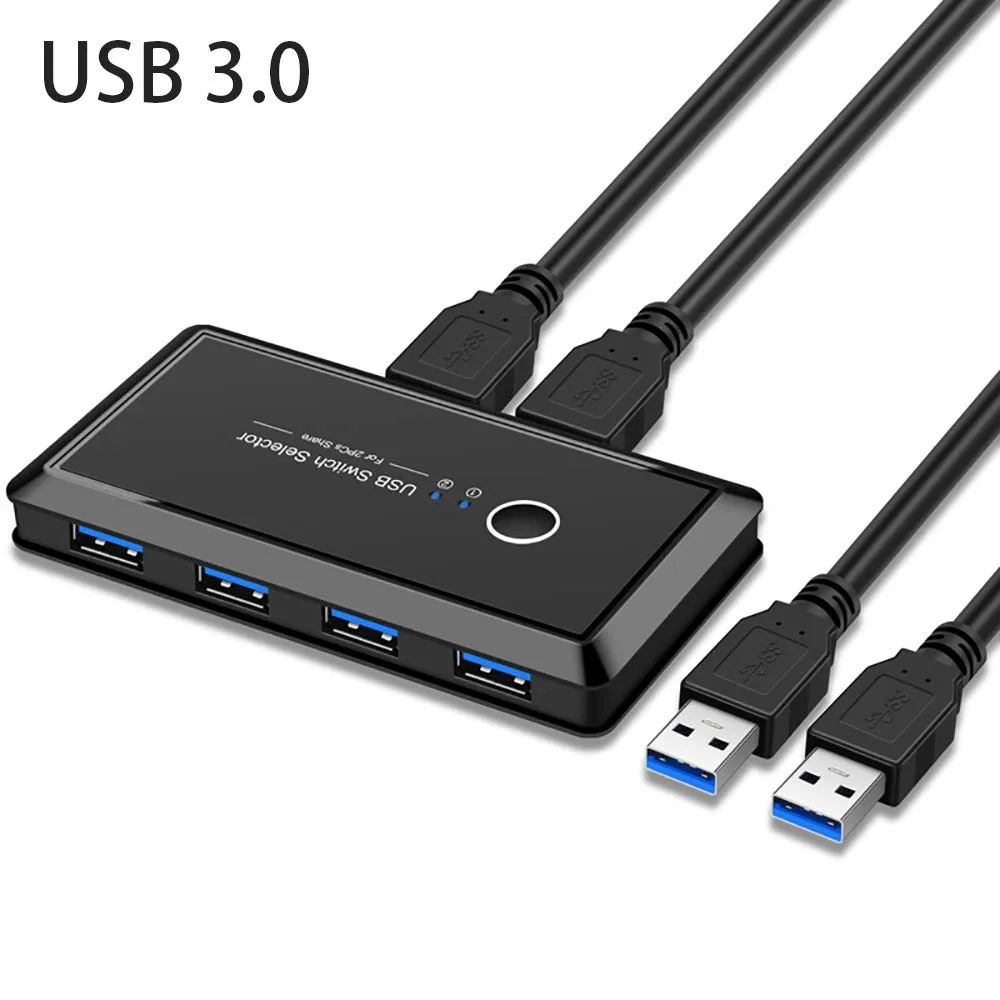
ESTONE USB 3.0 KVM Switch 4 Port 2 Computers
Share four USB 3.0 peripherals between two computers via a single button, supporting printers, scanners, mice and keyboards without driver installation
- Computer Connections4 Ports
- Share 4 USB 3.0 devices between two computers with one-button switching
- Plug-and-play operation on Windows, Mac, Linux and Chrome OS with no driver installation
- LED indicators show the active computer at a glance
- Optional micro-USB power port improves stability for high-draw peripherals
- Bus-powered design eliminates the need for an external power supply
Share Four USB 3.0 Devices Between Two Computers
This USB 3.0 KVM switch lets two PCs or Macs share up to four USB 3.0 peripherals such as a printer, scanner, mouse, keyboard or flash drive. A single front button toggles control instantly with LED indication. The unit is bus powered and requires no driver installation on Windows 10, 8.1, 7, Vista, XP, Mac OS X, Linux or Chrome OS.
Replaces Manual Cable Swapping and Network Shares
The switch eliminates the need to unplug cables or configure software sharing when moving a printer, scanner or storage device between two workstations. It is worth the upgrade when two users regularly access the same four USB 3.0 devices and want a one‑press changeover. Buyers who need to share more than four peripherals or connect more than two computers will need a different solution.
Handles Four USB 3.0 Ports
Four downstream USB 3.0 ports provide bandwidth for typical peripherals including external hard drives and SSDs. A micro‑USB female port accepts a standard 5 V adapter (not included) to stabilise power for higher‑draw devices. Without the optional adapter the switch relies on bus power alone, which may limit operation with multiple power‑hungry drives.
Highlights
- Share 4 USB 3.0 devices between two computers with one-button switching
- Plug-and-play operation on Windows, Mac, Linux and Chrome OS with no driver installation
- LED indicators show the active computer at a glance
- Optional micro-USB power port improves stability for high-draw peripherals
- Bus-powered design eliminates the need for an external power supply
Specifications
| Computer Connections | 4 Ports |
|---|
Questions about this item
What type of USB ports does the ESTONE KVM switch provide for connecting peripherals?
The switch provides four USB 3.0 ports for connecting devices such as printers, scanners, keyboards, mice, card readers, flash drives, and external hard drives.
How do you switch control between the two connected computers?
Press the single button on the switch to swap control; the LED indicator lights show which computer is currently active.
When is the optional micro USB power port needed?
Connect a standard 5 V adapter to the micro USB female port when using high-power peripherals such as external hard drives, SSDs, or digital video cameras to ensure stable operation.
Also in this aisle
People compared these
Same shelf, same checkout — eight coins and a 30-minute rate lock.


Black Box Corporation
Black Box Corporation 4K60 HDMI Dual-Head KVM Switch 4 Port
$774.99
0.00894371BTC
In stock