
EPOS
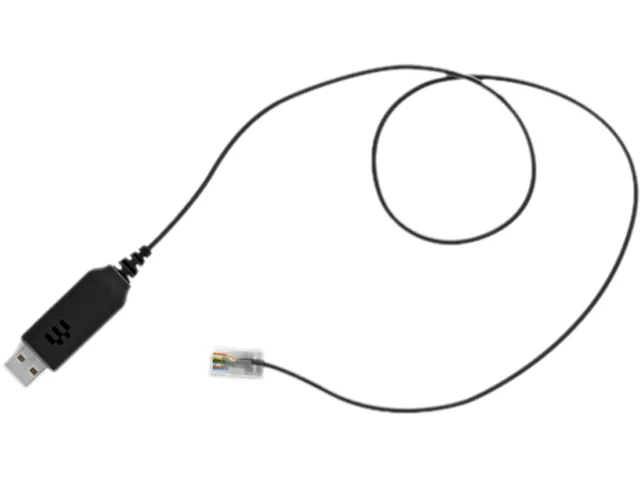
EPOS CEHS-CI 02 Electronic Hook Switch Cable 1000747
Electronic hook-switch cable links compatible EHS phones with USB support to wireless IMPACT SDW 5000, DW, SD and D 10 headsets for remote call control
- Enables remote call control with compatible Cisco IP phones
- Works with wireless IMPACT SDW 5000 series headsets
- Supports DW series wireless headsets for desk phone integration
- Compatible with SD series headsets for electronic hook switch
- Connects D 10 headset series to EHS-enabled phones
EPOS CEHS-CI 02 Hook Switch Cable
The EPOS CEHS-CI 02 is an Electronic Hook Switch cable designed for desk-phone users who need remote call control. It links compatible EPOS wireless headsets to select Cisco IP phones that support USB-based EHS signalling. Office workers can answer and end calls away from the desk without a mechanical handset lifter. The cable suits professionals using IMPACT SDW 5000, DW, SD or D 10 series headsets.
Thermals Noise Power
As a passive copper cable the CEHS-CI 02 generates no heat and produces no audible noise during operation. It draws negligible power directly from the phone’s USB port, requiring no external supply or battery. The connection adds no measurable load to the headset base station or the telephone system. Daily use remains silent and thermally neutral in any office environment.
Build Connectors Mounting
The cable terminates in a standard USB-A plug for the phone side and a proprietary EHS jack for the headset base. Its moulded strain reliefs resist repeated insertion cycles in hot-desking scenarios. The slender profile routes cleanly through cable-management channels without blocking adjacent ports. No tools or firmware updates are needed; the link is active as soon as both ends are seated.
Highlights
- Enables remote call control with compatible Cisco IP phones
- Works with wireless IMPACT SDW 5000 series headsets
- Supports DW series wireless headsets for desk phone integration
- Compatible with SD series headsets for electronic hook switch
- Connects D 10 headset series to EHS-enabled phones
Specifications
No published specifications for this item yet.
Questions about this item
How do I install the CEHS-CI 02 cable with my SDW 5000 headset base station?
Connect one end of the cable to the EHS port on the base station and the other end to the Cisco phone's USB port; the step often missed is ensuring the phone's firmware supports EHS before plugging in.
What maintenance or replacement will the CEHS-CI 02 cable need over time?
The cable has no moving parts or consumables; replacement is only needed if the connectors or wiring suffer physical damage from repeated unplugging or strain.
What is the first limitation I will hit when using the CEHS-CI 02 cable continuously on calls?
The cable is a passive link, so sustained use is limited only by the headset battery life and the phone's USB power delivery, not by the cable itself.
Also in this aisle
People compared these
Same shelf, same checkout — eight coins and a 30-minute rate lock.




KEHIPI
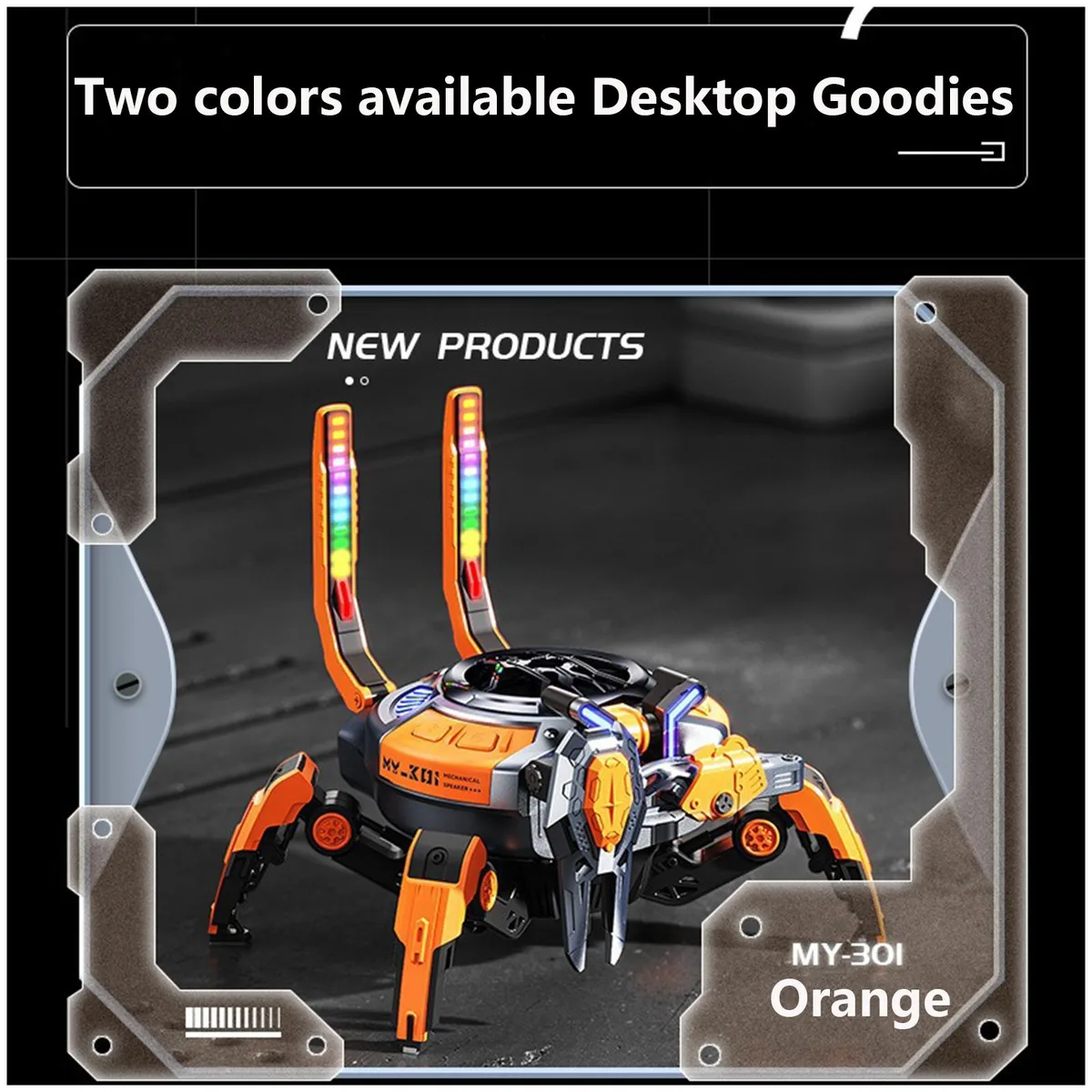
KEHIPI Bluetooth Subwoofer Speaker RGB 2.6x2.4x3.35in 1.3m cable
- Wired
$15.99
0.00018435BTC
In stock