

Enfain
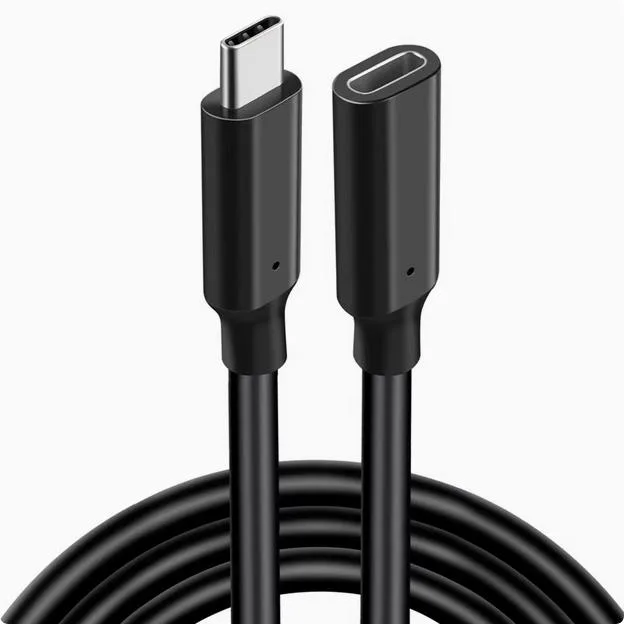
Enfain USB 3.2 Type-C extension cable Black 0.5m
A 0.5 m USB 3.2 Type-C extension cable for data, 4K video and dock or hard-drive connections
- ColorBlack
Style Male to Male
- Male to Male
- Male to Female
- USB 3.2 speed moves large files quickly
- 4K projection support drives external displays
- 5 m length keeps desk setups tidy
- Male-to-male design extends existing USB-C cables
Enfain USB 3.2 Type-C extension cable
This Enfain cable extends a USB 3.2 Type-C connection by 0.5 metres. The male-to-male design links a host device to a dock, hard drive or 4K display. Black sheathing matches typical workstation aesthetics. It is built for straightforward data and video signal passthrough.
Suits users adding reach to existing Type-C links
The half-metre length limits placement flexibility for distant peripherals. Buyers who need longer cable runs should look elsewhere. The specification lists USB 3.2 only, so users requiring alternate protocol support should consider other options.
Highlights
- USB 3.2 speed moves large files quickly
- 4K projection support drives external displays
- 5 m length keeps desk setups tidy
- Male-to-male design extends existing USB-C cables
Specifications
| Color | Black |
|---|
Other versions of this model
5 more in the same range
Same family, different memory, cooler or clock — compare before you commit.


Enfain
Enfain USB 3.2 Type-C extension cable Silver .5m Male to Female
- Silver
$15.99
0.00019011BTC
In stock
Enfain
Enfain USB 3.2 Type-C extension cable Silver 1m Male to Female
- Silver
$18.99
0.00022578BTC
In stock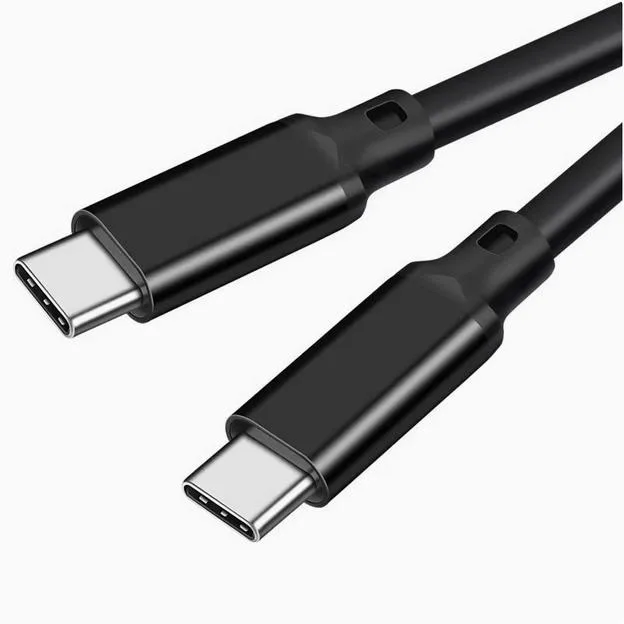

Questions about this item
Does the male USB-C connector on this 0.5 m cable fit a standard USB-C port on my laptop or dock?
Yes, the male plug follows the USB-C form factor and inserts into any standard USB-C receptacle.
What is the correct way to connect this extension so the host still negotiates USB 3.2 speeds?
Plug the male end into the host or dock first, then attach your device cable to the female end; reversing the order can fall back to slower speeds.
Also in this aisle
People compared these
Same shelf, same checkout — eight coins and a 30-minute rate lock.



CHIEF MANUFACTURING
CHIEF MANUFACTURING CMS018 18" 457 mm Fixed Extension Column projector accessory
- Extension Column
- Projector
$22.99$22.99
0.00027334BTC
In stock