


EN-Labs
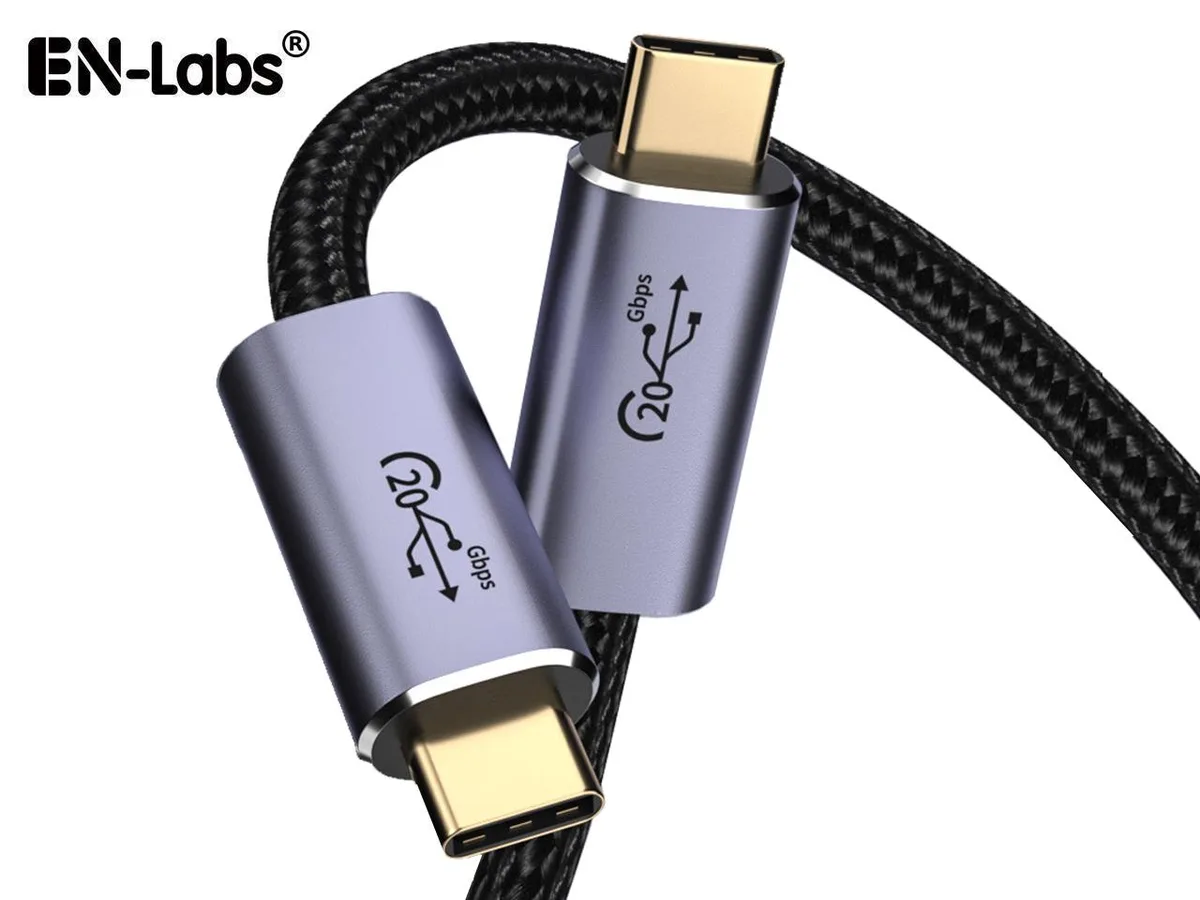
EN-Labs USB C to USB C 3.2 Cable 20Gbps PD100W 8K@60Hz E-Marker 6.6FT
USB 3.2 Gen 2x2 cable delivers 20Gbps data transfer, 100W charging and 8K@60Hz video over 6.6FT
- Connector TypeUSB C to USB C
- ColorBlack
Cable Length 6.6 Feet
- 3.3 Feet
- 6.6 Feet
- 20 Gbps transfer speed for rapid file moves
- 100 W power delivery charges laptops quickly
- 8K at 60 Hz video output to external displays
- E-Marker chip enables safe high-power negotiation
- 6 ft length gives flexible desk placement
USB-C 20 Gbps Cable with 100 W Power
This USB-C to USB-C cable delivers up to 20 Gbps data throughput, 100 W Power Delivery charging and 8K@60 Hz video output. An integrated E-Marker chip enables the full 5 A current rating. The 6.6 ft length suits desktop and dock connections.
Suits high-speed SSDs and 8K monitors.
Creators moving large files between Thunderbolt 3 or 4 drives and laptops will benefit from the 20 Gbps link. Users charging a MacBook Pro or Dell XPS at 100 W get the rated speed. Buyers needing a shorter cable for portable use should look at a different length.
20 Gbps USB 3.2 Gen 2x2 data rate
The decisive specification is the 20 Gbps transfer ceiling provided by USB 3.2 Gen 2x2. Host and device must both support this generation to reach the rated throughput; otherwise the link falls back to a lower speed.
Highlights
- 20 Gbps transfer speed for rapid file moves
- 100 W power delivery charges laptops quickly
- 8K at 60 Hz video output to external displays
- E-Marker chip enables safe high-power negotiation
- 6 ft length gives flexible desk placement
Specifications
| Connector Type | USB C to USB C |
|---|---|
| Color | Black |
Other versions of this model
3 more in the same range
Same family, different memory, cooler or clock — compare before you commit.

EN-Labs
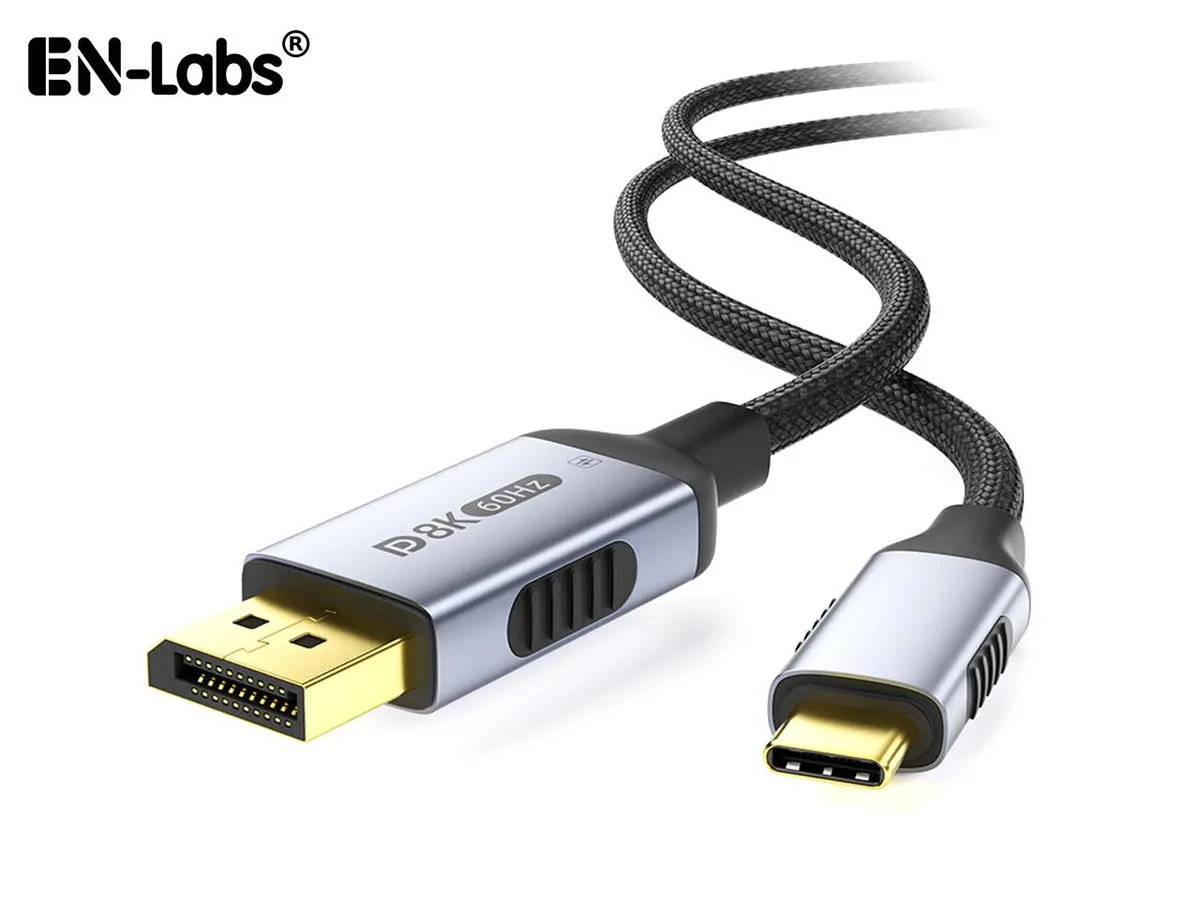
EN-Labs Bidirectional USB-C to DisplayPort 1.4 Cable 8K@60Hz 4K@240Hz Thunderbolt 3.3ft
- Black
$13.99
0.00016668BTC
In stock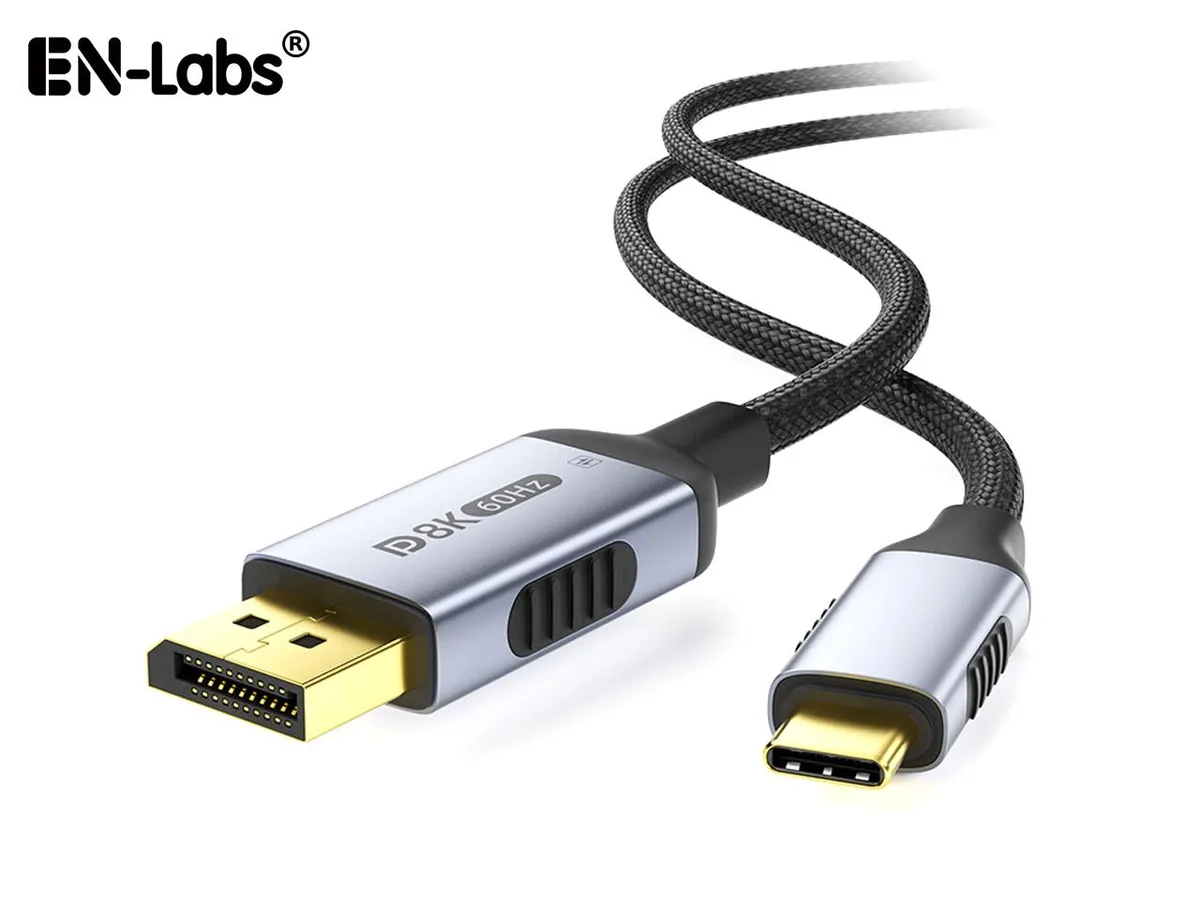
EN-Labs
EN-Labs USB-C to DisplayPort 1.4 Cable Bidirectional 8K 60Hz 4K 240Hz Thunderbolt 6.6 ft
- Black
$14.99
0.0001786BTC
In stockQuestions about this item
How do I install this 6.6FT USB C cable and what step is often missed?
Plug each USB C male connector firmly into the host and peripheral ports; the step users miss is confirming both devices support USB 3.2 Gen 2x2 and DP Alt Mode, otherwise 20Gbps data or 8K@60Hz video will not activate.
What maintenance or replacement will this cable need later?
No scheduled maintenance is required; replace the cable only if the connectors become loose, the jacket shows cuts, or the built-in E-Marker chip fails to negotiate 100W power or 20Gbps speeds.
What limit appears first during sustained heavy use of this cable?
The 100W power ceiling and 20Gbps data ceiling are fixed by the USB 3.2 Gen 2x2 specification and the E-Marker; sustained loads cannot exceed these ratings.
Also in this aisle
People compared these
Same shelf, same checkout — eight coins and a 30-minute rate lock.



CHIEF MANUFACTURING
CHIEF MANUFACTURING CMS018 18" 457 mm Fixed Extension Column projector accessory
- Extension Column
- Projector
$22.99$22.99
0.00027392BTC
In stock