

Edifier
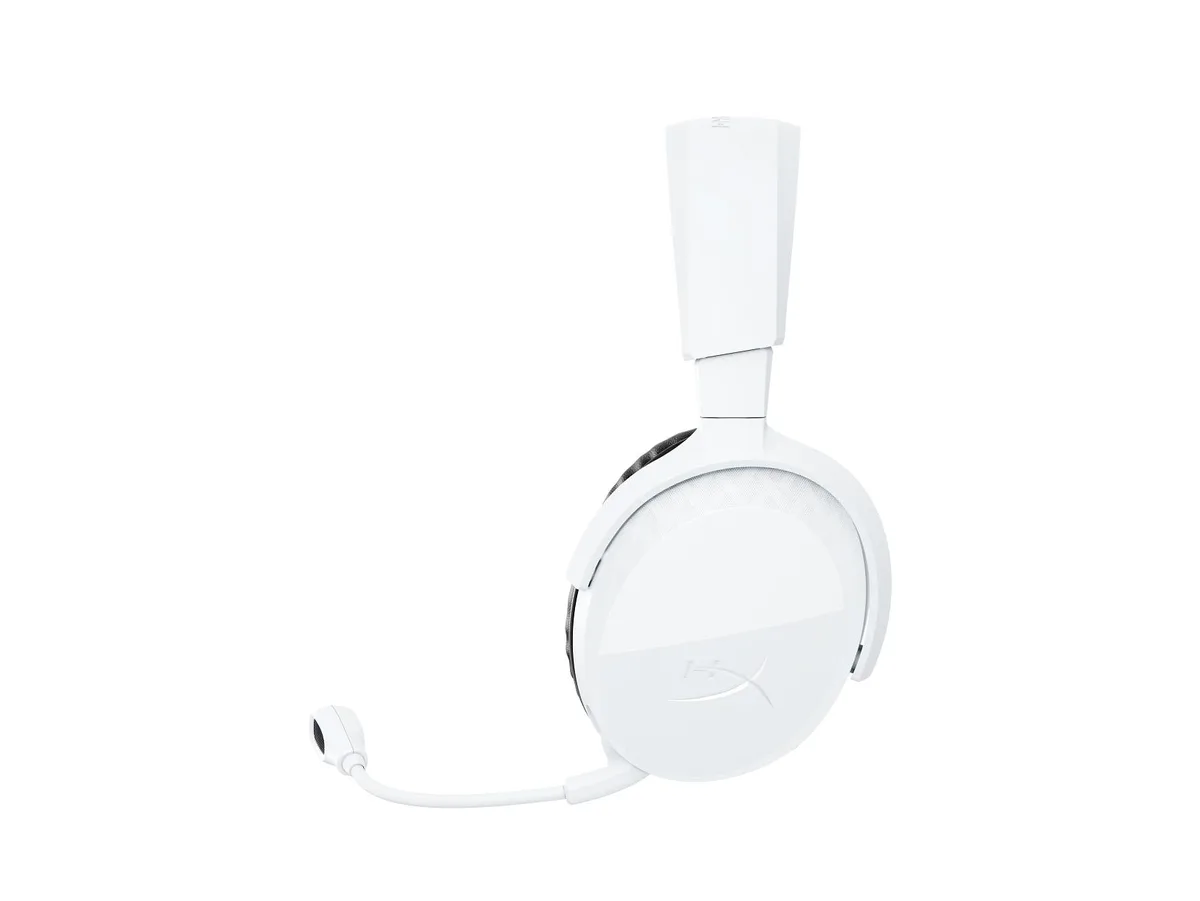
Edifier G30S gaming headset Bluetooth 5.3 Red
Wireless headset with 40 mm drivers, 2.4 GHz and Bluetooth 5.3 links, and a dual noise-cancelling microphone for PC and consoles
- ColorRed
- Ultra-low 15 ms latency on 2.4 GHz for responsive gameplay
- Bluetooth 5.3 chip delivers stable wireless audio across devices
- 40 mm driver unit produces immersive game sound
- Dual noise-cancelling microphone captures clear voice chat
- 10 metre wireless radius gives freedom of movement
What the G30S headset is for
The Edifier G30S is a wireless gaming headset built for PC, Mac, PS4, PS5 and Switch players who want cable-free audio. It uses 2.4 GHz and Bluetooth 5.3 dual-mode transmission to cover both high-speed gaming and everyday media use. The 40 mm driver unit delivers game sound effects tuned for competitive play. It is not for buyers who need a wired-only connection or active noise cancellation on the earcups.
Thermals noise and power in normal use
The headset runs on an internal battery that supports up to 30 hours of playback on a single charge. Passive ear-cup isolation reduces background sound without active circuitry that would drain power faster. The dual noise-cancelling microphone filters voice pickup while keeping the headset lightweight during long sessions. No fan or active cooling is present, so thermal output is negligible.
What the bundled accessories change
A 2.4 GHz USB dongle provides the 15 ms ultra-low latency link for PC, PS4 and PS5 within a 10 metre radius. A USB charging cable replenishes the battery in roughly 2.5 hours. The detachable boom microphone can be removed for portable Bluetooth 5.3 use with phones or tablets. RGB lighting on the earcups adds visual flair without affecting audio performance or battery life significantly.
Highlights
- Ultra-low 15 ms latency on 2.4 GHz for responsive gameplay
- Bluetooth 5.3 chip delivers stable wireless audio across devices
- 40 mm driver unit produces immersive game sound
- Dual noise-cancelling microphone captures clear voice chat
- 10 metre wireless radius gives freedom of movement
Specifications
| Color | Red |
|---|
Questions about this item
How do I set up the 2.4 GHz dongle on a PC or PlayStation, and what step is often missed?
Plug the 2.4 GHz dongle into a USB port, power on the headset and slide the mode switch to the 2.4 GHz position; the step users miss is selecting the headset as the default audio device in the system sound settings.
Which parts will need replacement after extended use?
The ear cushions and the detachable boom microphone are the components most likely to wear out and require replacement over time.
At what point does latency become noticeable during long gaming sessions?
The 2.4 GHz link delivers roughly 15 ms latency within a 10 metre range; Bluetooth 5.3 adds higher latency, so competitive play should stay on the 2.4 GHz connection.
Also in this aisle
People compared these
Same shelf, same checkout — eight coins and a 30-minute rate lock.




GAMEPOWER
GAMEPOWER Mihawk USB Gaming Headset 7.1 Virtual Surround 16-Pack
$86.99
0.00100622BTC
In stock