

Elo Touch Solutions
Elo Touch Solutions 1991L 19" Open-Frame Touchscreen Monitor
- 19"
$615.99$650.99−5%
0.00734213BTC
In stockWe take cryptocurrency — so the coins you hold can buy real hardware.Pay in crypto, spend it on real hardware. Free insured shipping worldwide over $399. Plain, unbranded boxes, sent from Germany.Free insured shipping over $399. Your rate is locked for 30 minutes once checkout opens.Rate locked 30 minutes. Every item sealed, serial-checked and covered by a 24-month warranty.Sealed, 24-month warranty.


E-buy
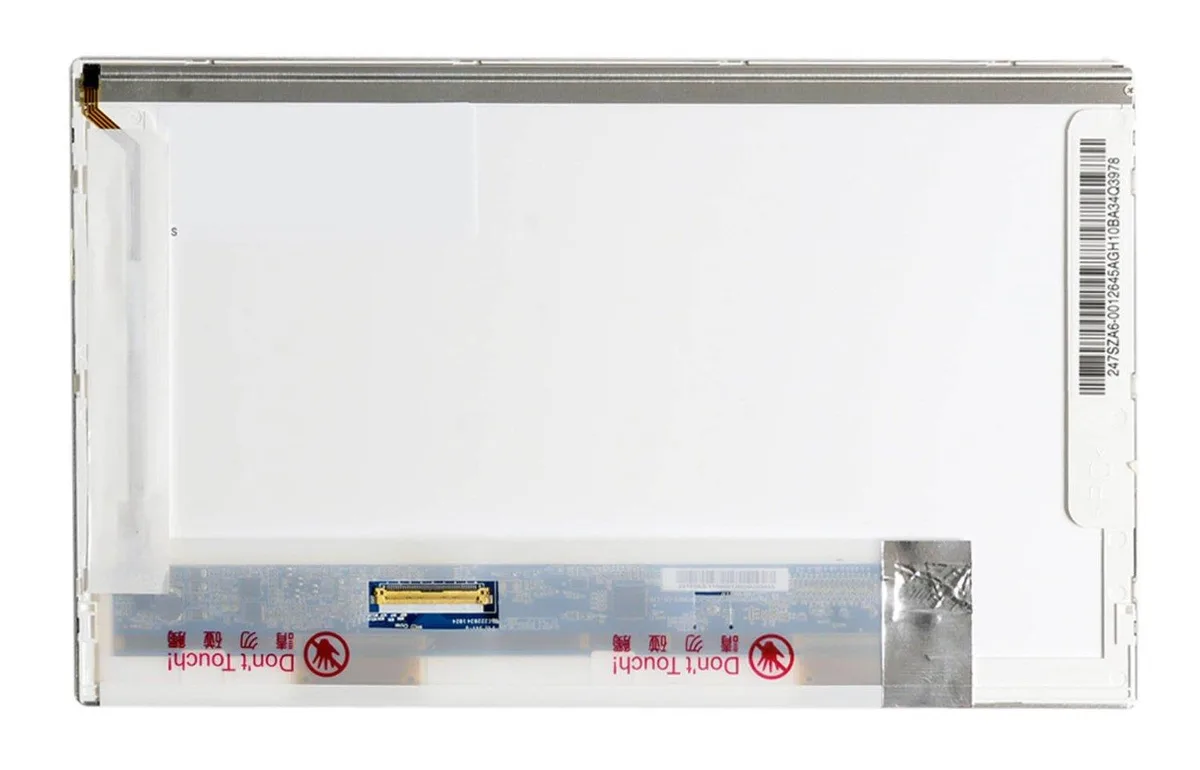
10.1-inch WSVGA glossy laptop LCD panel for left-side mounting
This brand-new 10.1 inch WSVGA gloss display panel is built as a direct replacement for compatible laptop screens. It matches the LP101WS1(TL)(A3) specification and arrives safely packaged for immediate installation. The unit is supplied new with a 12 month warranty.
This panel replaces a damaged, cracked or failing original screen when the video connector is positioned on the left side viewed from the rear. The jump is worth it when the existing panel shows dead pixels, backlight bleed or physical damage and the replacement matches the WSVGA resolution and glossy finish of the original.
| Model | Laptop screen |
|---|---|
| Features | 10.1" |
The panel is built with the video connector on the left edge, so the ribbon cable must route from that side to the motherboard socket.
After seating the connector, the retaining latch must be flipped down; skipping it leaves the ribbon loose and causes flicker or no image.
Also in this aisle
Same shelf, same checkout — eight coins and a 30-minute rate lock.
What you pay in, and what you read prices in.
Sent from your wallet at checkout
Display only — the catalogue is priced in USD
No currency matches that.
Pick the language the site speaks to you in.
No language matches that.
New here?
Already have one?
There is no automatic reset: this shop sends no mail, so there is no one-time link to ask for. Leave the address on the account and it gets picked up by hand.
Request noted
Nothing is on its way to your inbox — this shop sends no mail at all. Someone picks these up by hand.
Remembered it?



