


DOCTOR METAL
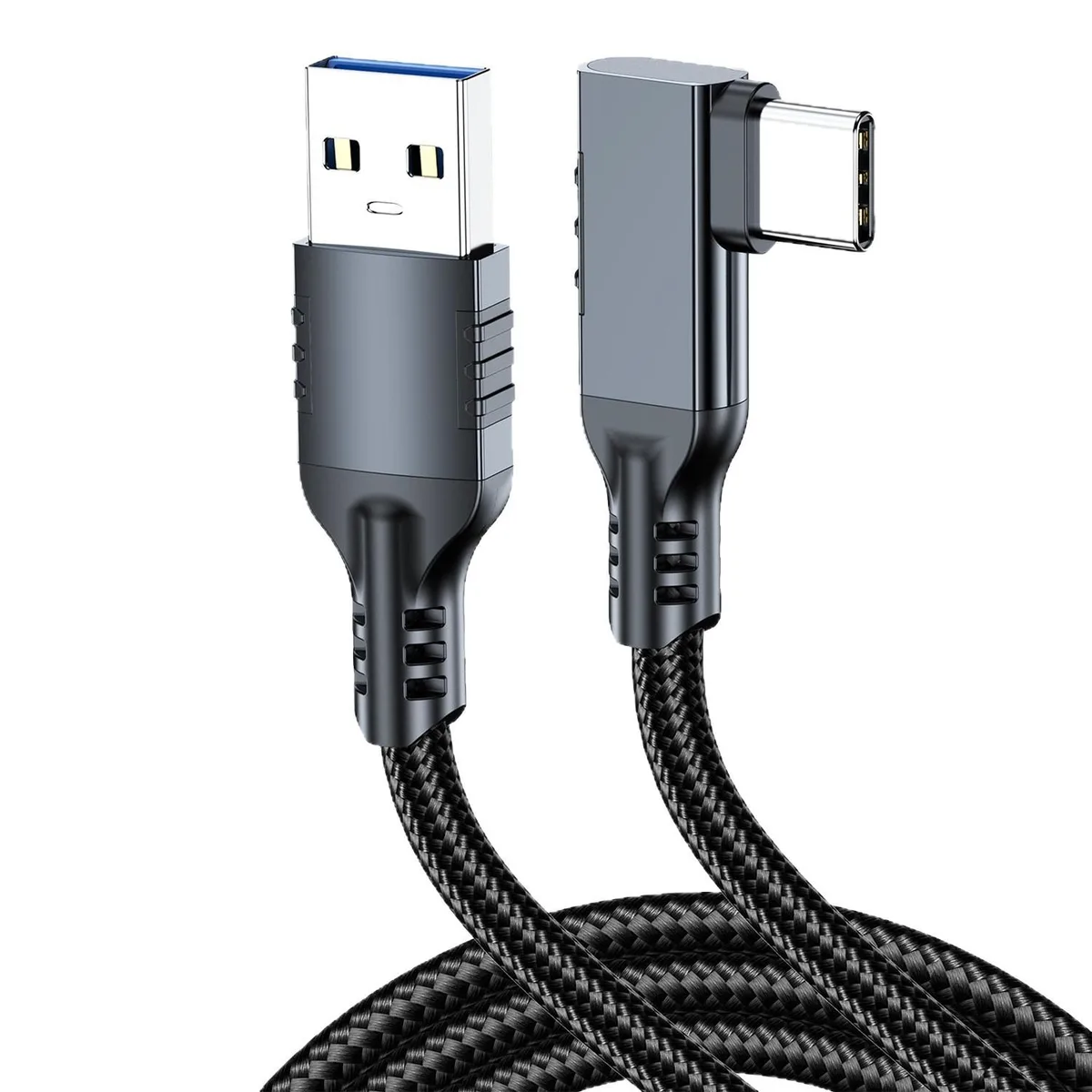
DOCTOR METAL USB 3.2 to USB-C Elbow Cable 1.5m 10G
A 1.5 m USB 3.2 elbow cable delivering 10 Gbps data transfer with an angled USB-C connector for tight spaces
- Connector TypeLighting Connector to USB A
- 10 Gbps bandwidth for fast data transfers
- 5 m length gives flexible device placement
- USB 3.2 elbow connector reduces port strain
- Sturdy build resists damage from repeated use
- Stable signal with anti-interference for reliable streaming
1.5 m USB 3.2 Elbow Cable
The DOCTOR METAL USB 3.2 to USB-C elbow cable measures 1.5 metres and supports 10 Gbit/s data transfer. It features a right-angle USB-C connector designed to reduce strain on ports during use. The cable links USB-A hosts to USB-C devices for charging and high-speed data.
Suited for tethered VR and fixed setups
Gamers and streamers who need a stable, high-bandwidth link for VR headsets or cameras will benefit from the elbow design that keeps the connector clear of movement. Users requiring a straight connector, a longer reach, or Thunderbolt-certified performance should consider other options.
10 Gbit/s USB 3.2 bandwidth
The single specification that decides fit is the 10 Gbit/s USB 3.2 rating. It delivers full Gen 2×1 speed for compatible hosts and devices. If your workflow demands Thunderbolt or higher throughput, this cable will not meet that requirement.
Highlights
- 10 Gbps bandwidth for fast data transfers
- 5 m length gives flexible device placement
- USB 3.2 elbow connector reduces port strain
- Sturdy build resists damage from repeated use
- Stable signal with anti-interference for reliable streaming
Specifications
| Connector Type | Lighting Connector to USB A |
|---|
Other versions of this model
4 more in the same range
Same family, different memory, cooler or clock — compare before you commit.


DOCTOR METAL
DOCTOR METAL USB 3.2 to USB Type-C Cable 10G 2m
- Lighting Connector…
$9.99
0.00011979BTC
In stock

Questions about this item
Does the USB 3.2 interface sustain the 10 Gbit/s rate in practice?
The cable is rated for USB 3.2 speeds up to 10 Gbit/s, so it will carry that throughput when both host and device support the same standard.
What physical clearance does the elbow connector need?
The angled USB-C plug extends roughly 1.5 cm beyond the port, so allow that much space behind the device for a clean fit.
How do I install the cable, and what step is often missed?
Insert the USB-A end into the host, then the angled USB-C end into the device; the step people skip is seating the elbow plug fully until it clicks, otherwise the 10 Gbit/s link may not negotiate.
Also in this aisle
People compared these
Same shelf, same checkout — eight coins and a 30-minute rate lock.



CHIEF MANUFACTURING
CHIEF MANUFACTURING CMS018 18" 457 mm Fixed Extension Column projector accessory
- Extension Column
- Projector
$22.99$22.99
0.00027567BTC
In stock