AGM Global Vision
AGM Global Vision Fuzion TM25-384 Fusion Thermal Monocular
- Monoculars
$1,130.99
0.01312723BTC
In stockWe take cryptocurrency — so the coins you hold can buy real hardware.Pay in crypto, spend it on real hardware. Free insured shipping worldwide over $399. Plain, unbranded boxes, sent from Germany.Free insured shipping over $399. Your rate is locked for 30 minutes once checkout opens.Rate locked 30 minutes. Every item sealed, serial-checked and covered by a 24-month warranty.Sealed, 24-month warranty.
DJI
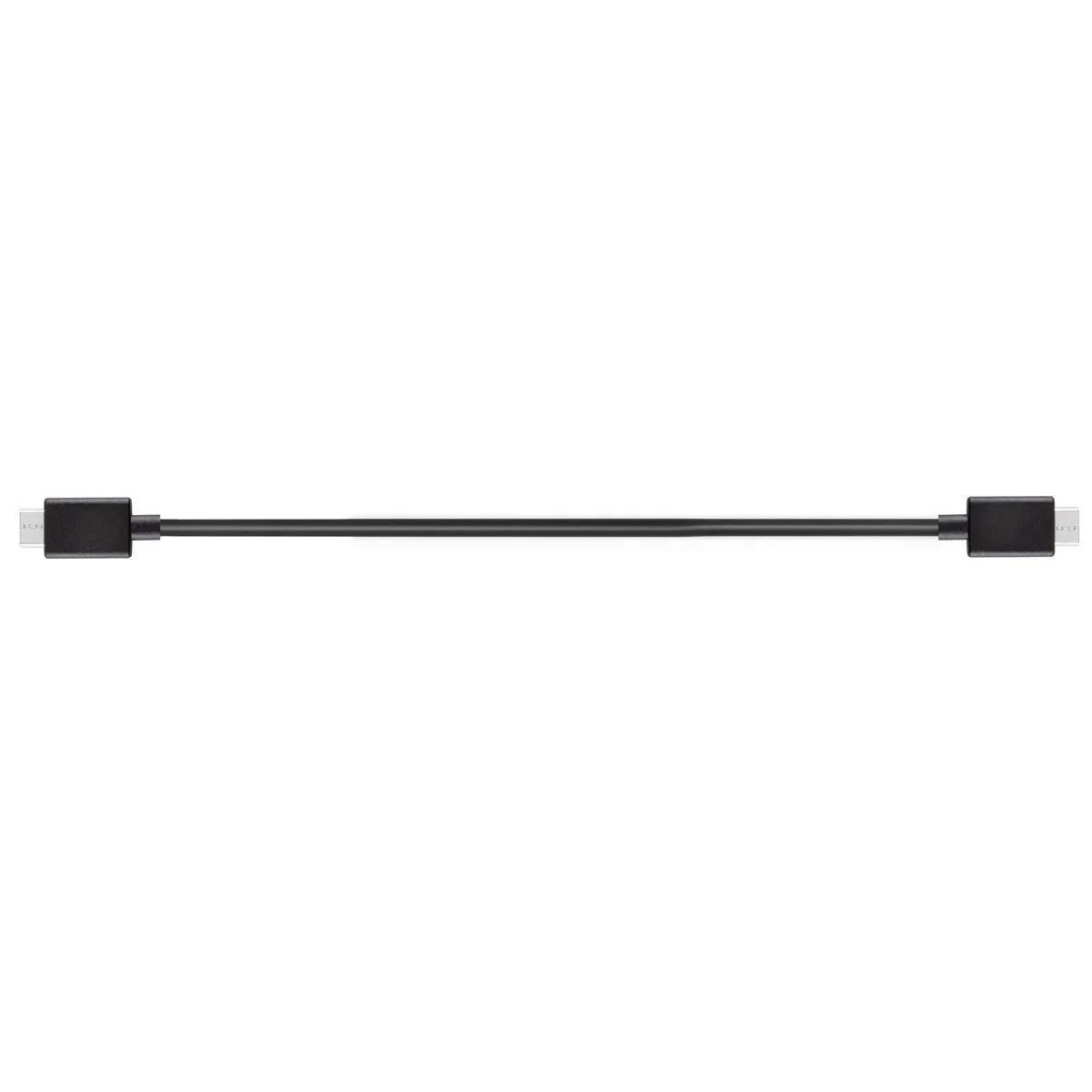
Connects DJI RS 2 or RSC 2 stabilisers to Mini-HDMI devices with a 20 cm cable for tidy, reliable video transmission
This 20 cm cable connects DJI RS 2 and RSC 2 stabilizers to monitors or recorders with Mini-HDMI ports. It also supports the Ronin RavenEye Image Transmission System for wireless workflows. The short length keeps rigs tidy during handheld or gimbal-mounted shoots.
Both ends use Mini-HDMI connectors, so installation only requires seating each plug firmly into the stabilizer and the external device. The main issue is accidental disconnection if the cable is pulled during movement; securing it with a strap or tape prevents signal loss.
The fixed 7.87 inch reach means the monitor or recorder must sit very close to the stabilizer body. Buyers who need more distance between the gimbal and their display should look for a longer cable.
No published specifications for this item yet.
Connect the cable between the stabiliser and an external monitor, then confirm a stable, high-definition image appears without flicker or signal loss during recording.
The box contains only the 20 cm Mini-HDMI to Mini-HDMI cable; you must supply a compatible DJI stabiliser such as the RS 2 or RSC 2 and a monitor or recorder with a Mini-HDMI input.
The 20 cm (7.87") length is the single option offered and is designed to eliminate excess slack while reaching the stabiliser's Mini-HDMI port.
Also in this aisle
Same shelf, same checkout — eight coins and a 30-minute rate lock.
What you pay in, and what you read prices in.
Sent from your wallet at checkout
Display only — the catalogue is priced in USD
No currency matches that.
Pick the language the site speaks to you in.
No language matches that.
New here?
Already have one?
There is no automatic reset: this shop sends no mail, so there is no one-time link to ask for. Leave the address on the account and it gets picked up by hand.
Request noted
Nothing is on its way to your inbox — this shop sends no mail at all. Someone picks these up by hand.
Remembered it?