
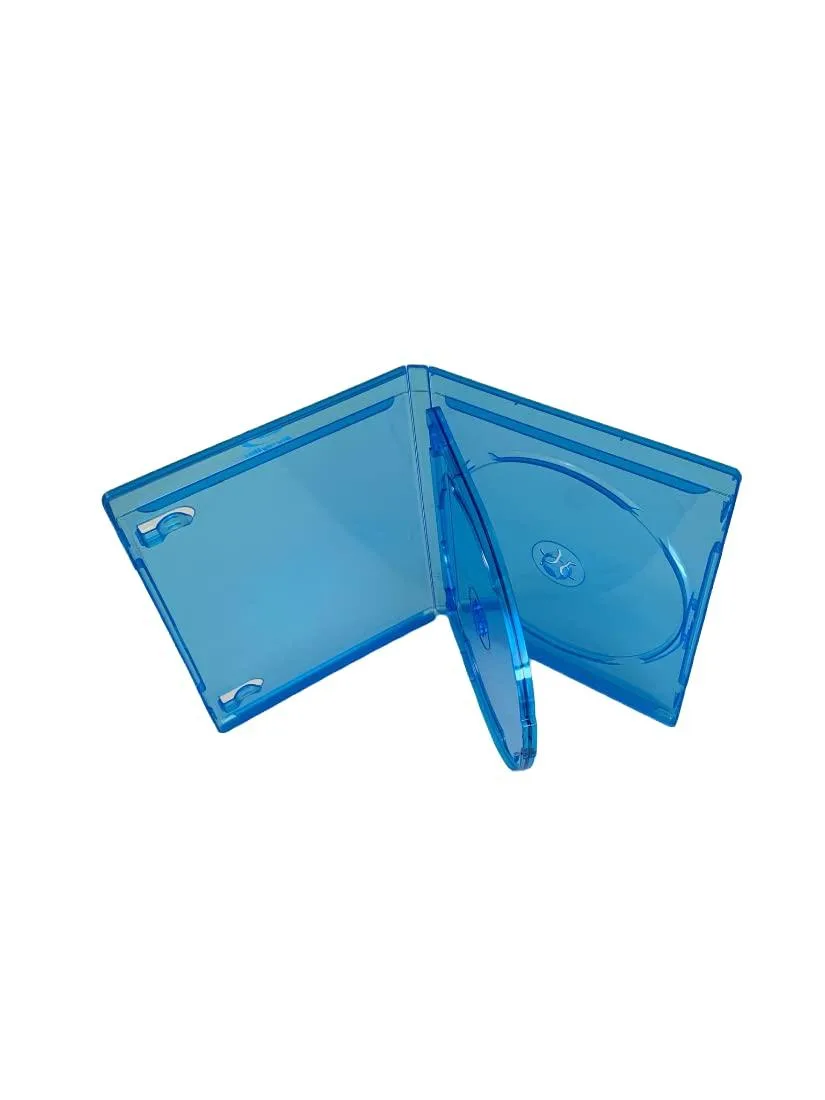
MediaPack4All 12.5mm Blu-Ray Case Multi-Three Storing Capacity
- 2.4892 L x 18.2118…
- 1 Year Warranty
$13.99
0.0001625BTC
In stockWe take cryptocurrency — so the coins you hold can buy real hardware.Pay in crypto, spend it on real hardware. Free insured shipping worldwide over $399. Plain, unbranded boxes, sent from Germany.Free insured shipping over $399. Your rate is locked for 30 minutes once checkout opens.Rate locked 30 minutes. Every item sealed, serial-checked and covered by a 24-month warranty.Sealed, 24-month warranty.
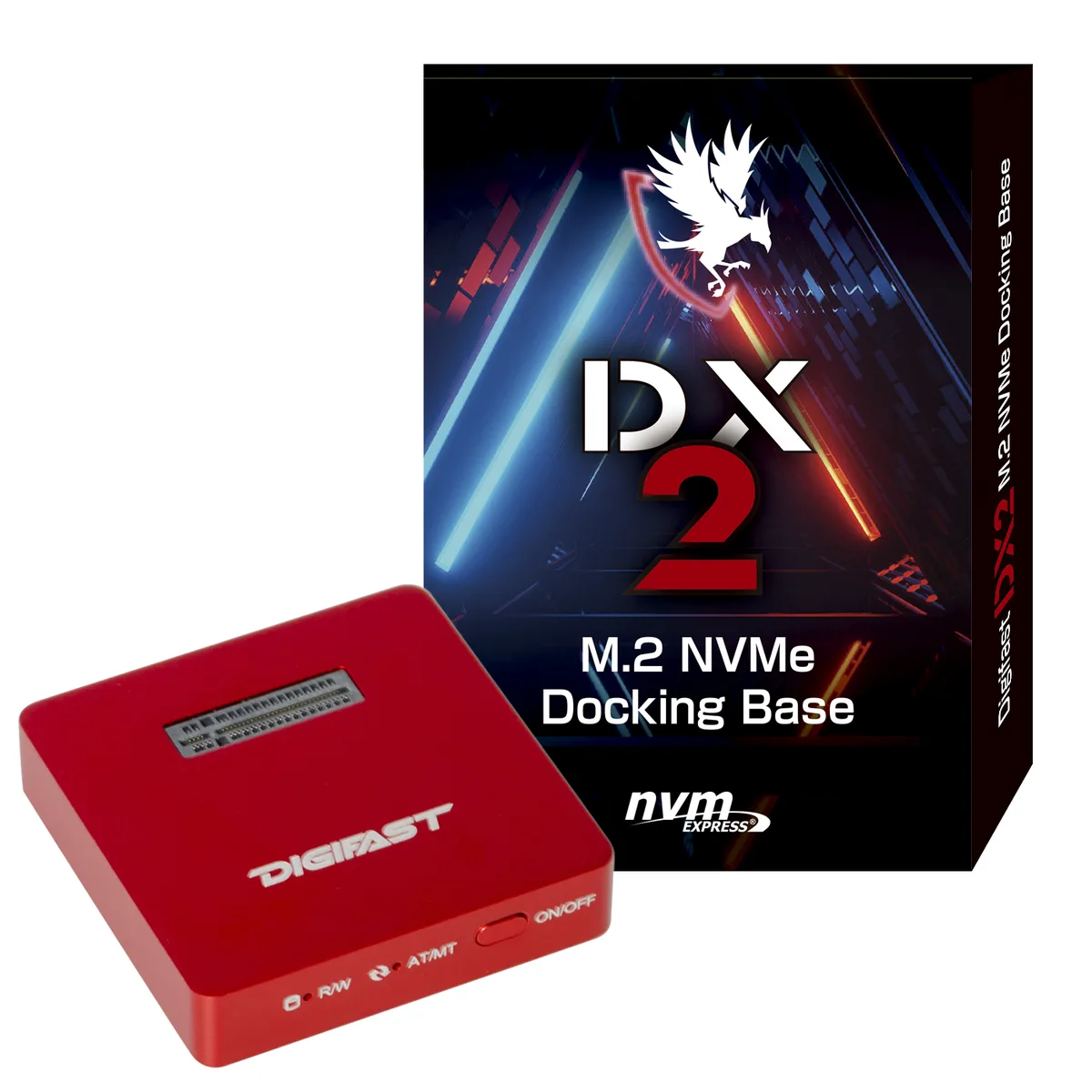


Digifast
Single-bay M.2 NVMe dock with USB 3.2 Gen 2 speeds up to 1000 MB/s, aluminum heatsink, and manual/automatic drive-switching modes
This Digifast dock accepts a single M.2 NVMe M-Key SSD and connects it to a host through a USB 3.2 Gen 2 Type-C link rated at 10 Gbps. The aluminium body acts as a heatsink with included thermal pads, and the short tethered cable keeps the package compact for travel. No drivers are required on supported operating systems. It suits technicians and creators who move data between multiple bare drives without opening a chassis.
The aluminium enclosure draws heat away from the SSD through the supplied thermal pads, keeping temperatures in check during sustained transfers. Because the unit has no fan, it adds no audible noise to the workspace. Power is drawn entirely from the host USB port, so no external adapter is needed and the dock imposes only the drive's own consumption on the bus.
A recessed button toggles between manual mode, indicated by a green LED, and automatic mode, indicated by a blue LED after a two-second press. Manual mode keeps the drive offline until the button is pressed again, while automatic mode brings the drive online as soon as it is inserted. This lets users swap drives safely or keep them ready for immediate access without software utilities.
| Color | Red |
|---|---|
| Size | M.2 |
| Type | Dock |
| Material | Aluminum |
| Internal Interface | M.2 NVME M-Key |
| External Interface | USB 3.2 |
| HDD Count Supported | Single SSD |
| Number of Bay | 1 Bay |
Slide the drive into the M-key slot until it clicks, then press the on/off button for two seconds to switch from the default manual mode to automatic mode — the blue LED confirms it.
The heatsink and pads are passive; just blow out dust occasionally and replace the pads if they harden or lose contact after heavy use.
The 10 Gbps interface caps sequential throughput at 997 MB/s read and 941 MB/s write, so the drive’s own peak speed is never reached.
New to this? Paying with USDT: TRC-20 or ERC-20 — what to check, what it costs to pay, and what is never asked for.
Also in this aisle
Same shelf, same checkout — eight coins and a 30-minute rate lock.
What you pay in, and what you read prices in.
Sent from your wallet at checkout
Display only — the catalogue is priced in USD
No currency matches that.
Pick the language the site speaks to you in.
No language matches that.
New here?
Already have one?
There is no automatic reset: this shop sends no mail, so there is no one-time link to ask for. Leave the address on the account and it gets picked up by hand.
Request noted
Nothing is on its way to your inbox — this shop sends no mail at all. Someone picks these up by hand.
Remembered it?


