


Digifast
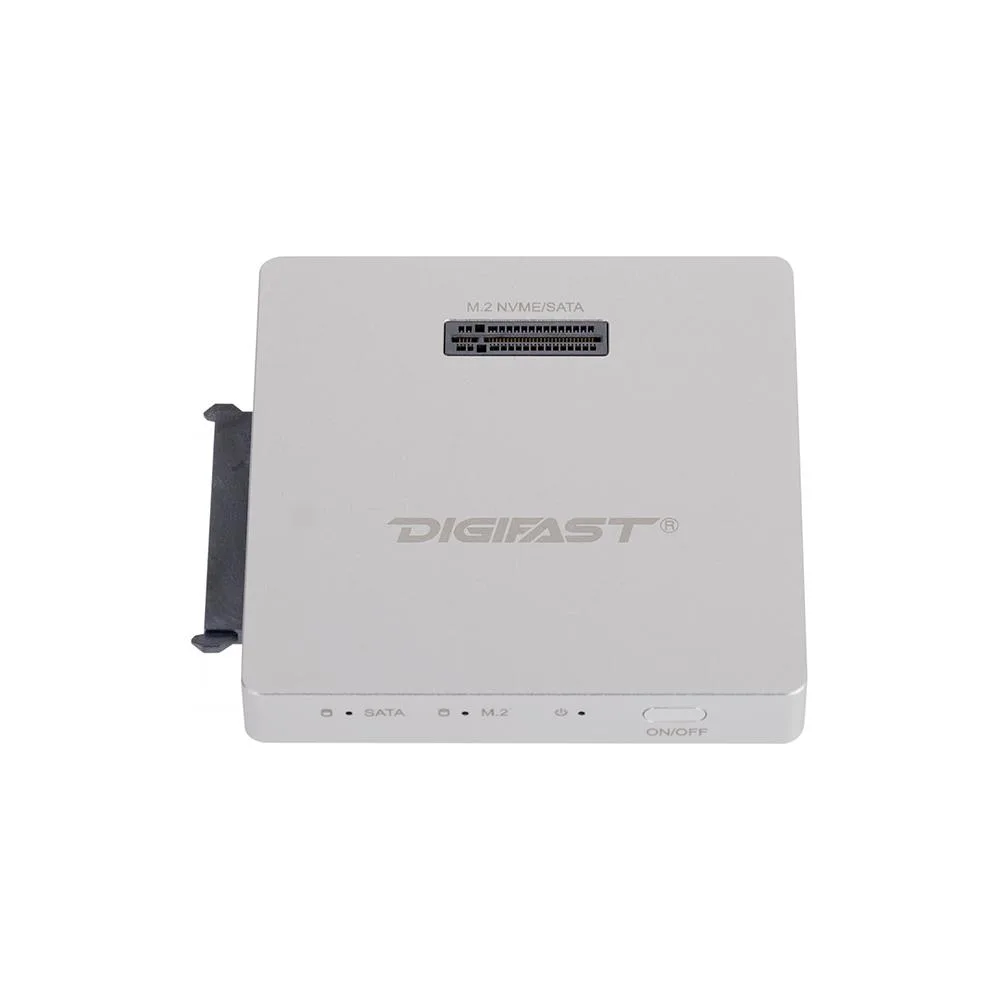
Digifast DX3 M.2 SATA / 2.5" SATA SSD Docking Base Silver
A silver docking base that holds one M.2 SATA and one 2.5" SATA SSD for quick data access
- ColorSilver
- Supports 2.5" SATA SSDs for easy storage expansion
- Accepts M.2 SATA drives to reuse existing modules
- Tool-free design enables quick drive swaps without screws
- Silver aluminium finish resists fingerprints and fits modern builds
- Plug-and-play USB connection requires no driver installation
Universal SATA Docking Station
The Digifast DX3 accepts both M.2 SATA and 2.5 inch SATA solid-state drives in a single silver enclosure. It serves technicians and home users who need quick, tool-free access to bare drives for data recovery, cloning or archiving. The compact design keeps the workspace tidy while the drives are active.
Replaces Separate Drive Adapters
Instead of juggling a dedicated M.2 caddy and a 2.5 inch tray, this one base handles both form factors through the same SATA interface. The jump is worth it when you regularly switch between laptop pulls and desktop drives and want a single powered dock that stays on the desk. No driver installation is required for basic operation.
Fits Into Any USB Host Setup
Connect the dock to a computer via its USB link, insert a SATA drive, and power the unit to begin transfers. It frees up internal drive bays and eliminates the need to open a chassis for temporary storage tasks. The silver finish matches modern peripherals while the vertical slot layout saves horizontal desk space.
Highlights
- Supports 2.5" SATA SSDs for easy storage expansion
- Accepts M.2 SATA drives to reuse existing modules
- Tool-free design enables quick drive swaps without screws
- Silver aluminium finish resists fingerprints and fits modern builds
- Plug-and-play USB connection requires no driver installation
Specifications
| Color | Silver |
|---|
Questions about this item
What size 2.5" SATA drive fits the Digifast DX3 docking base?
The dock accepts any standard 2.5" SATA SSD or hard drive up to 12 mm thick, so most consumer models will slide in without an adapter.
How do I connect the Digifast DX3 to my computer and which step is often missed?
Plug the dock into a USB port on your PC, insert the SATA drive until it clicks, then power the unit on; the step people forget is pressing the power button after the drive is seated.
When will the fan or power adapter on the Digifast DX3 need replacement?
The dock has no built-in fan, so only the external power adapter may wear out over time; keep the original adapter and replace it if the blue LED stops lighting.
New to this? Paying with USDT: TRC-20 or ERC-20 — what to check, what it costs to pay, and what is never asked for.
Also in this aisle
People compared these
Same shelf, same checkout — eight coins and a 30-minute rate lock.


FUJIFILM
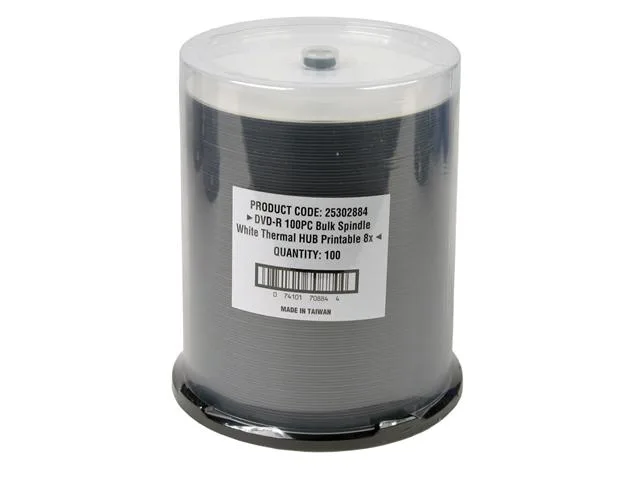
FUJIFILM 25302884 White Thermal Printable 4.7GB 8X DVD-R 100 Packs
- DVD-R
- 4.7GB
$33.99
0.00039498BTC
In stock