

DELL
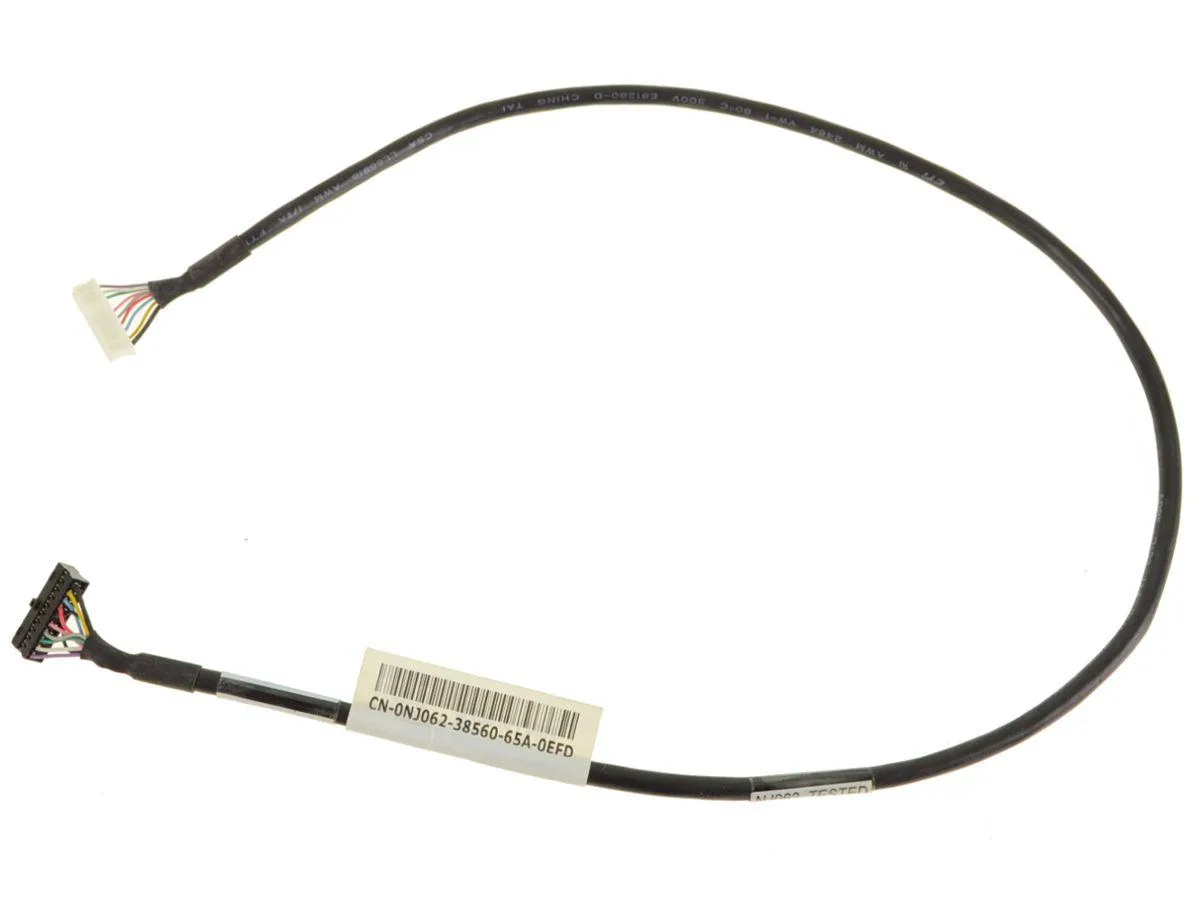
DELL XPS 420 710 Front Panel Audio Header Cable NJ062
Genuine Dell internal front panel audio header cable connects the front-panel audio jacks on XPS 420 and 710 desktops
- Genuine Dell part ensures reliable front-panel audio on XPS 420 and 710 desktops
- Part number NJ062 matches the original cable for direct replacement
- Internal header design connects front jacks to the motherboard without adapters
- New condition guarantees a clean, unused cable for immediate installation
Genuine Dell XPS 420 710 Audio Cable
This genuine Dell OEM front panel audio header cable carries part number NJ062. It is designed specifically for Dell XPS 420 and 710 desktop systems. The cable restores or replaces the internal connection between the motherboard and the front panel audio ports.
Passive Internal Cable Requires No Power
The cable draws no power and generates no heat or noise during normal operation. It functions as a passive wiring harness inside the chassis. Thermals and acoustics are unaffected by its presence. It is not suited for systems outside the listed XPS models.
Highlights
- Genuine Dell part ensures reliable front-panel audio on XPS 420 and 710 desktops
- Part number NJ062 matches the original cable for direct replacement
- Internal header design connects front jacks to the motherboard without adapters
- New condition guarantees a clean, unused cable for immediate installation
Specifications
| Brand | Dell |
|---|
Questions about this item
How is the NJ062 front panel audio header cable installed inside the Dell XPS 420 or 710, and which step is often missed?
Connect the cable header to the motherboard front panel audio connector and route it to the chassis front panel jacks; the step often missed is fully seating the header pins to avoid no sound or microphone detection.
What maintenance or replacement will the NJ062 cable need over time in the XPS 420 or 710?
No scheduled maintenance is required; replace the cable only if the front audio jacks stop working due to physical damage or connector wear after repeated headset use.
Also in this aisle
People compared these
Same shelf, same checkout — eight coins and a 30-minute rate lock.


Kensington
Kensington Desk Mount Cable Anchor K64613WW accessory
- Black
- Provides a secure a…
$19.99
0.0002326BTC
In stock
Panasonic
Panasonic CF-VDR291U laptop cooling pad
- Optical Drive
- Buffer Size: 2 MB B…
$213.99
0.00248994BTC
In stock
eReplacements
eReplacements PB992A-ER laptop battery 14.4V
- Battery
- Lithium-Ion
$65.99
0.00076784BTC
In stock