


DELL
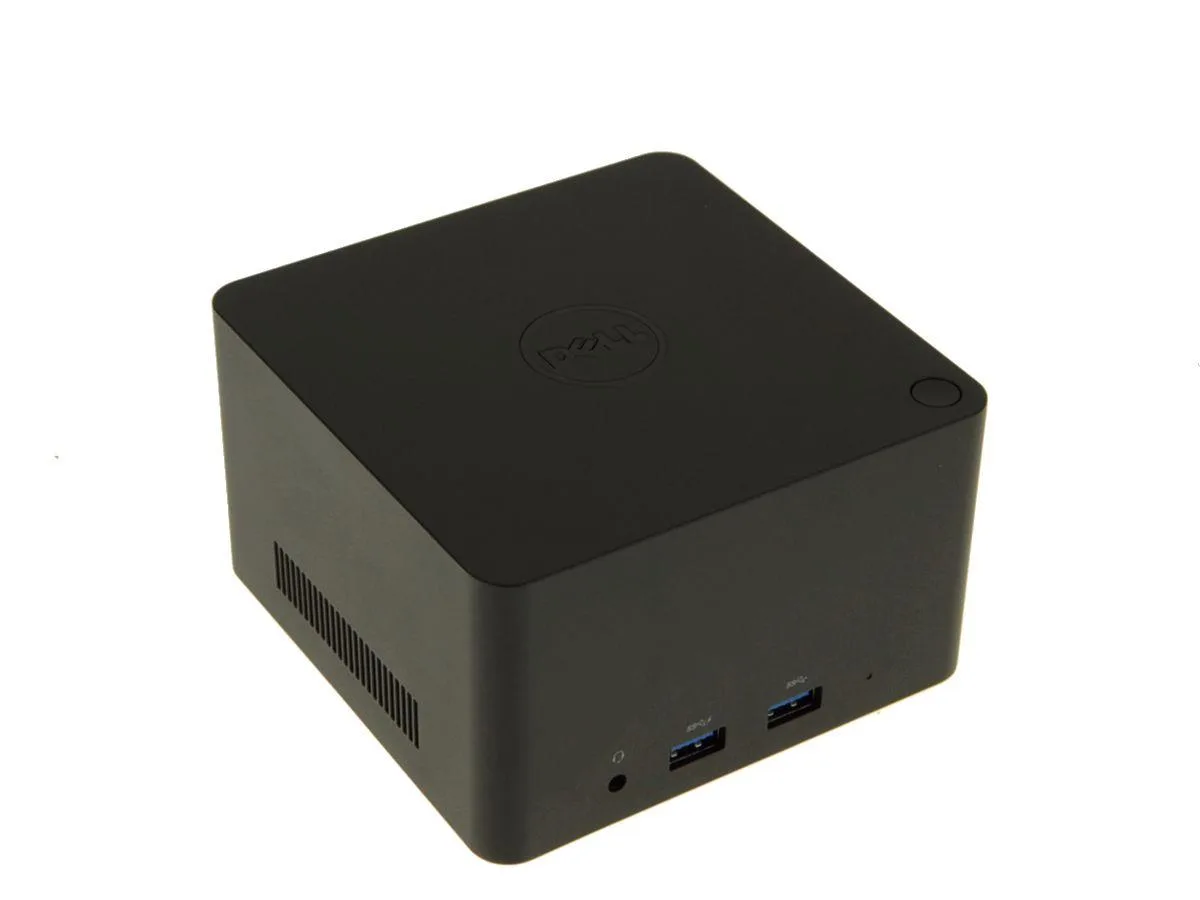
DELL WLD15 Wireless Docking Station 5 USB 2.0 3.0 HDMI DP VGA RJ45
Wirelessly connects a compatible Dell Latitude notebook to five USB ports, HDMI, DisplayPort, VGA and gigabit Ethernet
- Weight2.5
- FunctionNotebook
- Wireless docking frees your desk from cable clutter
- Five USB ports (three 3.0, two 2.0) connect peripherals fast
- HDMI, DisplayPort and VGA drive multiple monitors
- Built-in RJ-45 gives reliable wired network access
- Compatible with Dell Latitude E7250, E7450, E5450, E5550, E5250, E7350
Wireless docking for select Dell Latitude notebooks
The Dell WLD15 connects to compatible Latitude models using WiGig wireless technology, removing the need for a physical cable between notebook and dock. It provides five USB ports, HDMI, DisplayPort, VGA, Gigabit Ethernet and audio line-out for a full desktop experience.
Check your notebook model before ordering
Only the Latitude E7250, E7450, E5450, E5550, E5250 and E7350 are listed as compatible by the manufacturer. Other laptops, including newer Latitude generations, will not connect to this dock wirelessly.
Adds desktop connectivity without a cable
The station needs a power outlet and sits on the desk to serve monitors, wired network, peripherals and audio. It frees the notebook from all those cables while keeping it within wireless range of the dock.
Highlights
- Wireless docking frees your desk from cable clutter
- Five USB ports (three 3.0, two 2.0) connect peripherals fast
- HDMI, DisplayPort and VGA drive multiple monitors
- Built-in RJ-45 gives reliable wired network access
- Compatible with Dell Latitude E7250, E7450, E5450, E5550, E5250, E7350
Specifications
| Brand | Dell |
|---|---|
| Model | WLD15 |
| Weight | 2.5 |
| Function | Notebook |
| Shipping weight | 1.81 kg |
| Package size | 267 × 184 × 114 mm |
Questions about this item
What cables and adapters come with the WLD15, and what must I buy separately?
The box contains the wireless dock and its power supply; no video or USB cables are included, so you need to supply your own HDMI, DisplayPort or VGA leads and any USB cables for peripherals.
The list shows Latitude E7250, E7450, E5450, E5550, E5250 and E7350 — how do I know which one matches my laptop?
Check the model label on the bottom of your Latitude; only the exact models E7250, E7450, E5450, E5550, E5250 and E7350 are validated for wireless docking with the WLD15.
In daily use, what does the 5 USB port count (2 USB 2.0 and 3 USB 3.0) actually give me?
You can run two low-bandwidth devices such as a keyboard and mouse on the USB 2.0 ports while keeping three USB 3.0 ports free for external drives or docks that need the higher 3.0 throughput.
Also in this aisle
People compared these
Same shelf, same checkout — eight coins and a 30-minute rate lock.


Kensington
Kensington Desk Mount Cable Anchor K64613WW accessory
- Black
- Provides a secure a…
$19.99
0.00023562BTC
In stock
Panasonic
Panasonic CF-VDR291U laptop cooling pad
- Optical Drive
- Buffer Size: 2 MB B…
$213.99
0.00252231BTC
In stock
eReplacements
eReplacements PB992A-ER laptop battery 14.4V
- Battery
- Lithium-Ion
$65.99
0.00077783BTC
In stock