


DELL
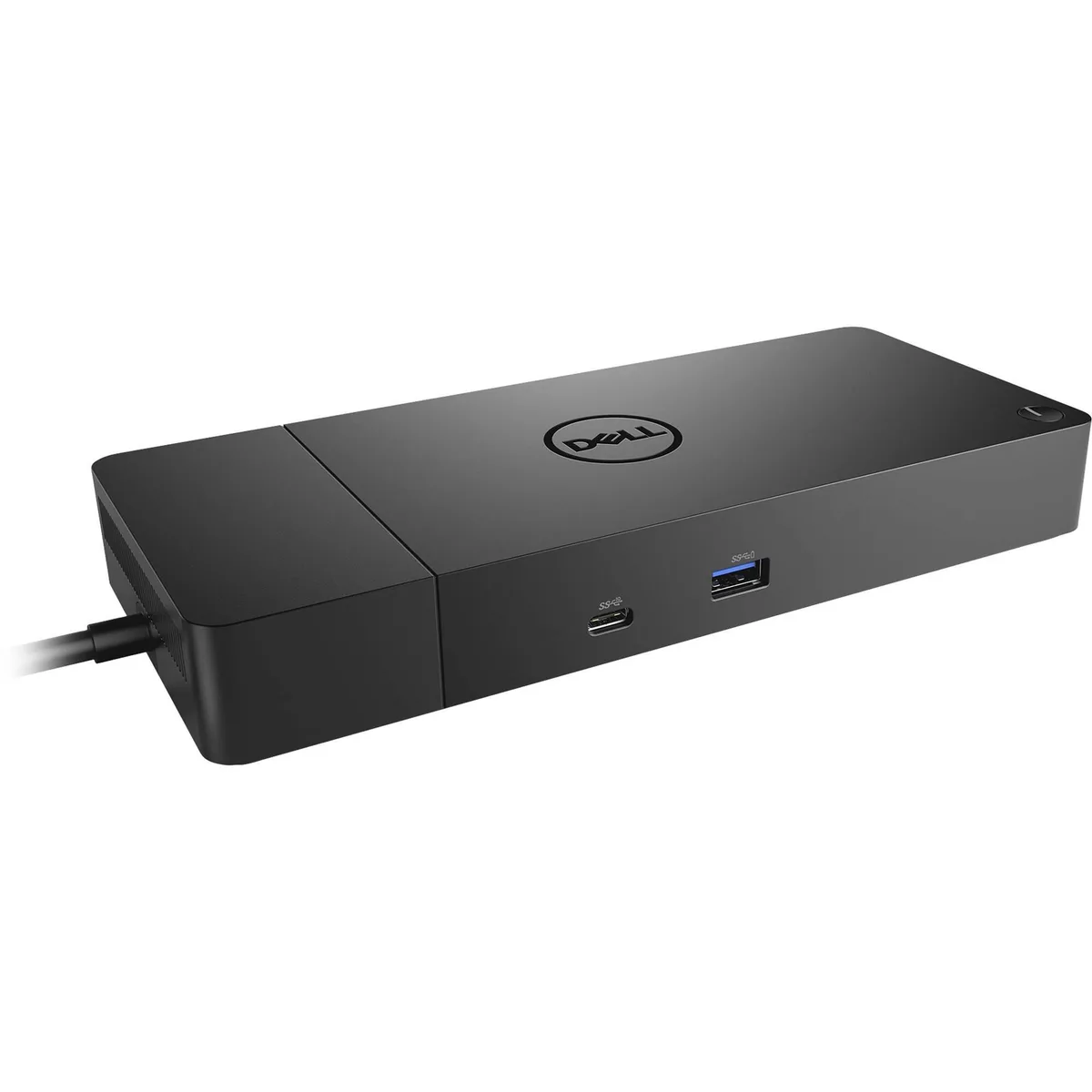
DELL WD19S 180W Docking Station 130W PD Black
Delivers 130 W power to the laptop and drives displays up to 3840 × 2160 at 60 Hz from a 180 W supply
- ColorBlack
- Delivers 130 W Power Delivery to charge laptops quickly
- 180 W AC adapter powers the dock and connected peripherals
- Supports 3840 × 2160 resolution at 60 Hz for sharp external displays
- Compatible with Windows and Linux operating systems
- Compact black design fits neatly on any desk
Dell WD19S 180W Docking Station
The Dell WD19S 180W Docking Station delivers 180 watts of AC power and 130 watts of power delivery to compatible laptops. It supports a maximum resolution of 3840 x 2160 at 60 Hz for external displays. The unit is designed for professionals who need a single-cable desk setup with high-power charging.
Black chassis with 15.6 inch form factor
The black chassis matches business laptop aesthetics and fits a 15.6 inch footprint on the desk. Connectors provide video output up to 1024 x 768 legacy resolution alongside the primary 2160p capability. The layout allows quick docking and undocking for daily mobile workflows.
130W power delivery limit
The 130 watt power delivery ceiling means laptops requiring more charging current will not reach full speed while docked. Systems with octa-core processors and 32 GB memory may throttle under sustained load if their power draw exceeds the dock’s rating. Buyers needing higher wattage for larger workstations should verify laptop specifications first.
Highlights
- Delivers 130 W Power Delivery to charge laptops quickly
- 180 W AC adapter powers the dock and connected peripherals
- Supports 3840 × 2160 resolution at 60 Hz for sharp external displays
- Compatible with Windows and Linux operating systems
- Compact black design fits neatly on any desk
Specifications
| Brand | Dell |
|---|---|
| Color | Black |
Questions about this item
What display resolution does the 180W docking station support at 60 Hz?
The dock drives up to 3840 x 2160 at 60 Hz over its video outputs.
What AC adapter wattage is required for the WD19S to deliver 130W power delivery?
The unit ships with a 180W AC adapter that powers the dock and enables 130W charging.
Which cable must be connected first when setting up the dock for 130W laptop charging?
Plug the 180W AC adapter into the dock before attaching the USB-C cable to the laptop.
Also in this aisle
People compared these
Same shelf, same checkout — eight coins and a 30-minute rate lock.


Kensington
Kensington Desk Mount Cable Anchor K64613WW accessory
- Black
- Provides a secure a…
$19.99
0.00023757BTC
In stock
Panasonic
Panasonic CF-VDR291U laptop cooling pad
- Optical Drive
- Buffer Size: 2 MB B…
$213.99
0.00254314BTC
In stock
eReplacements
eReplacements PB992A-ER laptop battery 14.4V
- Battery
- Lithium-Ion
$65.99
0.00078425BTC
In stock