
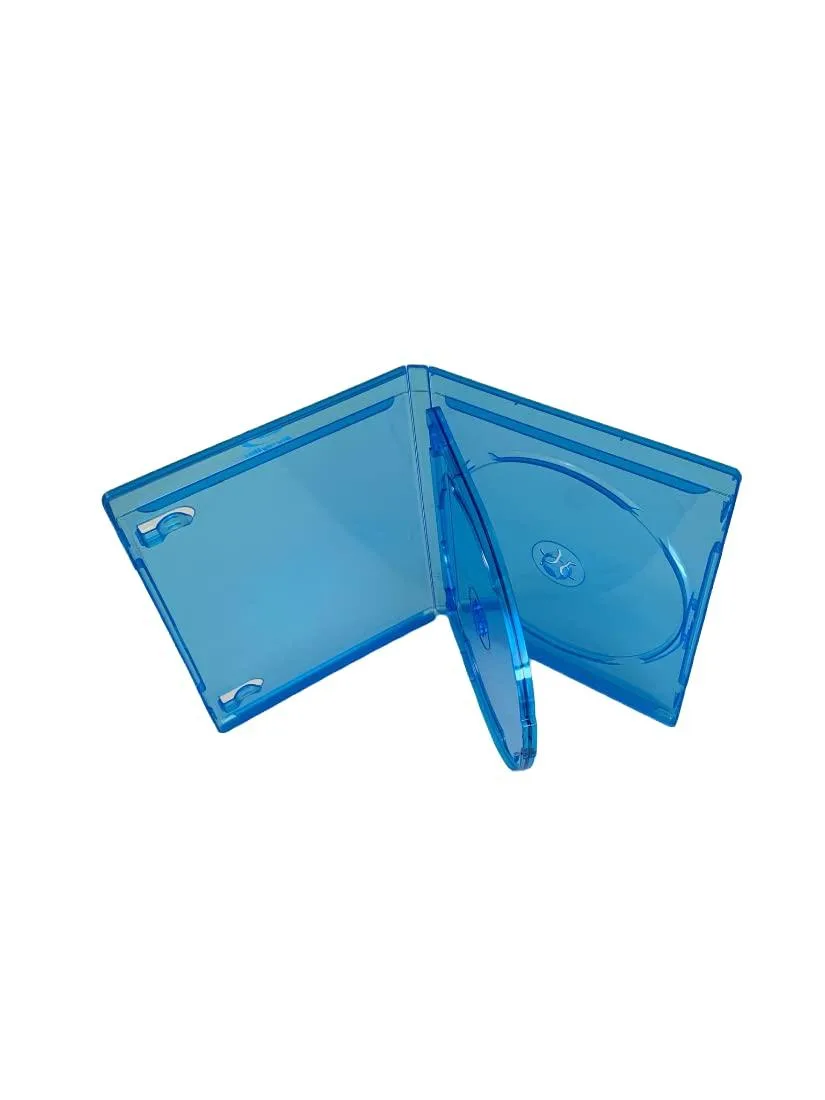
MediaPack4All 12.5mm Blu-Ray Case Multi-Three Storing Capacity
- 2.4892 L x 18.2118…
- 1 Year Warranty
$13.99
0.00016645BTC
In stockWe take cryptocurrency — so the coins you hold can buy real hardware.Pay in crypto, spend it on real hardware. Free insured shipping worldwide over $399. Plain, unbranded boxes, sent from Germany.Free insured shipping over $399. Your rate is locked for 30 minutes once checkout opens.Rate locked 30 minutes. Every item sealed, serial-checked and covered by a 24-month warranty.Sealed, 24-month warranty.


DELL
A 3.5-inch desktop hard drive with a 7.2K spindle speed and a SATA interface
The Dell THGNN is a 3.5-inch SATA hard drive built for desktop systems. It provides 4TB of storage and spins at 7.2K rpm with a 6Gbps SATA interface. The drive is supplied new and suits standard internal storage expansion.
This drive suits desktop owners adding bulk storage for documents, media or backups where sequential throughput is adequate. It is not for builders who need the low latency of solid-state storage or for systems that lack a 3.5-inch drive bay and a free SATA port.
No published specifications for this item yet.
Mount the drive in a 3.5 inch bay, connect the SATA data cable to the motherboard and the SATA power cable from the PSU, then initialise the disk in the operating system — the step many miss is initialising and formatting the new volume before use.
Mechanical drives can develop bad sectors over time; run periodic SMART checks and keep backups current, and plan to replace the unit if reallocated sector counts rise or unusual noise appears.
New to this? Paying with USDT: TRC-20 or ERC-20 — what to check, what it costs to pay, and what is never asked for.
Also in this aisle
Same shelf, same checkout — eight coins and a 30-minute rate lock.
What you pay in, and what you read prices in.
Sent from your wallet at checkout
Display only — the catalogue is priced in USD
No currency matches that.
Pick the language the site speaks to you in.
No language matches that.
New here?
Already have one?
There is no automatic reset: this shop sends no mail, so there is no one-time link to ask for. Leave the address on the account and it gets picked up by hand.
Request noted
Nothing is on its way to your inbox — this shop sends no mail at all. Someone picks these up by hand.
Remembered it?


