
DELL
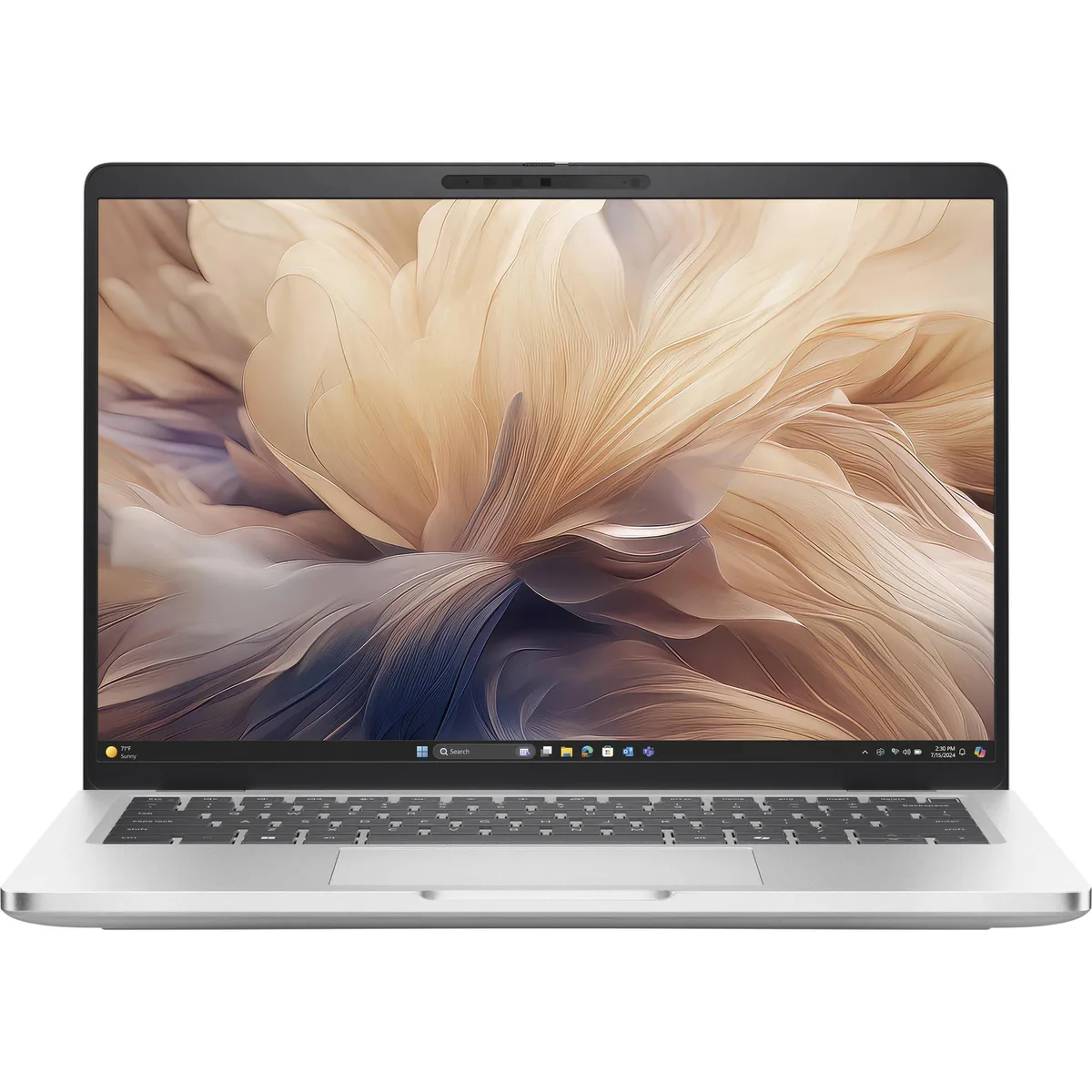
Dell Pro 14 Plus PB14250 HC6M1 14" Core Ultra 7 265U 16GB 512GB
A 14-inch WUXGA laptop with a 12-core Intel Core Ultra 7 265U processor, 16 GB DDR5 memory, 512 GB NVMe storage, Wi-Fi 7 and Thunderbolt 4
- Screen Size14.0"
- TypeMainstream
- Aluminium chassis keeps the 14 inch laptop light and rigid
- 12-core Core Ultra 7 265U with Intel AI Boost NPU up to 12 TOPS
- 16 GB DDR5 memory and 512 GB NVMe storage for fast multitasking
- 1920 x 1200 IPS display at 60 Hz gives sharp visuals
- Wi-Fi 7, Bluetooth 5.4 and Thunderbolt 4 provide modern connectivity
Dell Pro 14 Plus 14" WUXGA Laptop
The Dell Pro 14 Plus PB14250 HC6M1 is a 14.0 inch mainstream laptop built around an Intel Core Ultra 7 265U vPro processor running at 2.1 GHz with 12 cores. It includes 16 GB of DDR5 memory and a 512 GB NVMe solid-state drive, running Windows 11 Pro on a 1920 x 1200 IPS display at 60 Hz.
Professionals needing AI acceleration
The integrated Intel AI Boost NPU delivers up to 12 TOPS for local AI workloads, while Wi-Fi 7, Bluetooth 5.4, Thunderbolt 4 and HDMI 2.1 provide current I/O. Buyers who require discrete graphics performance, a higher refresh-rate panel, or user-upgradeable memory should consider other form factors.
512 GB NVMe storage and 16 GB DDR5 memory
The solid-state drive offers fast boot and application loading for typical office and cloud workflows, and the soldered 16 GB DDR5 handles multitasking across the 12-core CPU. Large local media libraries, virtual machines or heavy creative caches will exceed the available capacity and memory headroom.
Highlights
- Aluminium chassis keeps the 14 inch laptop light and rigid
- 12-core Core Ultra 7 265U with Intel AI Boost NPU up to 12 TOPS
- 16 GB DDR5 memory and 512 GB NVMe storage for fast multitasking
- 1920 x 1200 IPS display at 60 Hz gives sharp visuals
- Wi-Fi 7, Bluetooth 5.4 and Thunderbolt 4 provide modern connectivity
Specifications
| Screen Size | 14.0" |
|---|---|
| Type | Mainstream |
Questions about this item
Does this laptop need a separate Thunderbolt 4 dock or cable to use the Thunderbolt 4 port?
The port is Thunderbolt 4 and works with any Thunderbolt 4 certified cable or dock; a separate purchase is only needed if you do not already own one.
Will my older HDMI 1.4 monitor work with the HDMI 2.1 port on this laptop?
Yes, HDMI 2.1 is backward compatible so an HDMI 1.4 monitor will display at its native resolution and refresh rate.
How can I verify the Intel AI Boost NPU is active after setup?
Open Task Manager, select the Performance tab, and look for an NPU entry showing utilisation when you run an AI-enhanced workload.
New to this? Buying a laptop with crypto, start to finish — what to check, what it costs to pay, and what is never asked for.
Also in this aisle
People compared these
Same shelf, same checkout — eight coins and a 30-minute rate lock.


