

DELL
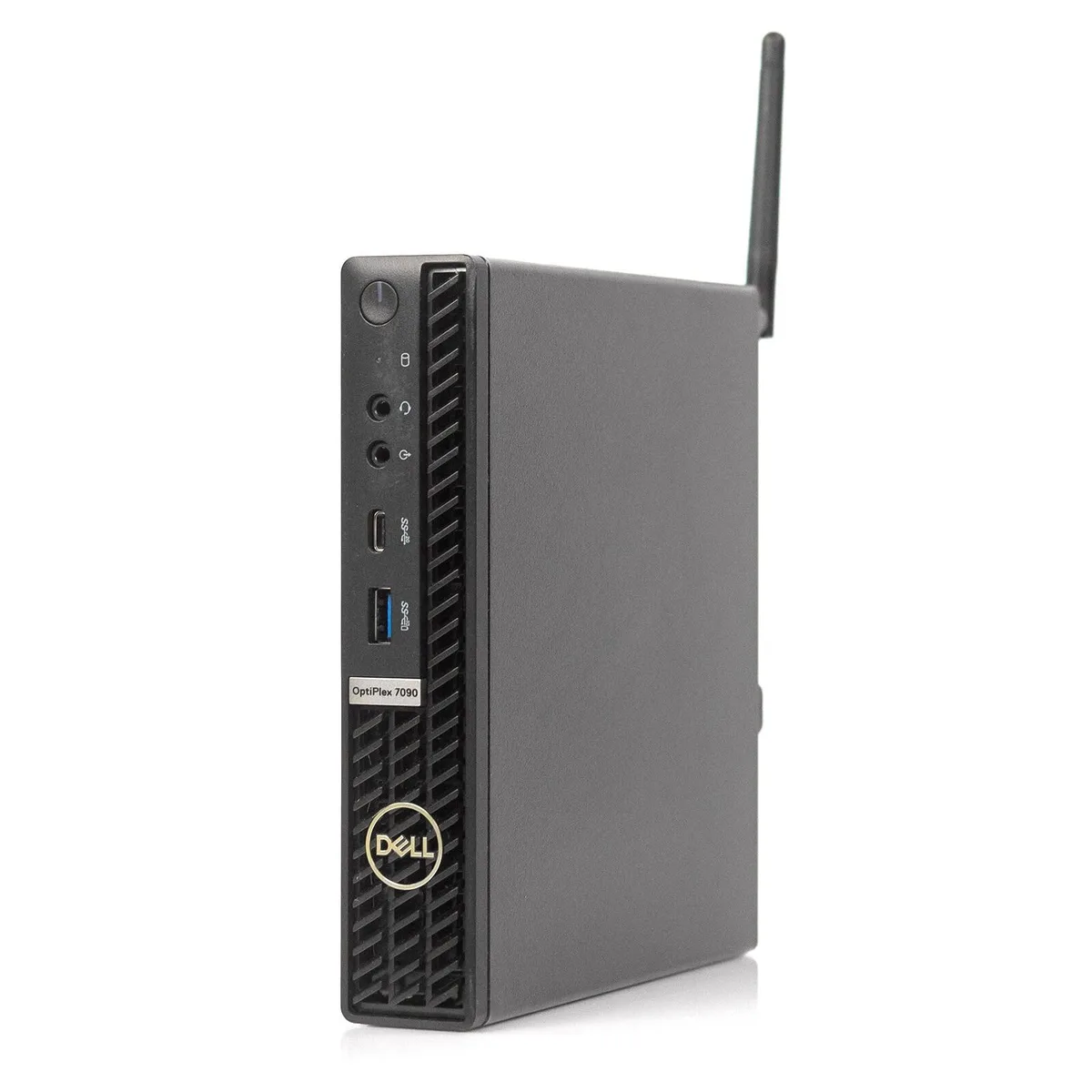
DELL Optiplex 7090 Micro Security Lock Accessory
Secures the Dell Optiplex 7090 Micro desktop against physical theft with a dedicated lock slot
- Designed for Dell OptiPlex 7090 Micro chassis
- Protects the mini PC from unauthorised removal
- Simple lock slot integration secures the device
- Compact accessory fits the black desktop form factor
- Compatible with Intel Core i5 10500T system configuration
Dell Optiplex 7090 Micro Lock
This security accessory is designed specifically for the Dell Optiplex 7090 Micro desktop. It provides a physical anchoring point to help protect the compact chassis from theft in open environments. The lock fits the dedicated security slot built into this model. It suits IT managers securing deployed fleets.
Suits shared or public workspaces
Organisations that leave Mini PCs on exposed desks, in reception areas or in hot-desk setups will benefit from the added deterrent. Buyers who keep hardware inside locked server rooms or who use cable-free mounting behind monitors do not need this accessory. It addresses only physical removal risk.
Dedicated chassis security slot
The Optiplex 7090 Micro includes a purpose-built lock slot that accepts this accessory. No universal adapter or secondary bracket is required for installation. Verify that your unit is the Micro form factor before purchasing. Other Optiplex sizes use different slots.
Highlights
- Designed for Dell OptiPlex 7090 Micro chassis
- Protects the mini PC from unauthorised removal
- Simple lock slot integration secures the device
- Compact accessory fits the black desktop form factor
- Compatible with Intel Core i5 10500T system configuration
Specifications
| Model | Optiplex 7090 Micro |
|---|
Questions about this item
Does the lock slot follow the Kensington Nano standard used on the Optiplex 7090 Micro?
The Optiplex 7090 Micro chassis includes a Kensington Nano security slot, so any compatible Nano lock will engage the reinforced anchor point.
What clearance does the lock need around the 7090 Micro's rear ports?
Allow roughly 30 mm behind the DisplayPort, USB 3.2 and USB-C connectors for the lock head and cable bend radius.
How do you attach the lock without blocking the 7090 Micro's VESA mount screws?
Slide the Nano lock into the side security slot first, then route the cable away from the four M3 VESA holes on the bottom cover.
Also in this aisle
People compared these
Same shelf, same checkout — eight coins and a 30-minute rate lock.


IXJYLCPC
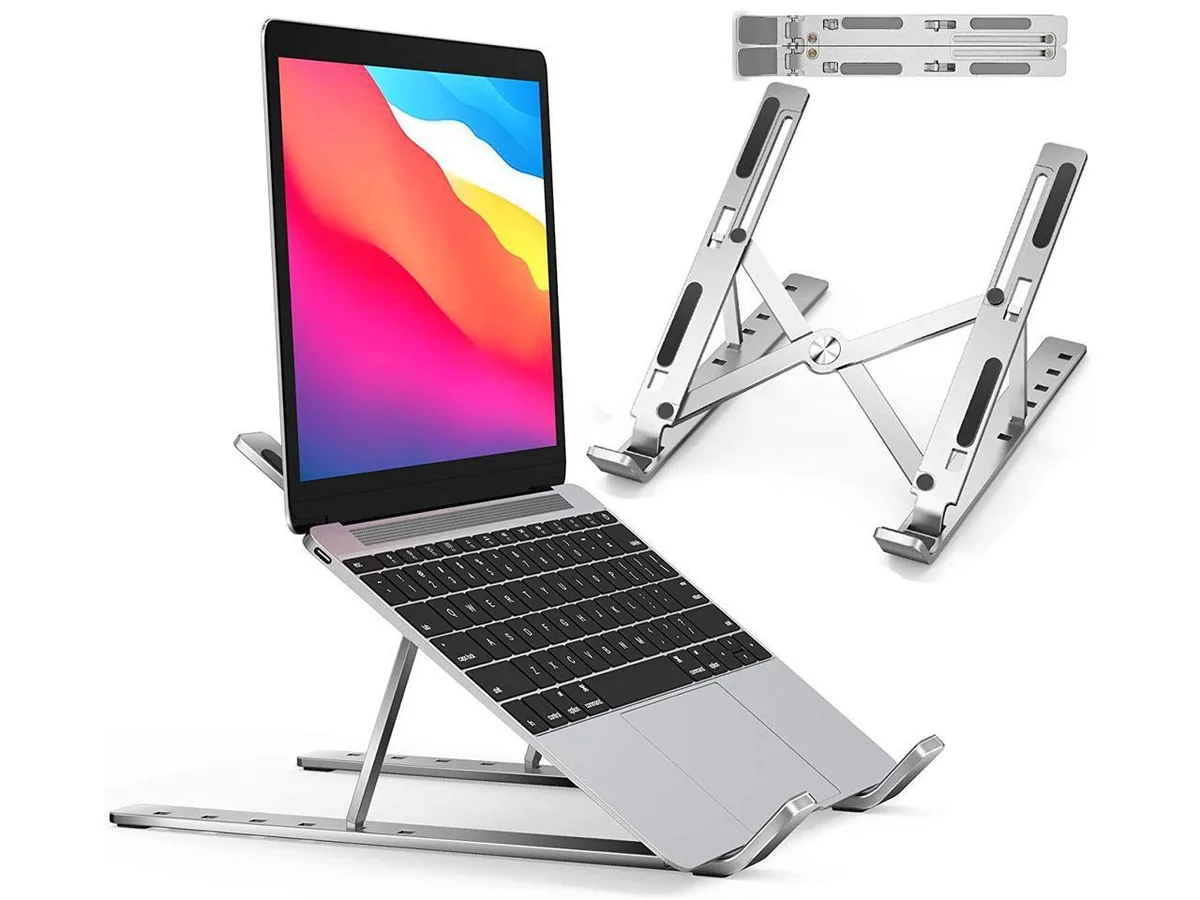
IXJYLCPC C08LS Adjustable Ergonomic Riser Stand Black 10-15.6
- Stand
$31.99
0.00036835BTC
In stock