DELL
DELL Latitude E6500 Palmrest Touchpad Assembly J86J8
Genuine Dell replacement palmrest with touchpad, power button, speakers and contactless smart card reader for Latitude E6500 discrete Nvidia models
- Genuine Dell OEM part ensures exact fit
- Includes contactless smart card reader for secure access
- Built for Latitude E6500 with discrete Nvidia graphics
- Complete assembly with touchpad, power button and speakers
- Spring latch and smart card slot integrated
Dell Latitude E6500 Palmrest with Smart Card Reader
This genuine Dell OEM palmrest touchpad assembly fits the Latitude E6500 laptop equipped with discrete Nvidia graphics. It includes the touchpad, circuitry, power button, left and right speakers, and a spring latch. The assembly also integrates a contactless smart card reader slot for secure authentication. Part number J86J8 confirms the correct match.
Buyers repairing a Latitude E6500
This part is not compatible with Latitude E6500 models that use integrated Intel graphics. Buyers who need a palmrest for the integrated graphics version should look for a different assembly. Verify your part number before ordering to avoid mismatched hardware.
Part number J86J8 decides fit
The single specification that determines compatibility is the Dell part number J86J8. Only Latitude E6500 systems with discrete Nvidia graphics use this palmrest assembly. Matching this number guarantees the correct touchpad, speaker, and smart card reader configuration.
Highlights
- Genuine Dell OEM part ensures exact fit
- Includes contactless smart card reader for secure access
- Built for Latitude E6500 with discrete Nvidia graphics
- Complete assembly with touchpad, power button and speakers
- Spring latch and smart card slot integrated
Specifications
| Brand | Dell |
|---|
Questions about this item
How do I install the J86J8 palmrest on my Latitude E6500 and which step is often missed?
Remove the battery, keyboard, and display assembly first; the step most people skip is disconnecting the touchpad and smart‑card reader cables before lifting the old palmrest off the chassis.
What parts of this assembly will need replacement after extended use?
The touchpad buttons, contactless smart‑card reader module, spring latch, and speaker cones are the components that typically wear out or fail first.
What is the first limitation you hit when using the touchpad continuously?
The touchpad circuitry can overheat during long sessions, causing cursor drift or temporary loss of sensitivity until the assembly cools down.
Also in this aisle
People compared these
Same shelf, same checkout — eight coins and a 30-minute rate lock.


IXJYLCPC
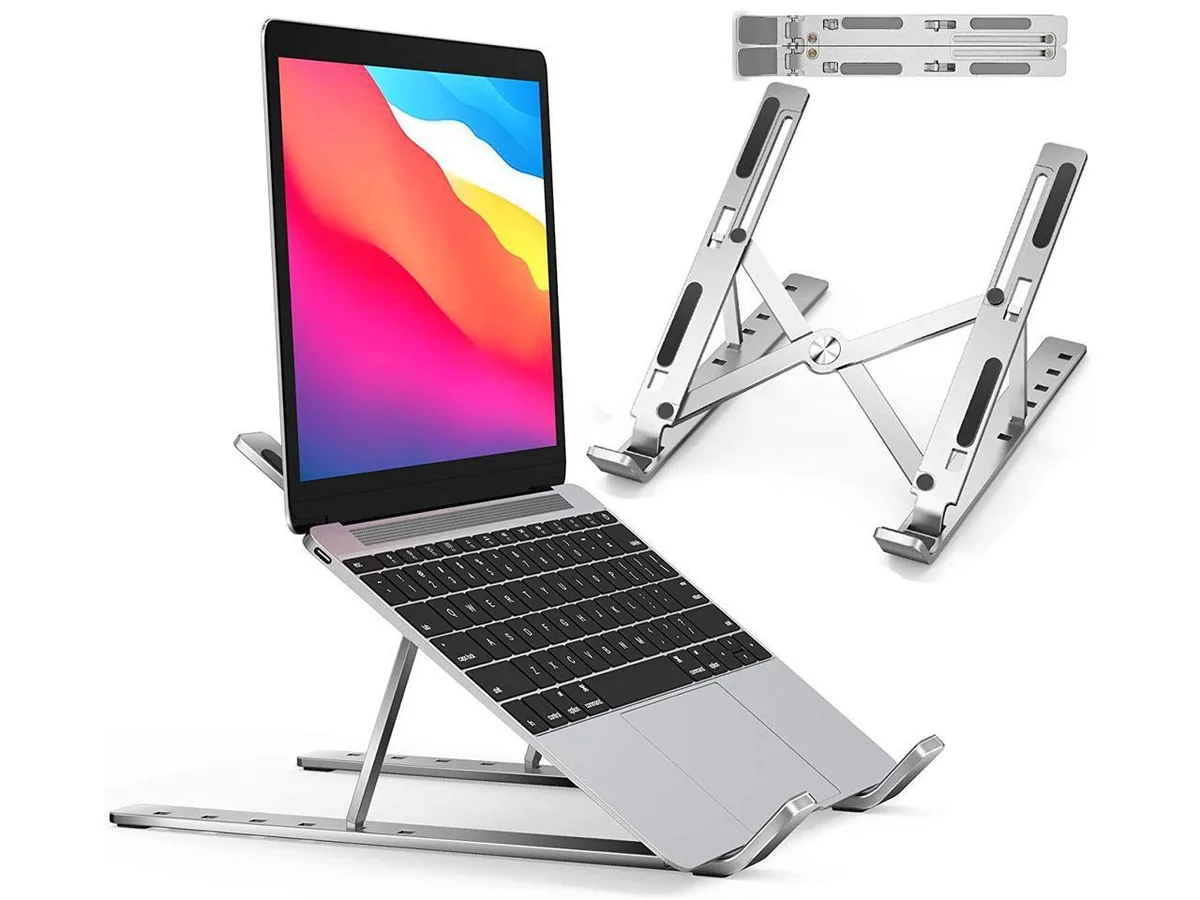
IXJYLCPC C08LS Adjustable Ergonomic Riser Stand Black 10-15.6
- Stand
$31.99
0.00036735BTC
In stock