


DELL
DELL Latitude E5570 laptop i5-6200U 16GB 500GB SSD
15.6-inch HD laptop with Intel Core i5-6200U, 16GB DDR3 and new 500GB M.2 NVMe PCIe SSD
- ColorBlack
- Operating SystemWindows 10 Home
- CPU TypeIntel Core i5 6th Gen
- Processor NameIntel Core i5-6200U
- Turbo Frequency2.80 GHz
- Number of CoresDual-core Processor
- 6 inch HD display gives clear visuals at 1366 x 768 resolution
- Intel Core i5-6200U dual core processor reaches 2.80 GHz turbo frequency
- 16GB DDR3 memory handles multitasking smoothly
- 500GB M.2 NVMe PCIe SSD provides fast storage access
- Windows 10 Home 64-bit operating system ready to use
Business laptop for office and study
The Dell Latitude E5570 is a 15.6-inch business laptop built around a dual-core Intel Core i5-6200U processor running at 2.30 GHz with a 2.80 GHz turbo frequency. It ships with 16GB of DDR3 memory and a new 500GB M.2 NVMe PCIe solid-state drive. Windows 10 Home 64-bit comes pre-installed.
Fan-assisted cooling with integrated graphics
The Intel HD Graphics 520 handles the 1366 x 768 HD display without a discrete GPU, keeping power draw modest for typical office workloads. The single-fan thermal system manages heat from the 15-watt processor during sustained document, browser and video tasks. Acoustic output stays low enough for quiet workspaces.
Windows 10 Home and webcam ready
The 64-bit Windows 10 Home licence activates immediately, removing the need for a separate operating-system purchase. An integrated webcam and microphone support video calls without extra peripherals. Bluetooth is present for wireless mice, keyboards or headsets. Memory slots are fully populated at the 16GB maximum, so expansion requires module replacement.
Highlights
- 6 inch HD display gives clear visuals at 1366 x 768 resolution
- Intel Core i5-6200U dual core processor reaches 2.80 GHz turbo frequency
- 16GB DDR3 memory handles multitasking smoothly
- 500GB M.2 NVMe PCIe SSD provides fast storage access
- Windows 10 Home 64-bit operating system ready to use
Specifications
| Brand | DELL |
|---|---|
| Series | Latitude |
| Model | Latitude E5570 |
| Color | Black |
| Operating System | Windows 10 Home |
| CPU Type | Intel Core i5 6th Gen |
| Processor Name | Intel Core i5-6200U |
| Turbo Frequency | 2.80 GHz |
| Number of Cores | Dual-core Processor |
| Screen Size | 15.6" |
| Touchscreen | Non-Touch Screen |
| Display Type | HD |
| Resolution | 1366 x 768 |
| GPU/VPU | Intel HD Graphics 520 |
| SSD | 500GB |
| HDD | No |
| Storage Spec | 500GB SSD M.2 NVMe PCIe |
| Memory | 16GB |
| Memory Slot (Total) | 2 |
| Max Memory Supported | 16 GB |
| Optical Drive Type | No |
| Audio | Integrated Sound card |
| Style | Standard |
| Type | Workstation |
| Dimensions (W x D x H) | 9.90" x 14.80" x 1.00" |
| Weight | 4 - 4.9 lbs. |
Questions about this item
How do I install the 500GB M.2 NVMe SSD and what step is often missed?
Insert the M.2 NVMe PCIe drive into the slot at an angle, press down, and secure it with the single retention screw; the step often missed is enabling the NVMe boot option in the BIOS before installing Windows 10 Home 64-bit.
What maintenance or replacement will the 16GB DDR3 memory need later?
The 16GB DDR3 configuration fills both slots and reaches the 16 GB maximum supported, so no further memory upgrades are possible; future maintenance is limited to replacing a failed module with an identical DDR3 stick.
What limit appears first during sustained use of the Intel Core i5-6200U?
The dual-core 2.30 GHz processor with 2.80 GHz turbo and Intel HD Graphics 520 will hit thermal throttling before the 500GB M.2 NVMe PCIe SSD or 16GB DDR3 memory become bottlenecks under continuous load.
New to this? Buying a laptop with crypto, start to finish — what to check, what it costs to pay, and what is never asked for.
Also in this aisle
People compared these
Same shelf, same checkout — eight coins and a 30-minute rate lock.

Astro Gaming
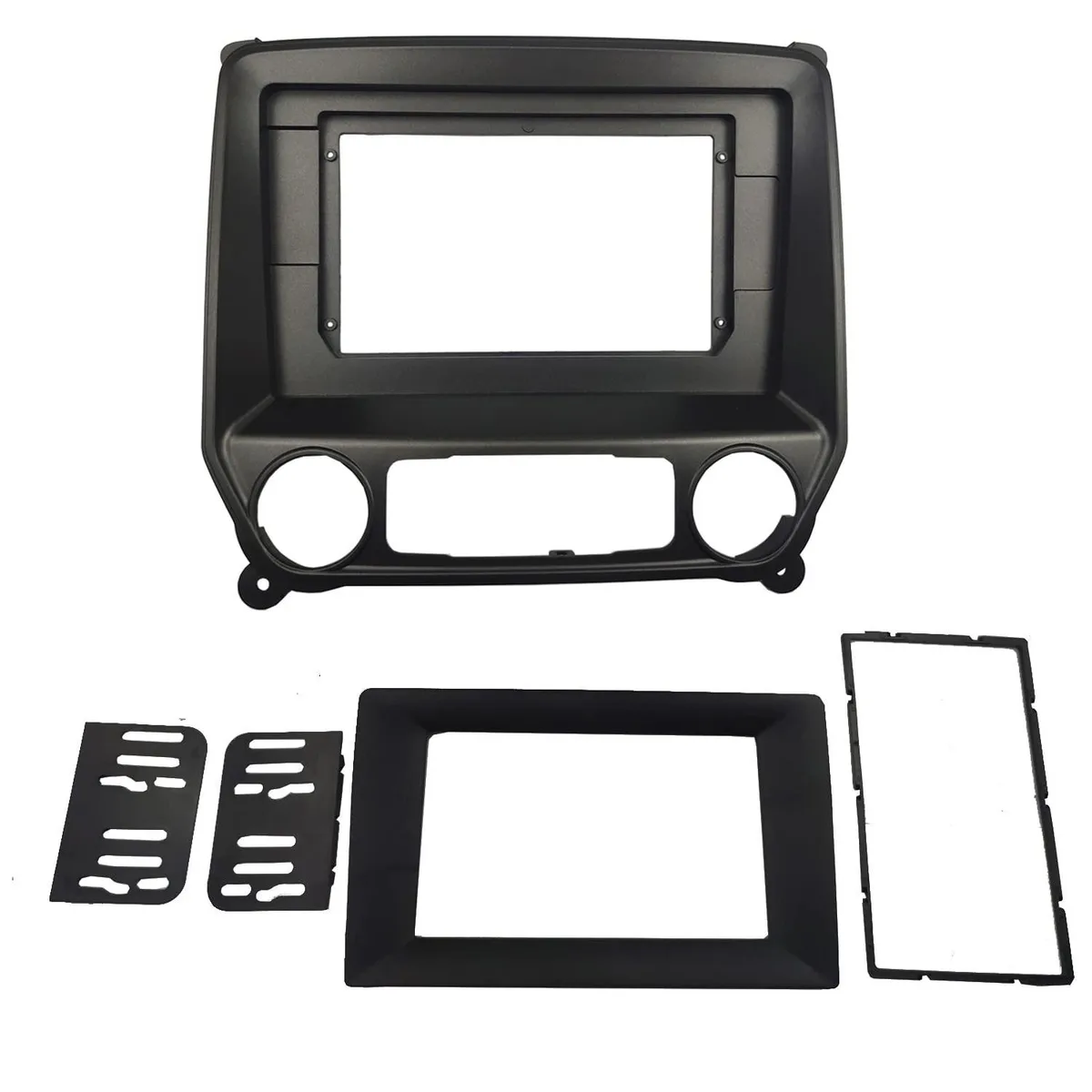
Astro Gaming 2 in 1 accessory for Chevrolet Silverado 2014+ GMC Sierra 2014+ 10.1 inch
$54.99
0.00066377BTC
In stock
Astro Gaming
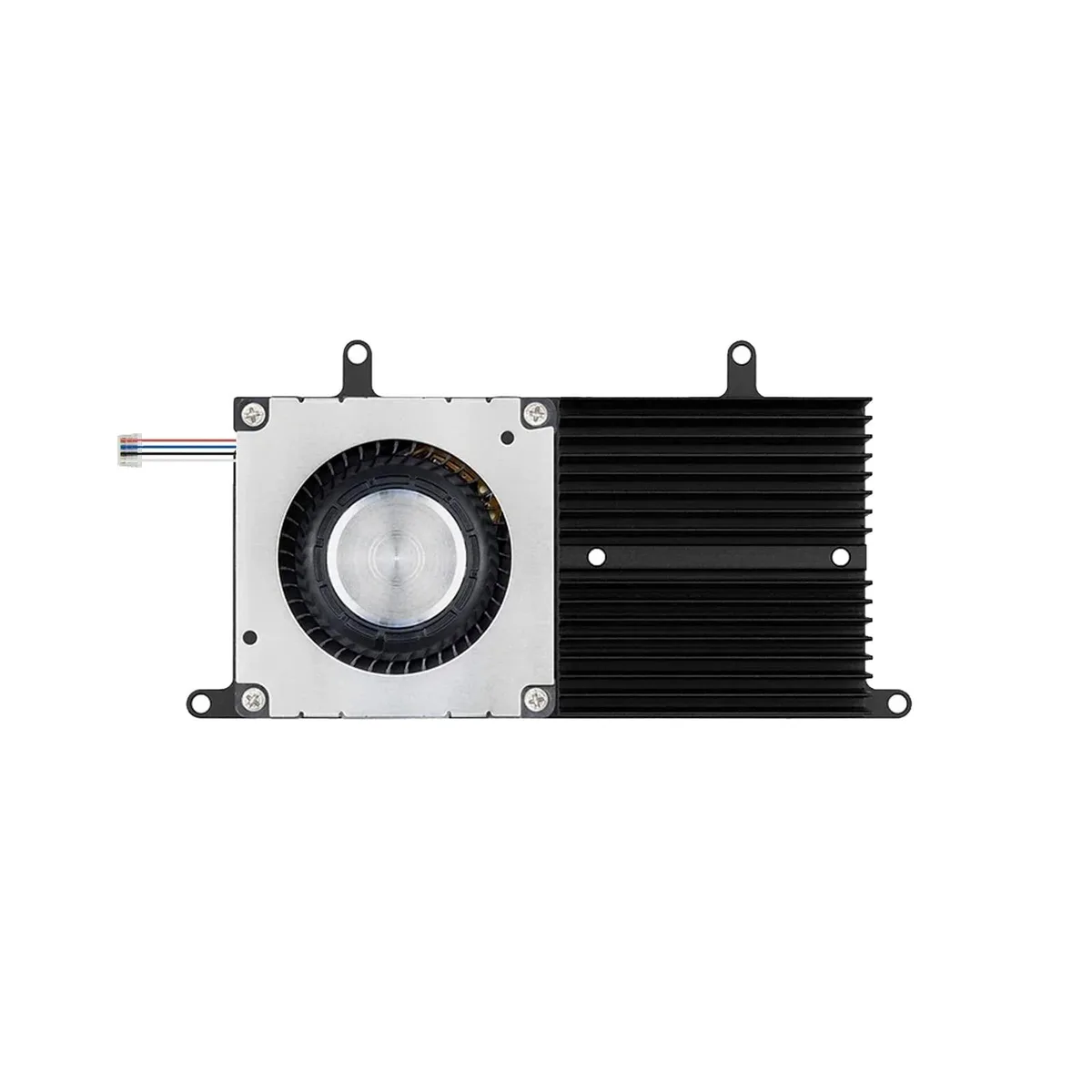
Astro Gaming 2 in 1 Accessory CPU GPU Cooling Fan Dell Inspiron 15 7577 7588
$46.99
0.0005672BTC
In stock
Astro Gaming
Astro Gaming 22 inch 16:10 Magnetic Hanging Privacy Screen 2 in 1 accessory
$48.99
0.00059135BTC
In stock