

DELL
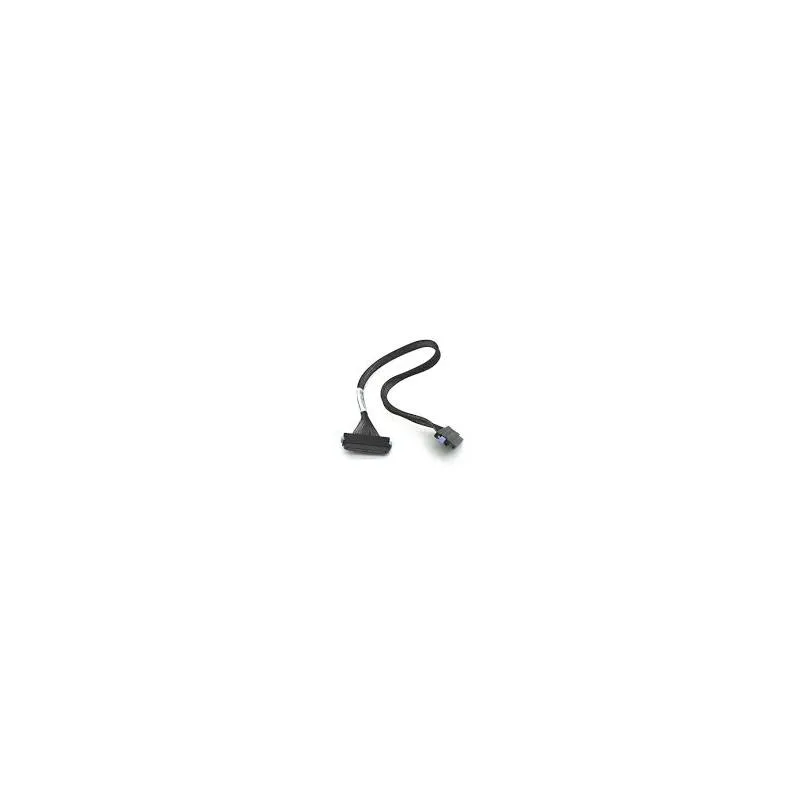
DELL Latitude D620 14.1 WXGA LCD Ribbon Cable Kd101
Connects the 14.1 WXGA LCD panel to the motherboard in Dell Latitude D620 laptops
- Genuine Dell replacement ensures exact fit for Latitude D620
- Part number KD101 matches service manual specifications
- Lightweight 5.1 g design adds minimal bulk
- Restores 14.1" WXGA display signal reliability
Replacement LCD Ribbon Cable for Latitude D620
This new Dell cable connects the 14.1 inch WXGA panel to the motherboard in a Latitude D620. It carries the video signal so the display can show an image. The part number is Kd101 and it weighs 5.1 grams. It is a direct fit for the specified model.
Not for other screen sizes or laptop models
This cable only fits the 14.1 inch WXGA configuration of the Latitude D620. Buyers who need a cable for a different screen resolution, a different screen size or a different laptop series cannot use this part. The jump is worth it when the original ribbon cable in a D620 has failed and the exact replacement is required.
Highlights
- Genuine Dell replacement ensures exact fit for Latitude D620
- Part number KD101 matches service manual specifications
- Lightweight 5.1 g design adds minimal bulk
- Restores 14.1" WXGA display signal reliability
Specifications
| Brand | Dell |
|---|
Questions about this item
What are the physical dimensions of the KD101 ribbon cable for the Dell Latitude D620?
The cable measures 1 inch in height, 1 inch in width, and 1 inch in length, weighing 5.1 units.
How is the KD101 LCD ribbon cable installed in the Latitude D620, and what step is often missed?
Route the cable through the hinge assembly, connect both ends to the motherboard and LCD panel, then secure the retaining clips; forgetting to latch the ZIF connectors causes display failure.
Also in this aisle
People compared these
Same shelf, same checkout — eight coins and a 30-minute rate lock.


Kensington
Kensington Desk Mount Cable Anchor K64613WW accessory
- Black
- Provides a secure a…
$19.99
0.00023555BTC
In stock
Panasonic
Panasonic CF-VDR291U laptop cooling pad
- Optical Drive
- Buffer Size: 2 MB B…
$213.99
0.0025215BTC
In stock
eReplacements
eReplacements PB992A-ER laptop battery 14.4V
- Battery
- Lithium-Ion
$65.99
0.00077758BTC
In stock