


DELL
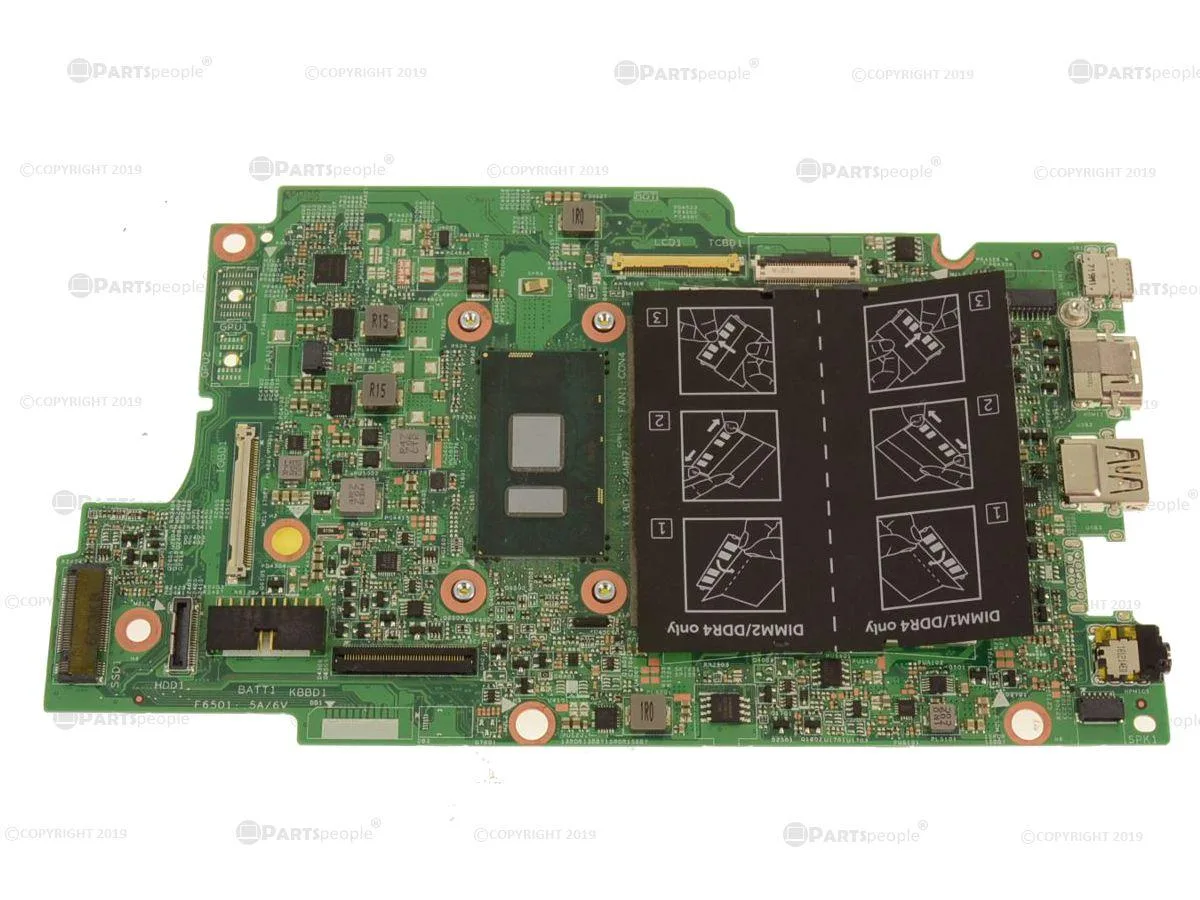
DELL Latitude 13 3379 Motherboard YG0DJ Intel Pentium 4405U 2.1GHz
Genuine Dell OEM system board with on-board Intel Pentium 4405U 2.1GHz CPU for Latitude 13 3379 2-in-1
- Genuine Dell OEM part ensures exact fit
- On-board Intel Pentium 4405U at 2.1 GHz provides integrated processing
- Designed for Latitude 13 3379 2-in-1 compatibility
- Dell part number YG0DJ confirms correct replacement
- System board includes CPU so no separate processor needed
Genuine Dell OEM replacement board
This motherboard is a genuine Dell OEM part numbered YG0DJ. It is built as a direct replacement for the Latitude 13 3379 2-in-1 laptop. The board ships with the Intel Pentium 4405U processor already soldered in place. Buyers who need a different CPU or a desktop form factor cannot use this board.
Thermals and power in normal use
The on-board Pentium 4405U runs at 2.1 GHz within a low-power envelope designed for thin ultraportable chassis. Heat output matches the original system cooling solution supplied by Dell. Acoustic profile remains consistent with the factory fan curve. This board is not suited for sustained heavy workloads that exceed the laptop's original thermal limits.
Build quality and daily implications
Component layout follows the exact Latitude 13 3379 specification so every original connector aligns without modification. Mounting points match the factory chassis standoffs for a secure fit. Integrated CPU means no socket handling or separate cooler installation is required. Repairers who need socketed processors or standard ATX mounting holes must choose a different platform.
Highlights
- Genuine Dell OEM part ensures exact fit
- On-board Intel Pentium 4405U at 2.1 GHz provides integrated processing
- Designed for Latitude 13 3379 2-in-1 compatibility
- Dell part number YG0DJ confirms correct replacement
- System board includes CPU so no separate processor needed
Specifications
| Brand | DELL |
|---|
Questions about this item
How do I install the YG0DJ motherboard in a Latitude 13 3379 and which step is often missed?
Remove the battery first, then swap the board and reapply thermal paste on the on-board 4405U before reassembling; skipping the paste causes overheating.
What maintenance or replacement will the YG0DJ motherboard need later?
The on-board Intel Pentium 4405U at 2.1 GHz cannot be upgraded, so a CPU failure means replacing the whole board.
What limit appears first on the YG0DJ motherboard during sustained heavy workloads?
The soldered 4405U hits its thermal ceiling and throttles clock speed to protect itself.
New to this? Buying PC parts with Monero — what to check, what it costs to pay, and what is never asked for.
Also in this aisle
People compared these
Same shelf, same checkout — eight coins and a 30-minute rate lock.



Sunfounder
Sunfounder Raspberry Pi Ultimate Kit with PiCrawler AI Robot 337 components 131 projects
$174.99
0.00208488BTC
In stock
minisforum
minisforum MF-SRP01 SSD Heatsink accessories barebone
- SSD Heatsink
$6.99
0.00008328BTC
In stock