

Astro Gaming
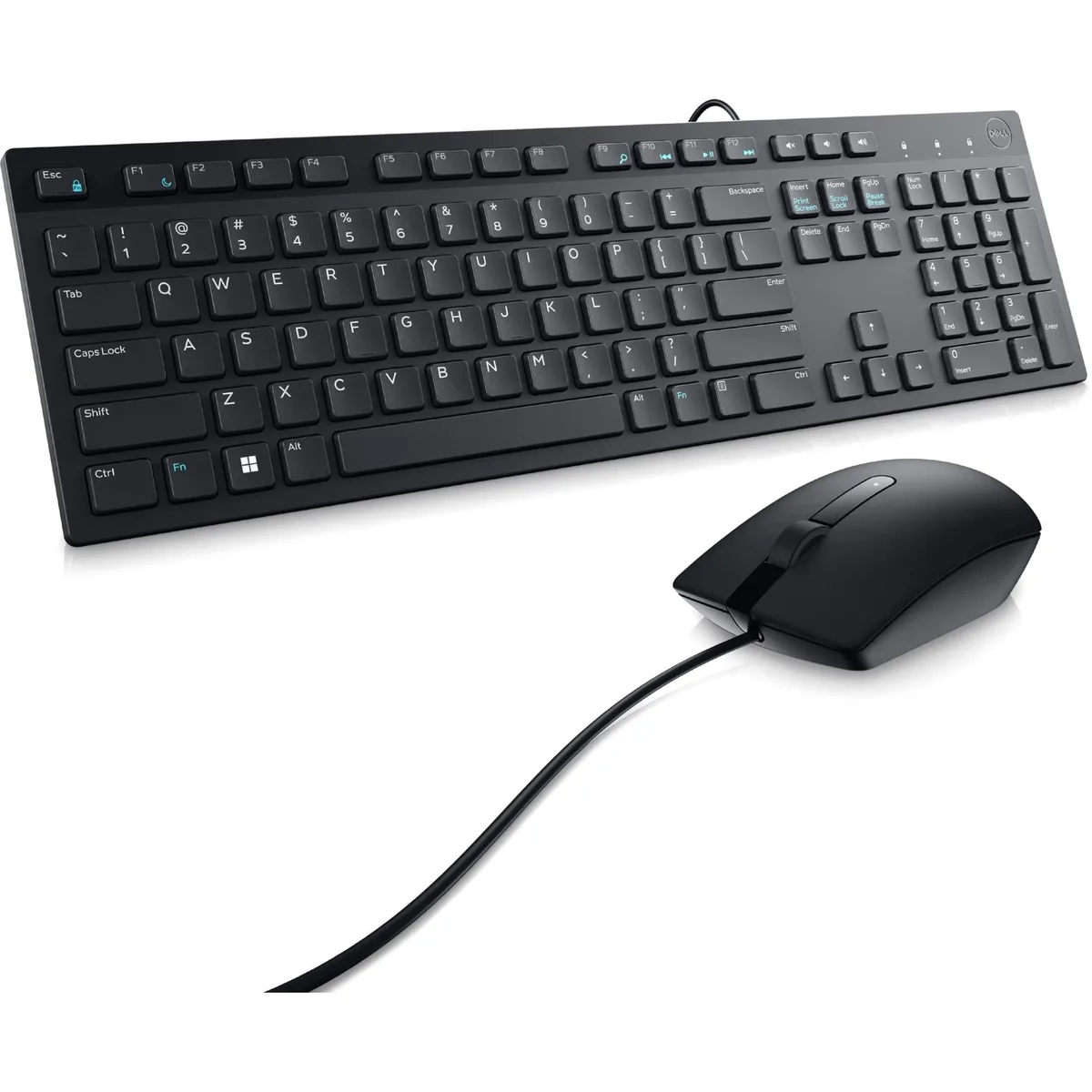
Astro Gaming Wireless Keyboard Mouse Combo Silver White 2 in 1 Accessories
$43.99
0.00052312BTC
In stockWe take cryptocurrency — so the coins you hold can buy real hardware.Pay in crypto, spend it on real hardware. Free insured shipping worldwide over $399. Plain, unbranded boxes, sent from Germany.Free insured shipping over $399. Your rate is locked for 30 minutes once checkout opens.Rate locked 30 minutes. Every item sealed, serial-checked and covered by a 24-month warranty.Sealed, 24-month warranty.


DELL
A wired keyboard and mouse set with 1000 DPI optical tracking and plug-and-play Mac compatibility
The DELL KM300C combines a full-size chiclet keyboard with an optical mouse in a single wired bundle. Plug-and-play connectivity works immediately on Mac and Windows without extra drivers. The compact key layout suits daily typing tasks in home or office environments.
Buyers upgrading from mismatched or worn-out keyboards and mice gain a matched pair with consistent feel and a single USB connection each. The jump is worth it when desk space is limited and a tidy, cable-managed setup matters more than wireless freedom or programmable keys.
The mouse delivers 1000 DPI optical tracking that handles spreadsheets, web browsing and document editing smoothly. Precision drops off for fast-paced gaming or high-resolution design work where adjustable sensitivity or higher DPI settings are required. || The keyboard offers comfortable chiclet keys for extended typing sessions but lacks backlighting, macro keys or mechanical switches for specialised workflows.
No published specifications for this item yet.
The keyboard and mouse each use a standard USB-A connector for plug-and-play operation on Windows or Mac.
Connect both USB plugs to the computer; the devices work instantly without drivers, but users often forget to plug in the mouse separately.
Clean the LED lens with compressed air if tracking becomes erratic; the wired design means no batteries ever require replacement.
Also in this aisle
Same shelf, same checkout — eight coins and a 30-minute rate lock.
What you pay in, and what you read prices in.
Sent from your wallet at checkout
Display only — the catalogue is priced in USD
No currency matches that.
Pick the language the site speaks to you in.
No language matches that.
New here?
Already have one?
There is no automatic reset: this shop sends no mail, so there is no one-time link to ask for. Leave the address on the account and it gets picked up by hand.
Request noted
Nothing is on its way to your inbox — this shop sends no mail at all. Someone picks these up by hand.
Remembered it?


