

Panorama Antennas
Panorama Antennas LG-IN2445 5G 71 Dome Wi-Fi adapter
- Accessories
$282.99
0.00336268BTC
In stockWe take cryptocurrency — so the coins you hold can buy real hardware.Pay in crypto, spend it on real hardware. Free insured shipping worldwide over $399. Plain, unbranded boxes, sent from Germany.Free insured shipping over $399. Your rate is locked for 30 minutes once checkout opens.Rate locked 30 minutes. Every item sealed, serial-checked and covered by a 24-month warranty.Sealed, 24-month warranty.


DELL
Adds 4G LTE mobile broadband to the Dell Chromebook 3120 laptop via M.2
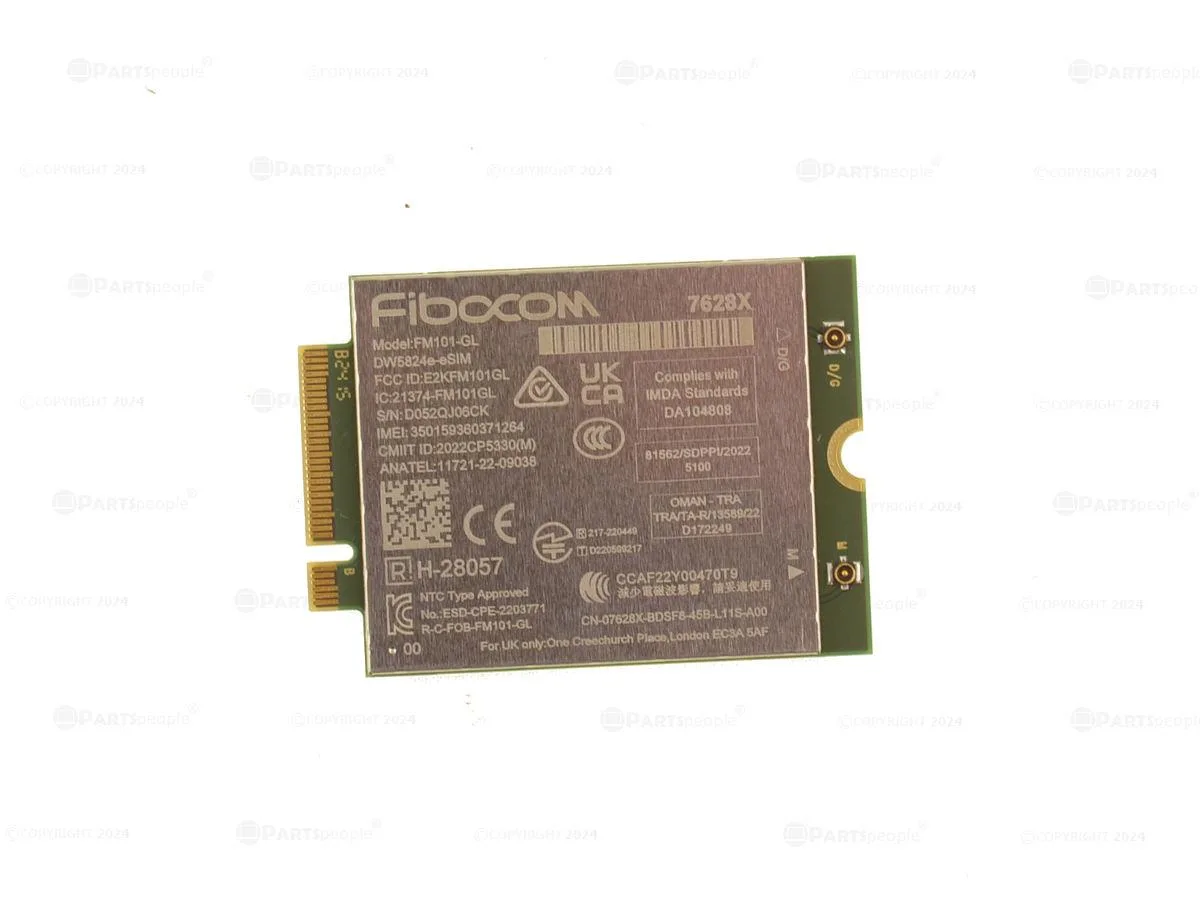
This is a genuine Dell original OEM DW5824e Mobile Broadband LTE 4G WWAN card. It uses the M.2 form factor for installation in compatible systems. The part is identified by Dell part number 7628X and Fibocom model FM101-GL. It is designed for mobile broadband connectivity in supported Dell laptops.
The adapter operates without a fan or active cooling components. It draws minimal power from the M.2 slot during normal mobile broadband operation. Silent running is inherent to the card design. Heat output remains low during typical data sessions.
The card maintains a stable LTE 4G link during extended data transfers. Performance stays consistent without thermal throttling because the device runs cool. It is built for continuous mobile broadband use in the Chromebook 3120. No active thermal management is required for sustained operation.
| Brand | Dell |
|---|---|
| Type | LTE Adapter |
Insert the card into the M.2 slot, secure it with the screw, then attach both antenna cables to the labelled connectors — the step most people miss is snapping on the second antenna lead.
The card itself has no serviceable parts; only the two external antenna cables or the M.2 retention screw may need replacement if damaged.
Thermal throttling is the first limit; sustained maximum data rates raise the card temperature until the modem reduces power to protect itself.
Also in this aisle
Same shelf, same checkout — eight coins and a 30-minute rate lock.
What you pay in, and what you read prices in.
Sent from your wallet at checkout
Display only — the catalogue is priced in USD
No currency matches that.
Pick the language the site speaks to you in.
No language matches that.
New here?
Already have one?
There is no automatic reset: this shop sends no mail, so there is no one-time link to ask for. Leave the address on the account and it gets picked up by hand.
Request noted
Nothing is on its way to your inbox — this shop sends no mail at all. Someone picks these up by hand.
Remembered it?



