


DELL
DELL D6000 USB 3.0 Type-C Dock 65W
Connects laptops via USB-C or USB-A to drive up to three 4K displays or a single 5K screen while delivering 65W charging
- Connect up to three 4K displays simultaneously
- Single 5K display support for ultra-high resolution
- 65W laptop charging via USB-C cable
- Works with USB-A and USB-C laptops
- Driver-based DisplayLink technology enables broad OS compatibility
Universal USB-C Dock with 65W Power
The Dell D6000 connects any laptop with USB-C or USB-A to multiple displays and peripherals through a single cable. It uses DisplayLink technology for broad compatibility across PC brands and Windows versions from 7 onward. The dock charges the host laptop up to 65W while handling video, audio and data simultaneously.
For multi-monitor users without Thunderbolt
This dock suits professionals who need up to three 4K screens or a single 5K display from a standard USB-C or USB 3.0 port. It is not for buyers whose laptops lack DisplayLink driver support or who require Thunderbolt-certified bandwidth for high-refresh gaming monitors. Systems without USB 3.0 or USB-C ports cannot use the dock at all.
65W USB-C power delivery decides fit
The single USB-C cable supplies up to 65W of charging power alongside video and data. If your laptop demands more than 65W to charge under load, the dock will not keep it powered. Confirm your device's power requirement before purchasing.
Highlights
- Connect up to three 4K displays simultaneously
- Single 5K display support for ultra-high resolution
- 65W laptop charging via USB-C cable
- Works with USB-A and USB-C laptops
- Driver-based DisplayLink technology enables broad OS compatibility
Specifications
No published specifications for this item yet.
Questions about this item
What USB port does the D6000 need on the laptop for video and 65W charging?
The dock uses a single USB-C cable that carries video, data and up to 65W of power, so the host must provide a USB-C port that supports DisplayLink and power delivery.
Which driver step is required before the dock will drive its displays?
Install the DisplayLink driver on the host system; without it the video outputs remain inactive even though the USB connection is working.
How often should the DisplayLink driver be updated to keep three 4K outputs stable?
Check for driver updates whenever the operating system receives a major feature release, as new OS builds can change the DisplayLink rendering path and affect multi-display stability.
Also in this aisle
People compared these
Same shelf, same checkout — eight coins and a 30-minute rate lock.


GAMERKING
GAMERKING 1TB NVMe SSD for MacBook Air Pro 2013-2017 2 in 1 accessory
$187.99
0.00219907BTC
In stock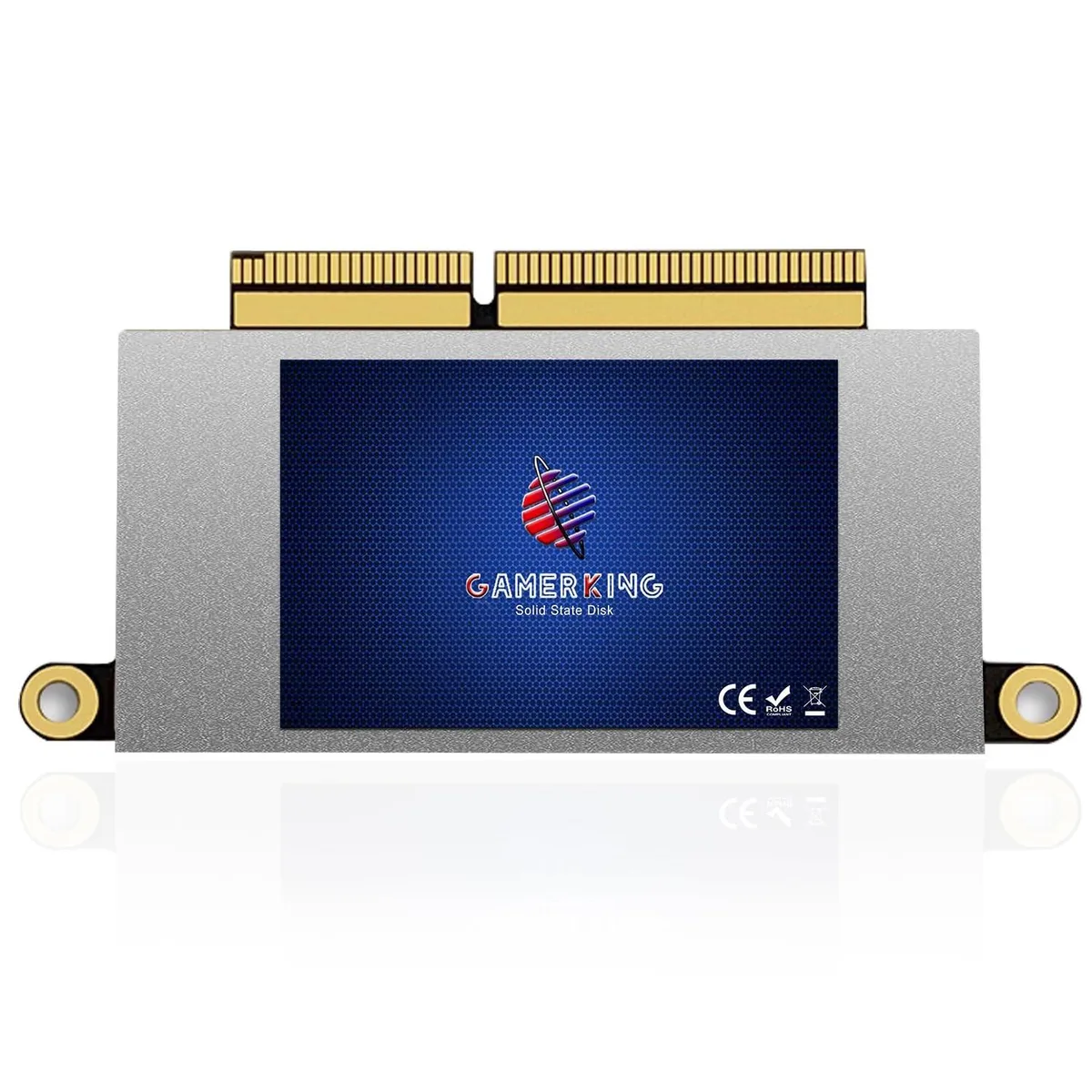
GAMERKING
GAMERKING 1TB NVMe SSD MacBook Pro 13 A1708 2016 2017 Non-Touchbar 2 in 1 accessory
$198.99
0.00232775BTC
In stock
GAMERKING
GAMERKING 512GB NVMe SSD 2 in 1 accessory for MacBook Air Pro 2013-2017
$144.99
0.00169607BTC
In stock