


DELL
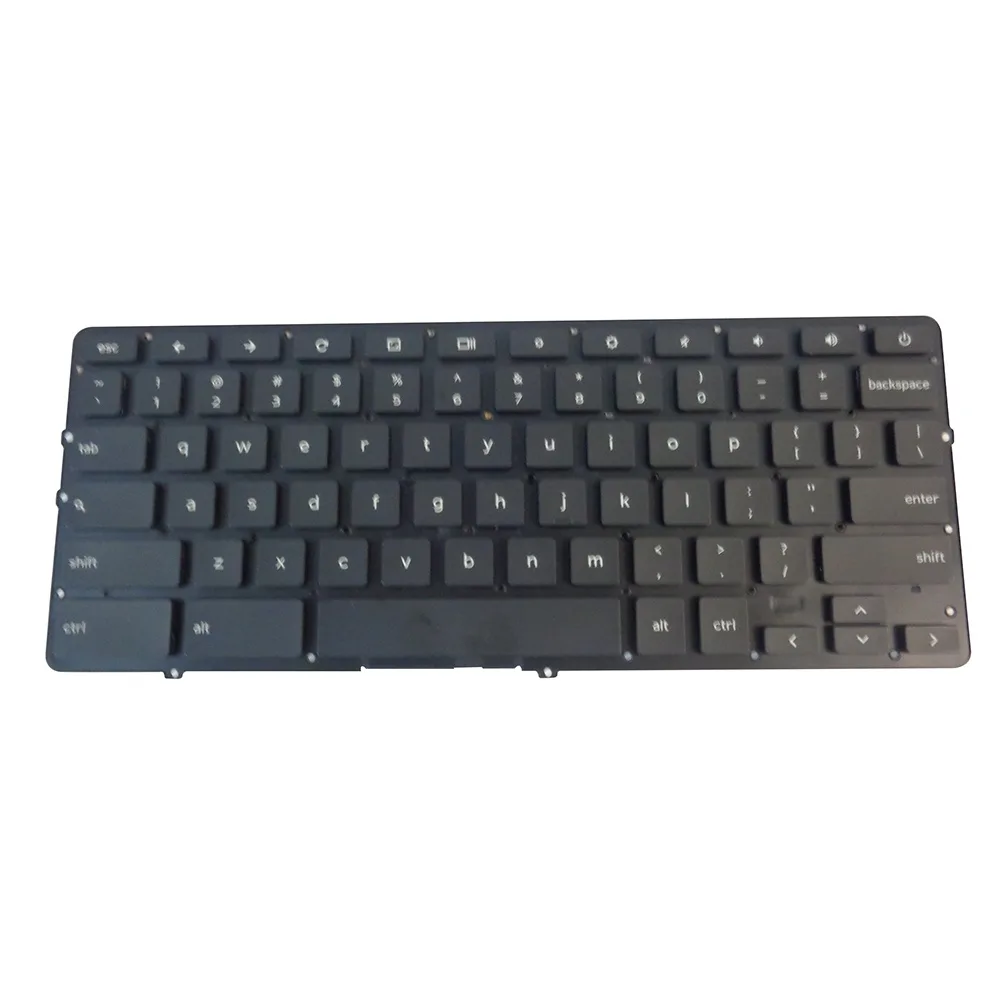
DELL Chromebook 13 7310 Backlit Keyboard NVHD0
Genuine Dell replacement backlit keyboard for the Chromebook 13 7310, part number NVHD0
- Genuine Dell OEM part ensures exact fit for Chromebook 13 7310
- Backlit keys allow comfortable typing in low-light environments
- NVHD0 part number confirms direct compatibility with your specific model
- New condition guarantees full functionality straight from the manufacturer
Genuine Dell Chromebook 13 7310 backlit keyboard
This genuine Dell original keyboard carries part number NVHD0 and is built for the Chromebook 13 7310. It includes integrated backlighting for typing in low-light conditions. The part is supplied new and matches the manufacturer specification for fit and connector layout.
Direct replacement for a worn or non-backlit unit
Install this keyboard when the original keys feel mushy, the backlight has failed or the ribbon cable is damaged. The swap restores full key travel and illumination without changing the chassis. Buyers needing a different layout, a non-backlit version or a keyboard for another Dell model should look elsewhere.
Highlights
- Genuine Dell OEM part ensures exact fit for Chromebook 13 7310
- Backlit keys allow comfortable typing in low-light environments
- NVHD0 part number confirms direct compatibility with your specific model
- New condition guarantees full functionality straight from the manufacturer
Specifications
| Brand | Dell |
|---|
Questions about this item
Will this NVHD0 keyboard fit my Dell Chromebook 13 7310 chassis?
Yes, the NVHD0 is the genuine Dell OEM keyboard specified for the Chromebook 13 7310, so it matches the original mounting points and ribbon-cable routing exactly.
What is the installation step people most often miss when fitting this backlit keyboard?
After seating the keyboard, the backlight flex cable must be fully inserted into its ZIF connector and the latch flipped down; skipping the latch leaves the backlight dead even though the keys work.
Also in this aisle
People compared these
Same shelf, same checkout — eight coins and a 30-minute rate lock.


Kensington
Kensington Desk Mount Cable Anchor K64613WW accessory
- Black
- Provides a secure a…
$19.99
0.00023111BTC
In stock
Panasonic
Panasonic CF-VDR291U laptop cooling pad
- Optical Drive
- Buffer Size: 2 MB B…
$213.99
0.00247404BTC
In stock
eReplacements
eReplacements PB992A-ER laptop battery 14.4V
- Battery
- Lithium-Ion
$65.99
0.00076294BTC
In stock