SMUGDESK
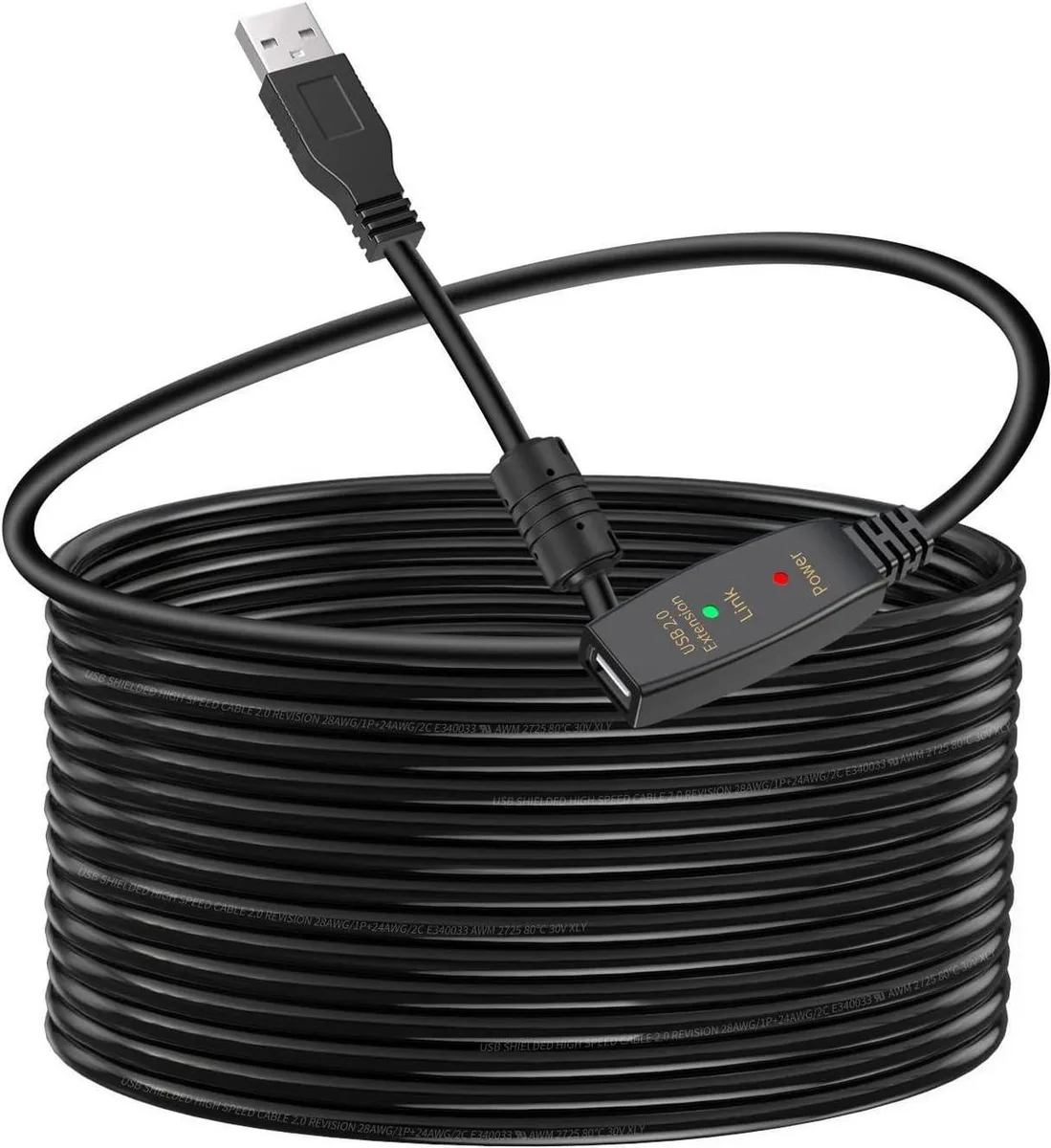
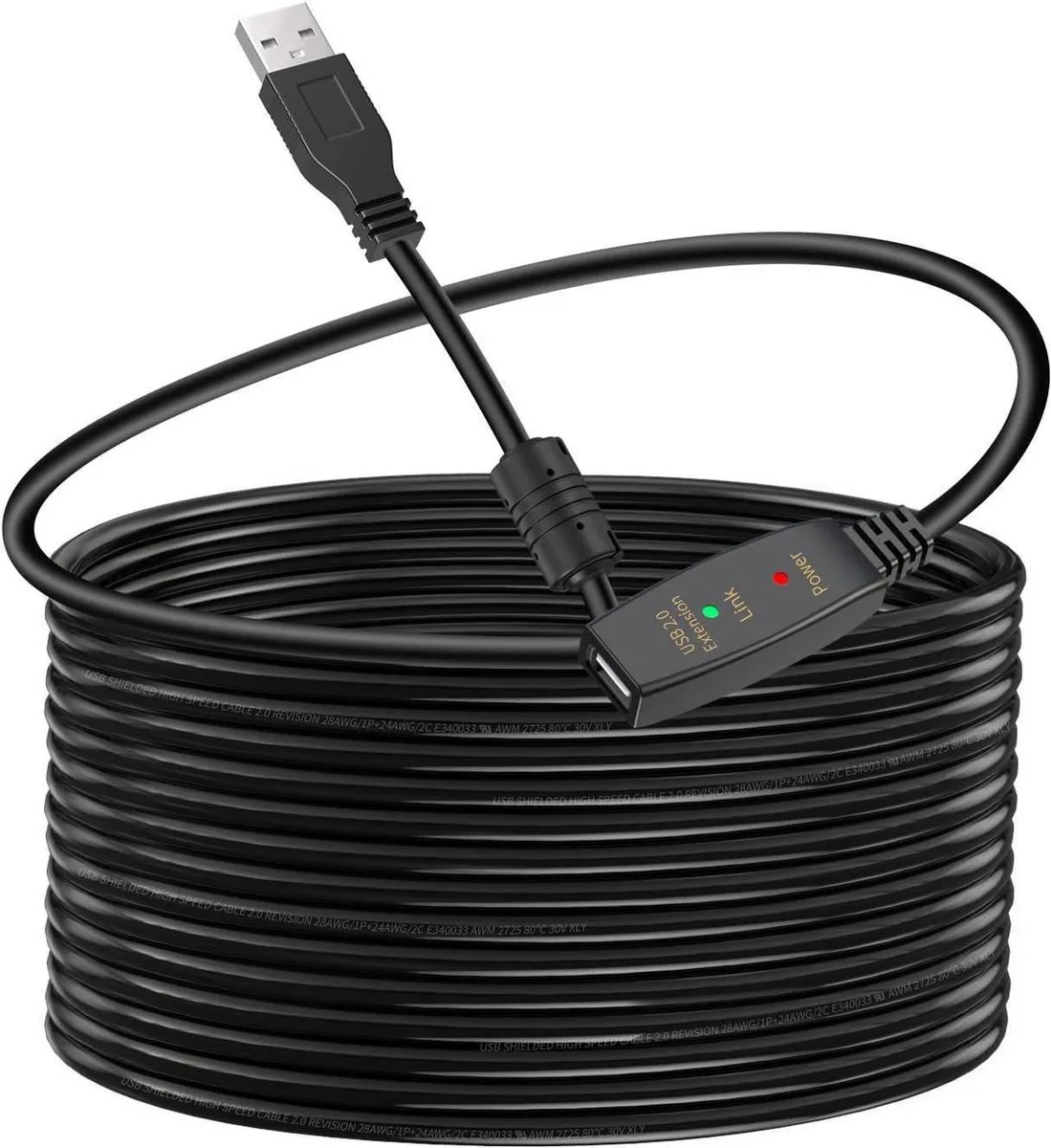
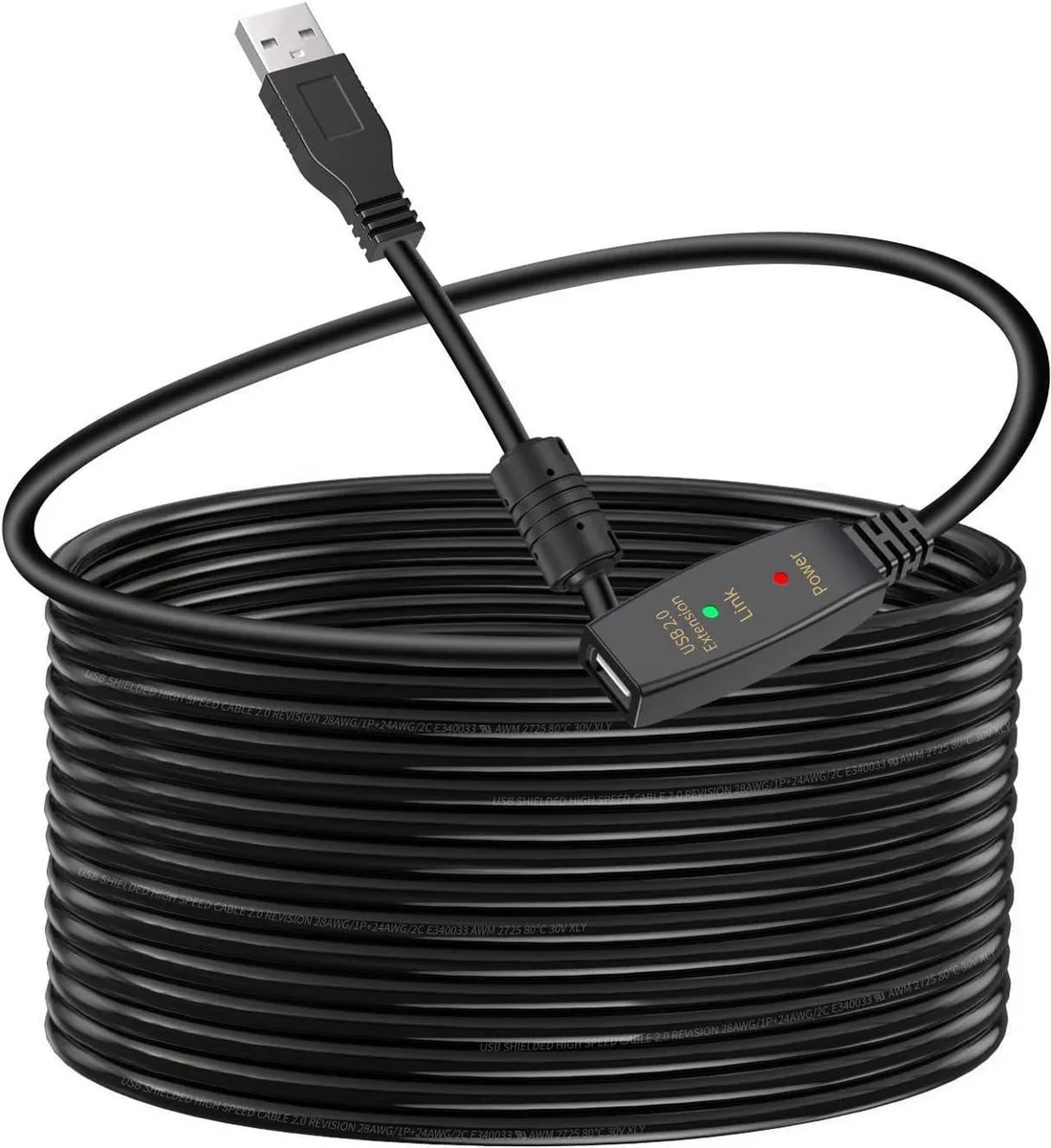
SMUGDESK USB 3.0 Active Extension Cable 33 FT with Signal Booster
$33.99
0.00039188BTC
In stockWe take cryptocurrency — so the coins you hold can buy real hardware.Pay in crypto, spend it on real hardware. Free insured shipping worldwide over $399. Plain, unbranded boxes, sent from Germany.Free insured shipping over $399. Your rate is locked for 30 minutes once checkout opens.Rate locked 30 minutes. Every item sealed, serial-checked and covered by a 24-month warranty.Sealed, 24-month warranty.

DELL
Monochrome laser printer prints up to 50 ppm with automatic duplexing, 1200 x 1200 dpi resolution and Gigabit Ethernet for network sharing
The Dell B3460dn is a monochrome laser printer rated at up to 50 ppm for letter-size output. It targets medium-size businesses that need fast, reliable black-and-white document production. Standard automatic two-sided printing reduces paper consumption for high-volume workloads. A maximum output capacity of 650 pages supports extended unattended runs.
Connectivity is provided by a standard Gigabit Ethernet RJ-45 port for direct LAN integration. The duplex mechanism handles automatic double-sided printing without manual intervention. Internal components include 256 MB of memory and an 800 MHz processor to manage print queues efficiently. The unit weighs 42 units as supplied.
The printer carries a maximum duty cycle of 150,000 pages per month, defining its upper durability limit. Buyers whose monthly volume regularly exceeds this figure should consider higher-rated hardware. Print resolution reaches 1200 x 1200 dpi for sharp text and graphics. The 3460 model number identifies this specific configuration.
| Brand | Dell |
|---|---|
| Output Type | Monochrome |
| Laser Technology | Laser |
| Black Print Speed | Up to 50 ppm |
| Black Print Quality | 1200 x 1200 dpi |
| Duplex printing | Yes |
| Output Capacity, max. | 650 pages |
| Connectivity Technology | Ethernet (RJ-45) |
| Weight | 42 |
The printer includes standard Gigabit Ethernet, so the wired network link runs at up to 1 Gbps for job submission and management.
The unit weighs 42 kg and the output bin holds up to 650 pages, so the surface must support that mass and the tray needs clearance to extend fully.
Connect the RJ-45 cable, power on, then use the control panel or Dell Printer Configuration Web Tool to assign a static IP or confirm the DHCP lease; skipping the IP setup leaves the printer unreachable.
Also in this aisle
Same shelf, same checkout — eight coins and a 30-minute rate lock.
What you pay in, and what you read prices in.
Sent from your wallet at checkout
Display only — the catalogue is priced in USD
No currency matches that.
Pick the language the site speaks to you in.
No language matches that.
New here?
Already have one?
There is no automatic reset: this shop sends no mail, so there is no one-time link to ask for. Leave the address on the account and it gets picked up by hand.
Request noted
Nothing is on its way to your inbox — this shop sends no mail at all. Someone picks these up by hand.
Remembered it?