


DELL
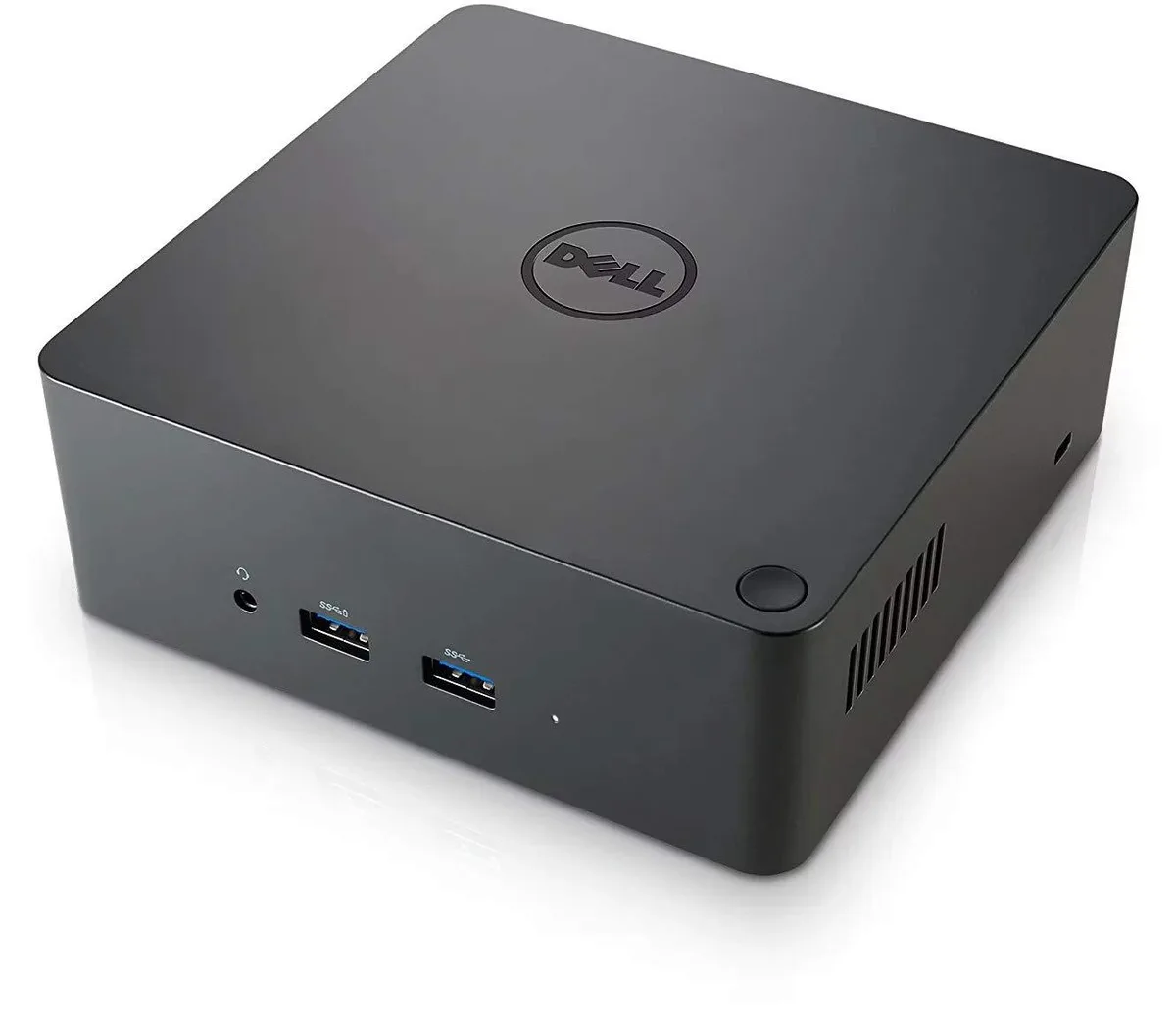
DELL 452-BCNP TB16 Thunderbolt Docking Station 180W
Thunderbolt 3 docking station with 180 W adapter, three video outputs, five USB ports, Gigabit Ethernet and audio, supporting up to three displays in a compact 5.7 × 5.7 × 2 inch form factor
- ColorBlack
- Connect up to three displays simultaneously
- 180 W adapter powers the laptop through a single cable
- Thunderbolt 3 link delivers high-speed data and video
- Compact 5.7 x 5.7 x 2 inch footprint saves desk space
- Gigabit Ethernet plus five USB ports keep peripherals connected
Dell TB16 Thunderbolt 3 Dock with 180 W Adapter
The Dell TB16 is a Thunderbolt 3 docking station that connects to a compatible notebook with a single USB-C cable. It provides an 180 W power supply and a 7.4 mm DC input to charge the host while driving peripherals. The compact black chassis measures 5.7 by 5.7 by 2 inches and weighs 1.59 lbs. A Kensington lock slot adds physical security for shared workspaces.
Connectivity for multi-display desk setups
The dock suits professionals who need up to three external displays via HDMI, DisplayPort, Mini DisplayPort and VGA. It also offers three SuperSpeed USB 3.0 ports, two USB 2.0 ports, Gigabit Ethernet, plus front combo audio and rear speaker output. Buyers whose laptops lack a Thunderbolt 3 port or who require more than three video outputs should consider a different solution.
180 W power supply and Thunderbolt 3 host link
The single specification that determines fit is the 180 W adapter paired with a Thunderbolt 3 connection to the notebook. Only systems listed as compatible — including select Latitude, XPS and Precision models — can accept both data and charging through the USB-C cable. Verify your exact model number against the supported list before purchasing.
Highlights
- Connect up to three displays simultaneously
- 180 W adapter powers the laptop through a single cable
- Thunderbolt 3 link delivers high-speed data and video
- Compact 5.7 x 5.7 x 2 inch footprint saves desk space
- Gigabit Ethernet plus five USB ports keep peripherals connected
Specifications
| Brand | Dell |
|---|---|
| Model | TB16 |
| Part Number | M1D43 |
| Color | Black |
Questions about this item
How do I connect the TB16 to my Latitude 7280, and which cable do I use?
Connect the supplied Thunderbolt 3 (USB-C) cable to the notebook's Thunderbolt 3 port and the dock's upstream Thunderbolt 3 port; the 180W adapter plugs into the 7.4 mm DC-in jack.
What parts of the TB16 will need replacement after extended use?
The 180W power adapter and the Thunderbolt 3 cable are the only field-replaceable items; the dock itself has no user-serviceable components.
What limits the number of external monitors I can run at once on the TB16?
The dock supports up to 3 displays via its HDMI, DisplayPort, Mini DisplayPort and VGA outputs, but the host notebook's Thunderbolt 3 controller ultimately caps the active count.
Also in this aisle
People compared these
Same shelf, same checkout — eight coins and a 30-minute rate lock.


Kensington
Kensington Desk Mount Cable Anchor K64613WW accessory
- Black
- Provides a secure a…
$19.99
0.00023219BTC
In stock
Panasonic
Panasonic CF-VDR291U laptop cooling pad
- Optical Drive
- Buffer Size: 2 MB B…
$213.99
0.0024856BTC
In stock
eReplacements
eReplacements PB992A-ER laptop battery 14.4V
- Battery
- Lithium-Ion
$65.99
0.00076651BTC
In stock