


DELL
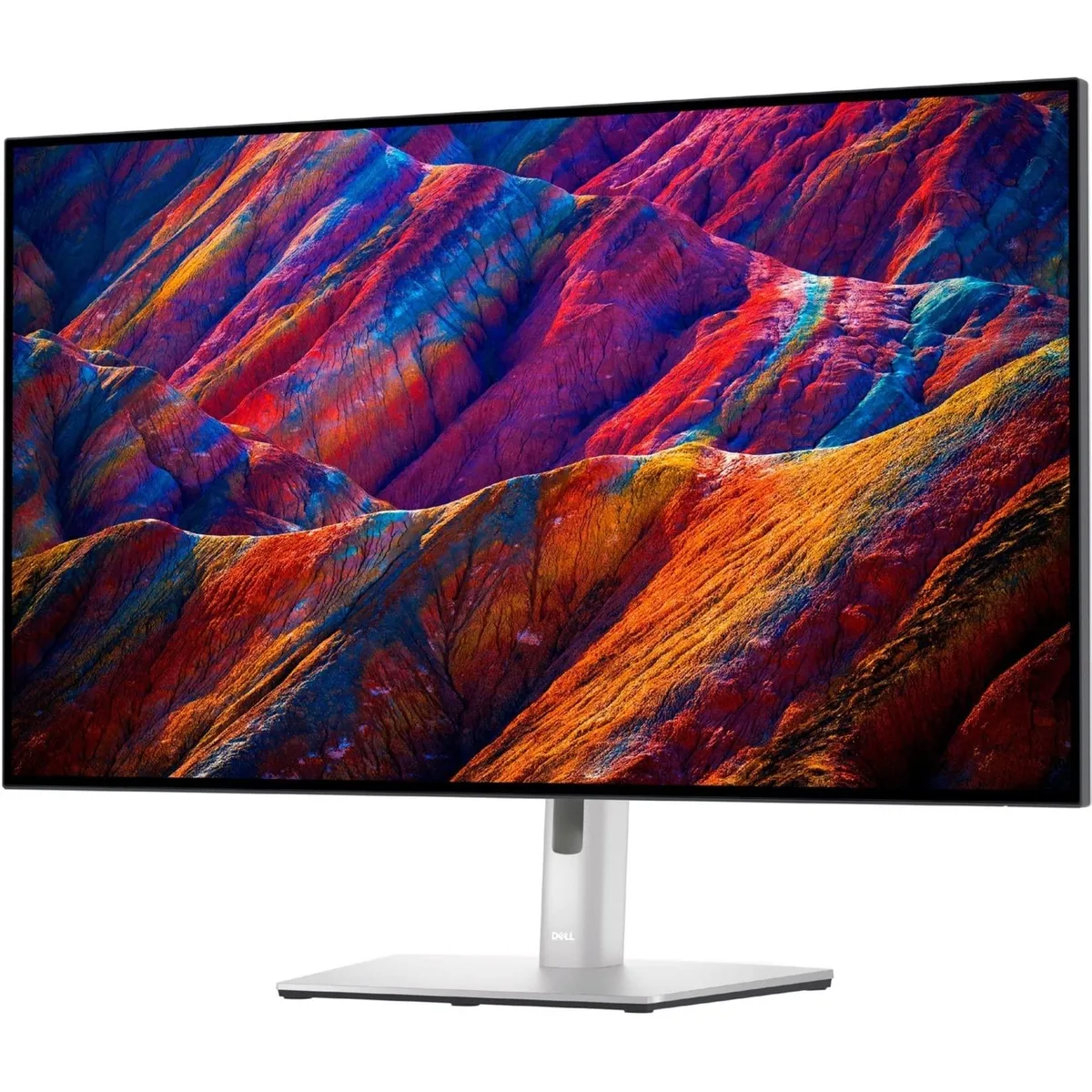
DELL 2 in 1 Accessory U3223QE 31.5" 4K UHD IPS Black 2000:1 400 Nit 98% DCI-P3 90W USB-C
A 31.5" 4K IPS Black monitor with 2000:1 contrast, 400 nit brightness, 98% DCI-P3 colour and 90W USB-C power delivery
- Crisp 4K detail from 31.5" IPS Black panel
- Deep 2000:1 contrast for true blacks
- 98% DCI-P3 colour with VESA DisplayHDR 400
- 90W USB-C powers laptop through one cable
- ComfortView Plus cuts blue light without colour shift
Dell UltraSharp U3223QE 31.5" 4K Monitor
The Dell UltraSharp U3223QE is a 31.5-inch 4K UHD IPS Black monitor built for office professionals and desktop users who need accurate colour. It delivers 98% DCI-P3 coverage and VESA DisplayHDR 400 brightness for colour-critical tasks. ComfortView Plus reduces blue light emissions without shifting colour accuracy.
2000:1 contrast and 400 nits for creative work
The IPS Black panel provides a 2000:1 contrast ratio that renders deep blacks and fine shadow detail for photo and video editing. 400-nit peak brightness supports HDR content and bright-room visibility. A 5 ms GTG response time handles motion in video playback and casual gaming, while the 16:9 aspect ratio suits standard workflows.
90W USB-C hub with Ethernet and KVM features
A single USB-C cable delivers up to 90W power delivery, DisplayPort 1.4 video, and data to the laptop. The integrated hub adds RJ45 Ethernet, a 15W quick-charge USB-C port, and 10Gbps USB ports for peripherals. Power Sync, MAC address pass-through, PXE Boot and Wake-on-LAN simplify IT deployment and desk transitions.
Highlights
- Crisp 4K detail from 31.5" IPS Black panel
- Deep 2000:1 contrast for true blacks
- 98% DCI-P3 colour with VESA DisplayHDR 400
- 90W USB-C powers laptop through one cable
- ComfortView Plus cuts blue light without colour shift
Specifications
No published specifications for this item yet.
Questions about this item
Will the 90W USB-C port power an older laptop that charges over USB-C?
The monitor supplies up to 90W of power delivery through its USB-C connection, which covers many laptops that charge at lower wattages; the laptop will draw only what it needs.
How can I confirm the IPS Black panel is delivering its 2000:1 contrast and 98% DCI-P3 colour?
In the on-screen display open the Information or Factory Reset menu to verify the panel reports 2000:1 contrast and 98% DCI-P3 coverage; a test pattern or calibration tool can also validate the 400-nit peak brightness.
Which cables are included and what must I source separately for the HDMI, DisplayPort 1.4 and RJ45 connections?
The box contains a USB-C cable for 90W power and data plus a power cord; HDMI, DisplayPort 1.4 and Ethernet cables are not included and must be purchased separately.
Also in this aisle
People compared these
Same shelf, same checkout — eight coins and a 30-minute rate lock.


