


DBTLAP
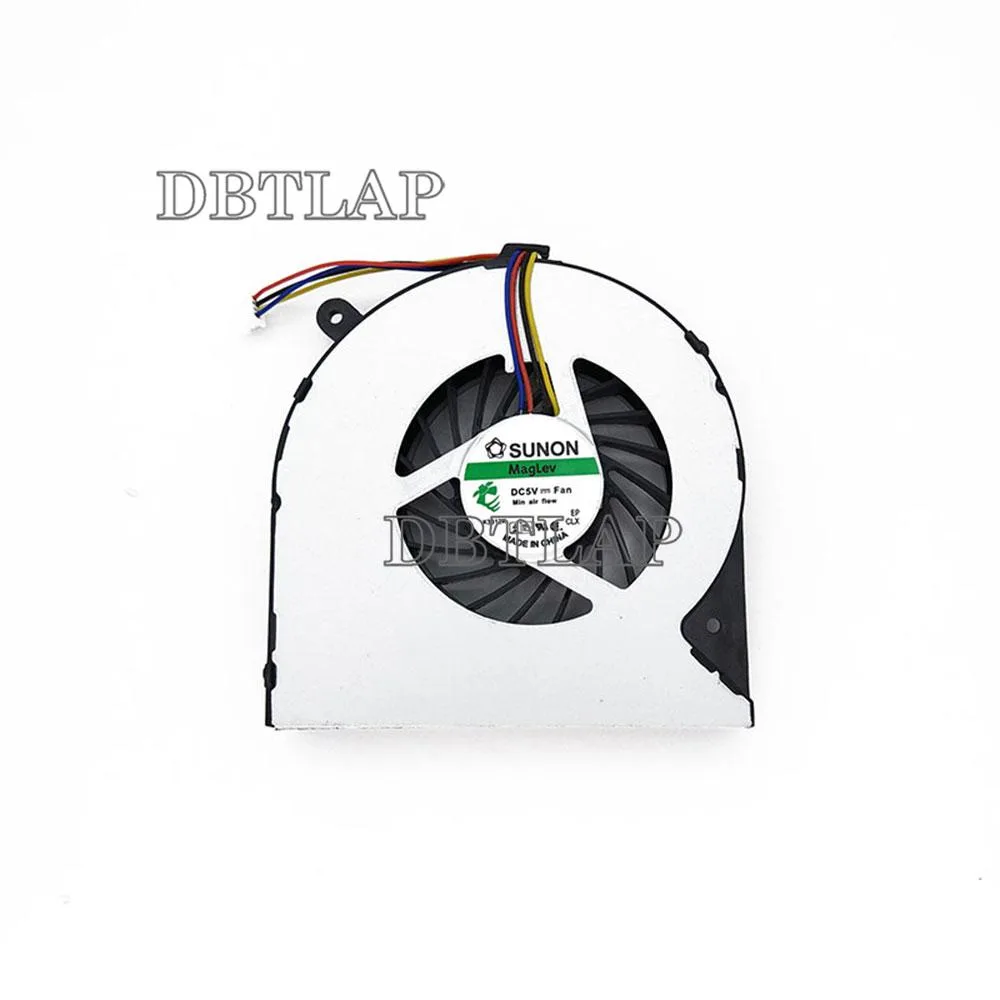
DBTLAP Laptop Fan Compatible for Toshiba Satellite L875D-S7332 CPU Fan
Replacement CPU cooler for the Toshiba Satellite L875D-S7332 laptop, tested before dispatch
- Accessory TypeCooler
- Keeps your Toshiba Satellite L875D-S7332 running cool
- Tested individually to guarantee 100% operation
- Nine-month warranty included for peace of mind
- Verify fit using photos before ordering
- Bulk pricing available for larger orders
DBTLAP Laptop CPU Cooling Fan
This DBTLAP laptop cooling fan is built as a direct replacement for the Toshiba Satellite L875D-S7332 model. It suits owners of that specific notebook who need to restore original thermal performance. Each unit is tested individually before dispatch to confirm 100 percent operation. The package contains one fan ready for installation.
Fitment and Manufacturer Variation
This cooler fits only the Toshiba Satellite L875D-S7332 laptop; buyers with any other model should look elsewhere. The supplier sources fans from Forcecon, ADDA, Sunon, Kipo or equivalent manufacturers depending on stock, so the exact brand you receive may vary. If you cannot match the part visually to your original fan, contact the seller before ordering.
9-Month Seller Warranty Period
A 9-month warranty is provided by the seller on this new replacement fan. This coverage length is the key specification that defines the post-purchase protection you receive with the part.
Highlights
- Keeps your Toshiba Satellite L875D-S7332 running cool
- Tested individually to guarantee 100% operation
- Nine-month warranty included for peace of mind
- Verify fit using photos before ordering
- Bulk pricing available for larger orders
Specifications
| Accessory Type | Cooler |
|---|
Questions about this item
Will this fan fit my Toshiba Satellite L875D-S7332 without any other parts?
The fan is built to match the original cooling assembly for the Satellite L875D-S7332, so no extra brackets or cables are required.
Can I keep my existing heatsink and thermal paste when installing this replacement fan?
Yes, the fan mounts to the standard heatsink used in the Satellite L875D-S7332; you only need to reapply thermal paste when you reseat the cooler.
How can I confirm the fan is running correctly after I install it?
Power on the laptop and listen for steady airflow from the exhaust vent; the system should stay at normal temperatures under load.
Also in this aisle
People compared these
Same shelf, same checkout — eight coins and a 30-minute rate lock.


Case Logic
Case Logic 3203990 briefcase for 15.6 in laptop with 10.1 in tablet pocket
$30.99
0.00036922BTC
In stock